Configuring external access in lync 2013 is one of the challenging part for the administrators.
In this article we will see the options to configure external access and few limitations that we have on them.
In order to perform that open Lync Server Control Panel and click on federation and external access as shown below.
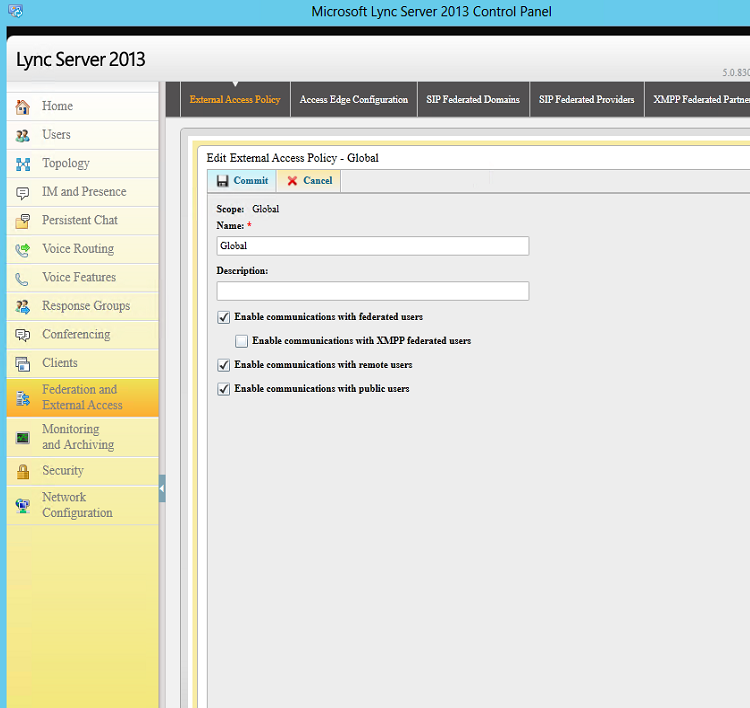
Choose the type of external access policy that you would like to have configured
Note : By default there will be global policy and its not enabled until we enable them.This policy is created while you deploy edge servers.
In the access edge configuration we have the below settings as shown
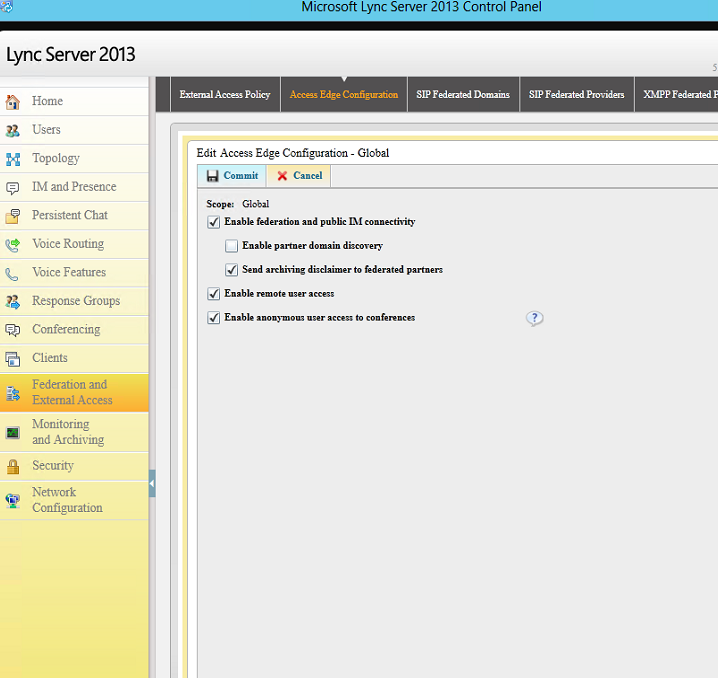
Public IM – for Outlook,Hotmail and public messenger that are supported refer more on technet for this part.
Enable Anonymous – For users joining the meeting by providing the link
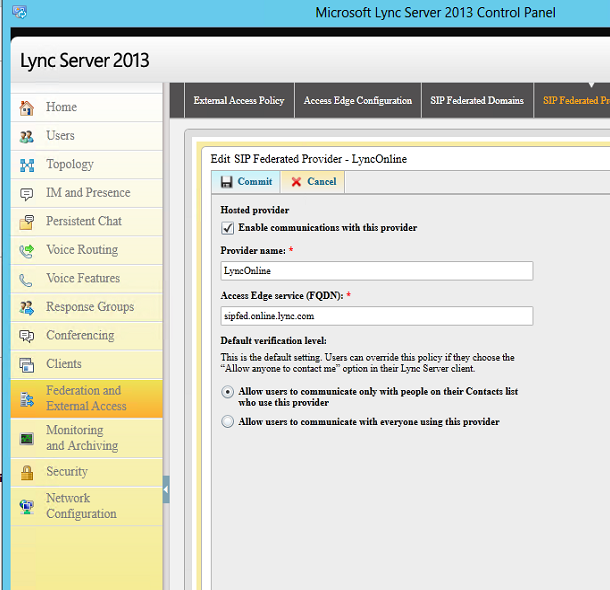
The below option SIP Federated Providers that are hosted providers running Microsoft Office 365, Microsoft Lync Online and Microsoft Lync Online 2010
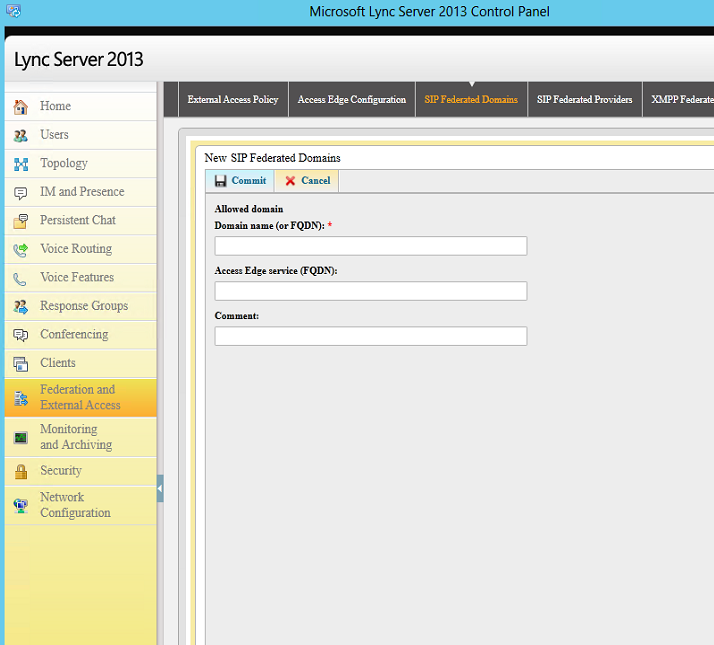
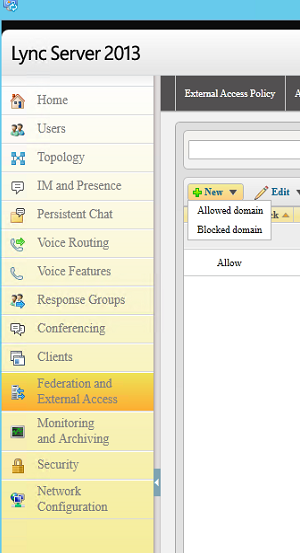
We have an option to specify allowed domain as well as blocked domain.
Below option is for SIP federated providers.
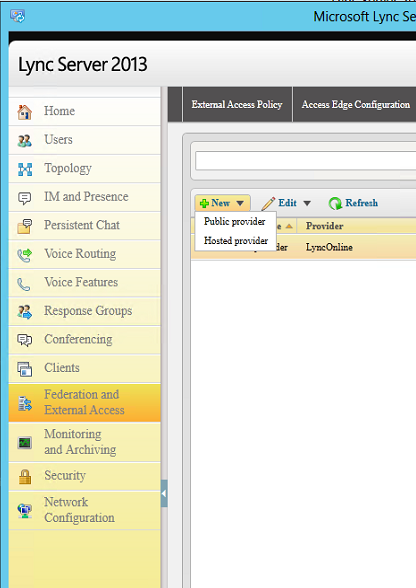
Below is the option for the SIP federated providers
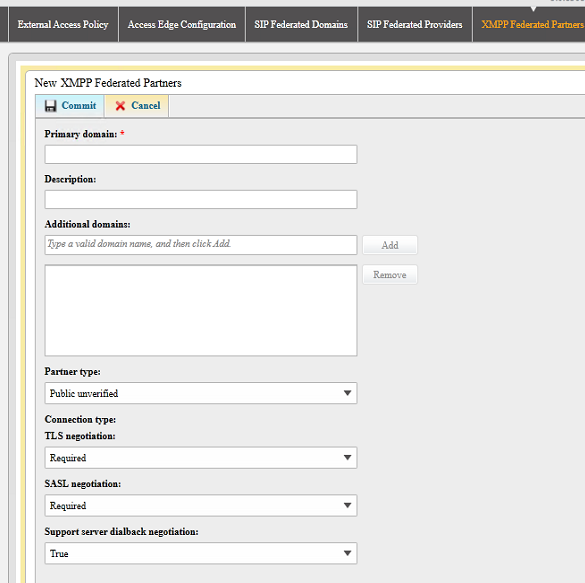
Below is the option for specifying XMPP federated partners
Can we control this federation access services to few users and give full access to rest of the users ?
Lets take an example where a company wants to federate with us but we don’t want them to have A/V access to all of their users but need to enable full federation services IM,Presence,A/V only for few users.
Can we achieve this with the policy ?
The answer is no . Because the policies are not defined that granular.We can block outside AV access altogether through firewall or stopping the A/V edge service but making this change will stop a real user from our organization from using A/V when connected remotely.
So the final conclusion is that the current policies cannot be configured as of now to control federation in few services A/V for few users and to allow for rest of the users but still this can be achieved with some third party products.
Thanks
Sathish Veerapandian
MVP – Exchange Server

