Recently i just explored the Microsoft new operating system Windows 10 and would like to share few exiting things that i noticed.
For the people who would like to explore Windows 10 there are 2 options to do that
There is upgrade option available for users having windows 7 and Windows 8 Follow the below tech-net link to reserve your upgrade
https://www.microsoft.com/en-us/windows/windows-10-upgrade
If its a new PC or if you like a fresh installation then, Download the free 90 day trial of Windows10 enterprise and install them on your PC.
https://www.microsoft.com/en-us/evalcenter/evaluate-windows-10-enterprise
Below are the list of good features identified on the product :
Improvements in the Command Prompt :
We now have native cut and paste shortcuts in the the Windows command prompt which is easier. I think this should be the same in next version of Windows server as well.
Also we have the experimental tab which gives us more cool new features.
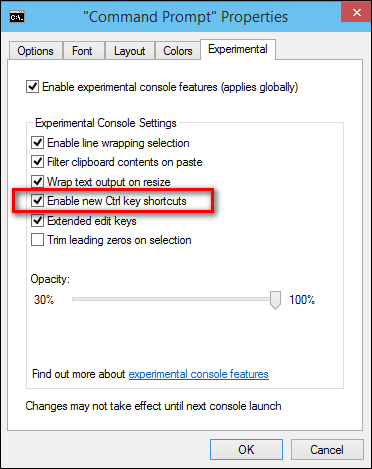
There is one more new option called enable new CRTL key shortcuts. By doing this we get more new extra command key shortcuts.
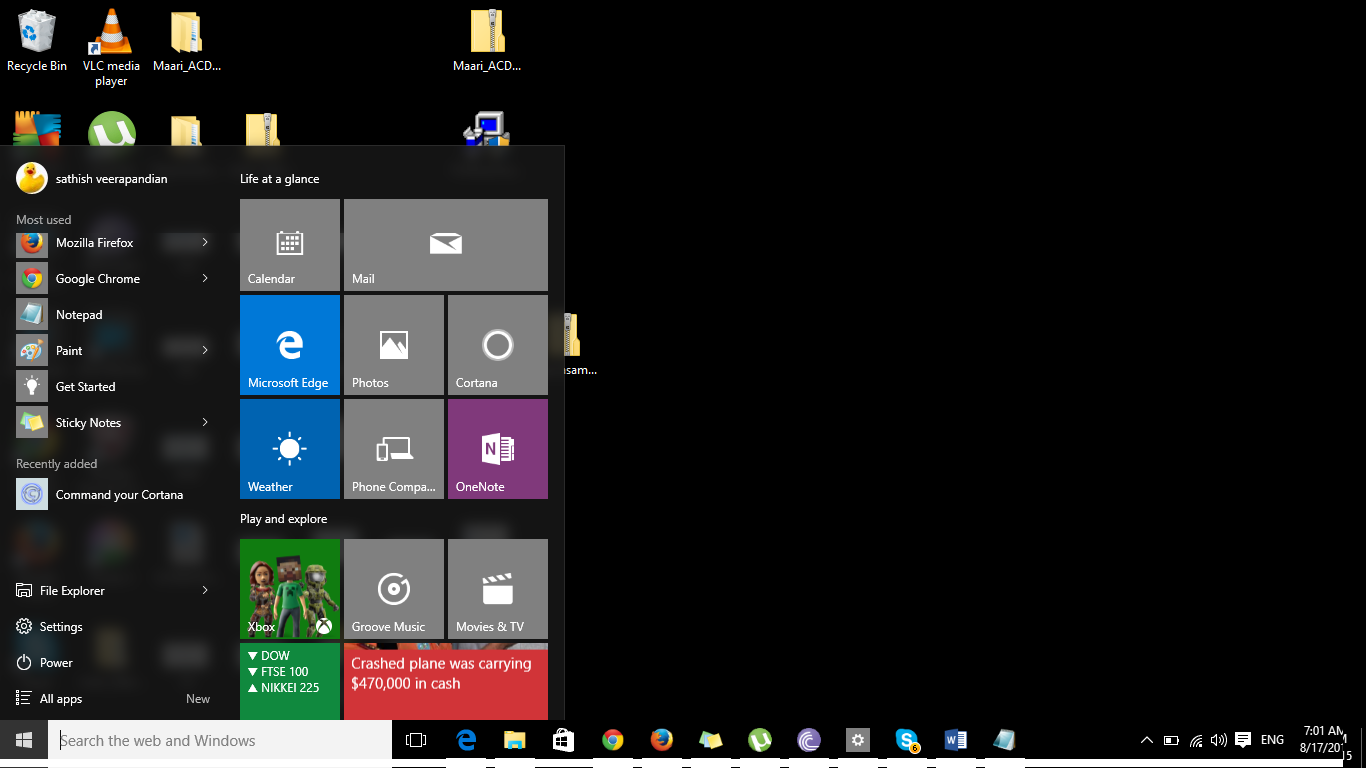
Start Menu is back
For Windows 8 pessimists who were claiming about the start menu nonavailability Microsoft has brought this back great !!
The Cortona Command :
New Amazing feature Cortona on Desktops,Laptops and Tablets
Microsoft has brought a new feature called Cortona from this version. By using this application you can use the Windows 10 software by voice controlled digital assistant.
By using this feature you will be able to search files , open notepad by commanding your PC through voice.
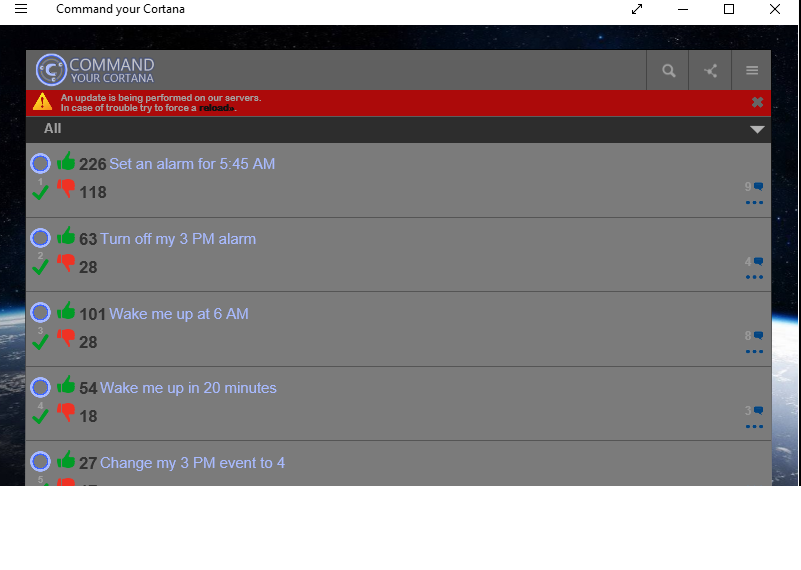
Few samples of Cortona
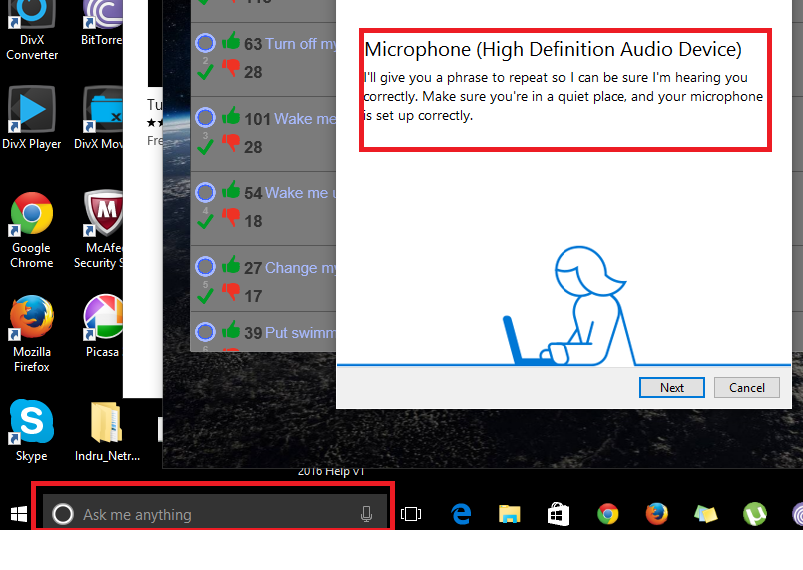
After you download this application from the windows store you get a option called ask me anything with the microphone option as below. Initially you have to set up microphone definition as below for this functionality to work.
New Microsoft Edge Browser:
Microsoft new edge browser is really good. The reading layout is appealing especially while looking lengthy articles. Also it includes PDF support.
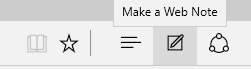
New option make a web note is very good
A new option called page prediction which is good
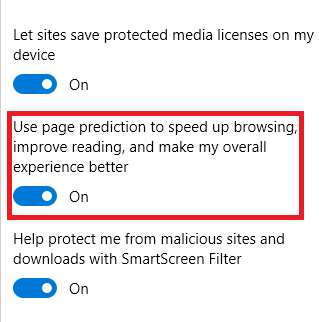
By having this option enabled the browser will predict and load the page ahead and instantaneous response of the page will be given. These predictions are been done based upon Microsoft understanding browsing patterns like end users browsing habits
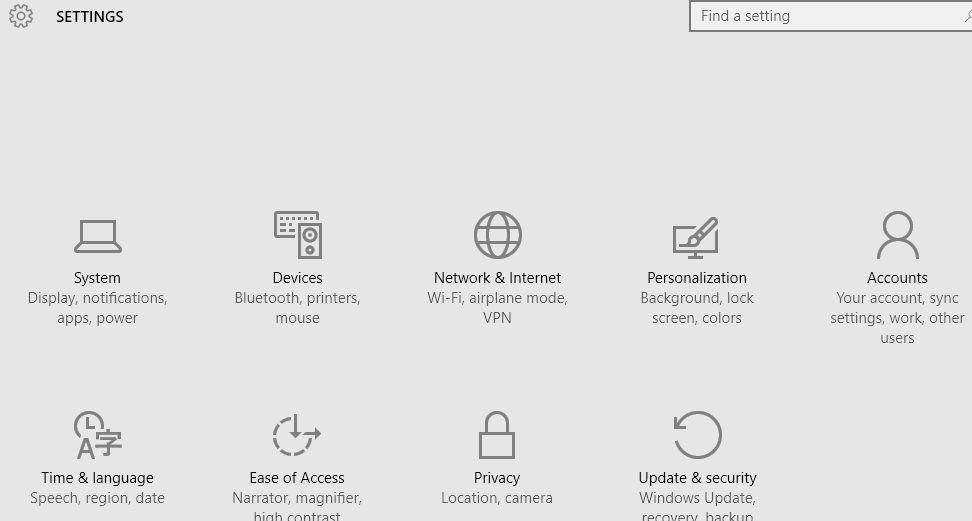
Now all the system settings can be controlled from one place which is more convenient for us
New Quick Search History :
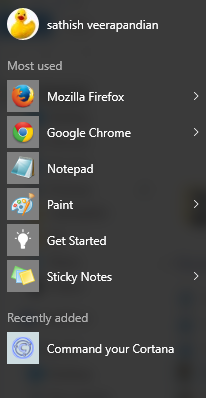
File explorer has a new option with more frequent files used
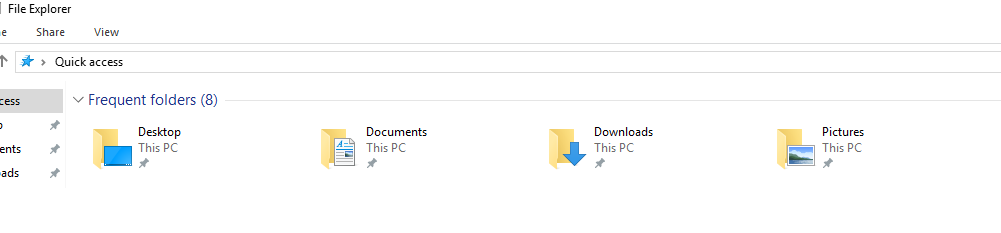
It has this same option in the start menu as well
Make multiple virtual desktops:
Now we have an option to create multiple virtual desktops.

By using this option the frequent use of ALT TAB key for switching between the apps can be minimized.
Now we have an option to switch multiple virtual desktops. So we can open as many applications in each of these virtual desktops provided if we have good enough volatile memory.
Enhanced new Photo App:
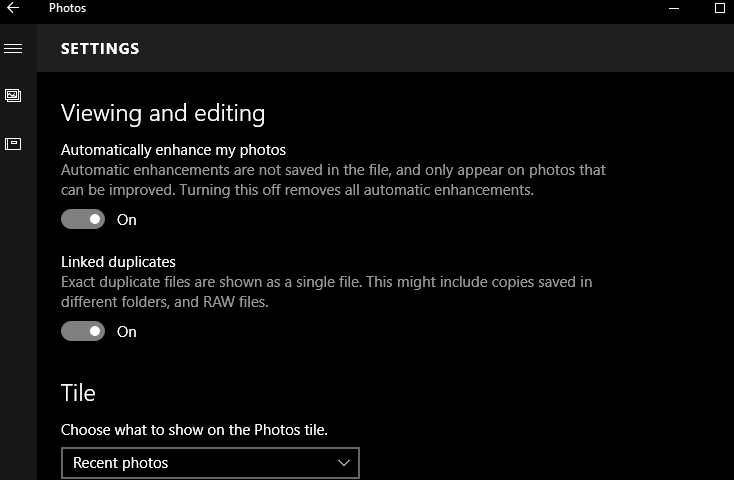
Automatically enhance my photos:
By selecting this option it enhances the saved photos.
This photo app will automatically enhance the saved pictures like colour , contrast , brightness ,etc
Note: The changes are not not saved to the original file. You can revert them by switching off this option.
Also it organizes and creates album. It has features to edit and enhance.
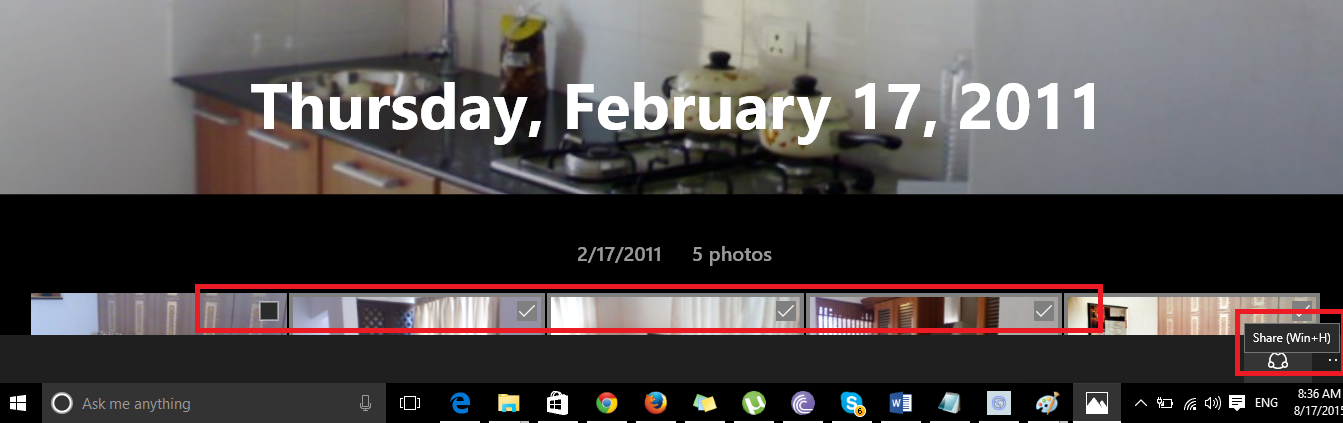
We can also select multiple pics and share them via mail,twitter, facebook , dropbox which is very nice.
Still to explore more on this new version of operating system. It appears to have more features enhanced from the previous version.
Still require more help now we can always ask the Cortona application which will be able to help us further.
Thanks
Sathish Veerapandian

