
Recently while accessing Microsoft forms users were getting the error. Sorry, something went wrong.
The issue was reported by all the users even they have required licenses assigned to them.

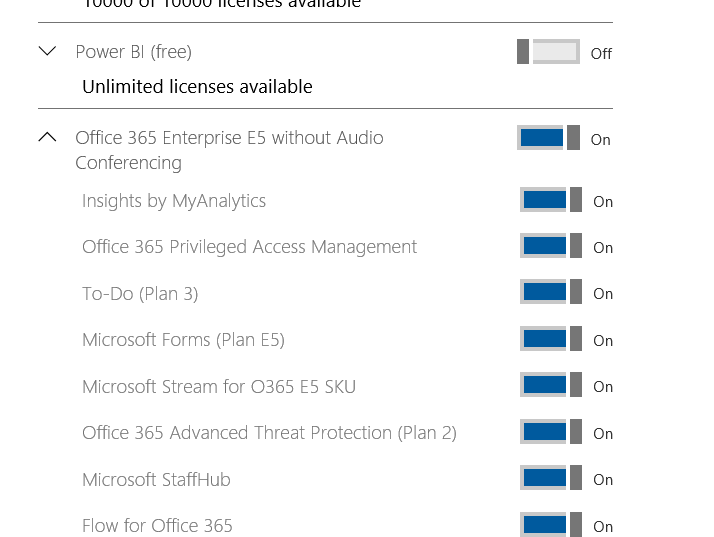
The forms were enabled for the affected user
Solution:
We’ve to enable the collab DB service from the azure portal which is required for this Microsoft forms.
Navigate to Azure Portal – Access Azure Active Directory – Select Enterprise Applications – Search for CollabDb Service

Navigate to properties – ensure Enabled for users to sign-in is turned on.

Once after enabling the sign-in option on the azure portal this has fixed the issue.

 Tej Pratap
 Ewald Hollestelle
 rsujiraja
 Sathish Veerapandian
 EzCloudInfo
Awesome thanks for helping!
LikeLike
We are getting this error but the colladb feature you mentioned is already enabled for sign on.
LikeLike
Not sure can you check for additional info on the Azure AD sign in logs
LikeLike