Microsoft Entra’s Secure Web Gateway (SWG) capabilities under Global Secure Access (GSA) are expanding rapidly. One of the newest additions visible in the portal is the “Scan with Purview (Preview)” action inside Content Policies.
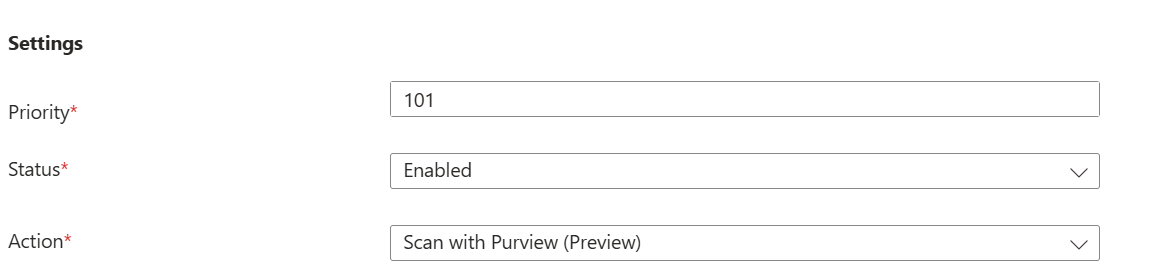
This feature represents a major step forward:
Inline, real time file upload scanning using Microsoft Purview’s classification engine directly inside Entra Secure web gateway (SWG). This helps organizations better protect sensitive files in transit.
By integrating Entra Secure Web Gateway with Purview, organizations gain the ability to inspect file transfers at the network layer and enforce DLP rules in real time. This prevents sensitive data from leaving the organization through untrusted cloud apps, regardless of whether the upload happens via a browser, desktop application, API, or add‑in
This feature as it appears today in preview, based entirely on observable behavior in a Microsoft 365 E5 tenant.
Because this is a preview feature, some components are still evolving, and full functionality is expected to be available by mid June when the feature reaches General Availability (GA) and when the tenant gets this feature completely enabled.
Inside Content Policies, the action “Scan with Purview (Preview)” appears in the action dropdown.
You can:
- Create a new Content Policy
- Select Activity = Upload
- Choose file types (PDF, DOCX, ZIP, etc.)
- Select destinations (Dropbox, Google Drive, etc.)
- Set the action to Scan with Purview (Preview)
- Save and enable the policy
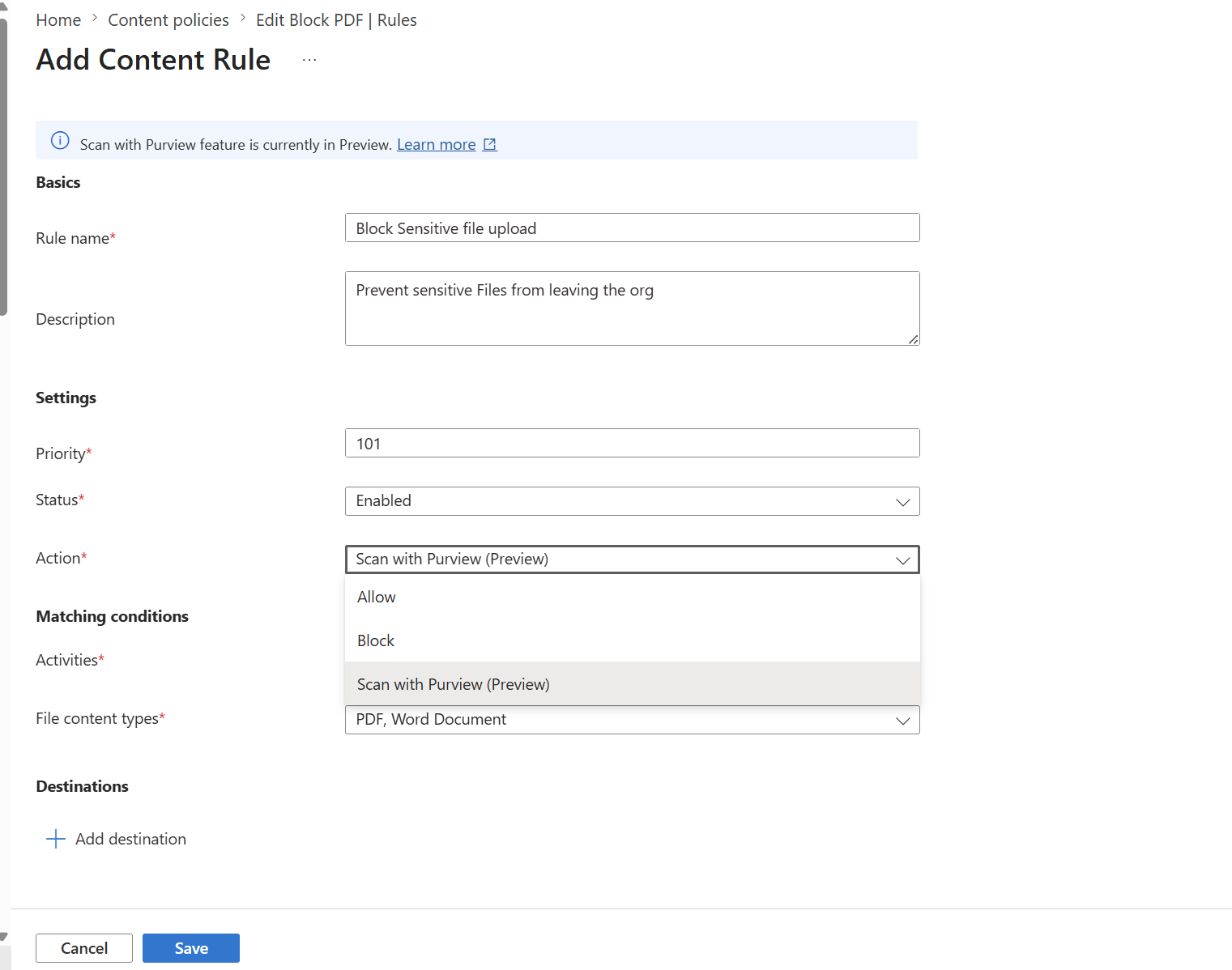
All configuration steps work as expected in the preview experience.
Preview Behavior
As of today’s preview build:
- The UI is fully available
- The policy creation experience is complete
- The SWG policy surface is active
- Traffic forwarding and the GSA client operate normally
However, because this feature is still in Preview, not all runtime behaviors are active yet based on testing in my test tenant which has Microsoft 365 E5 Tenant.
Microsoft has indicated that full functionality is expected to be available by mid June when the feature becomes Generally Available (GA) as per MC1181769
You will notice changes in the Purview portal when creating the new DLP Policy
Microsoft is introducing a new Inline web traffic option in Purview DLP, which integrates with Entra Global Secure Access (Internet Access) to inspect and control sensitive data in real time as it moves to unmanaged cloud apps.
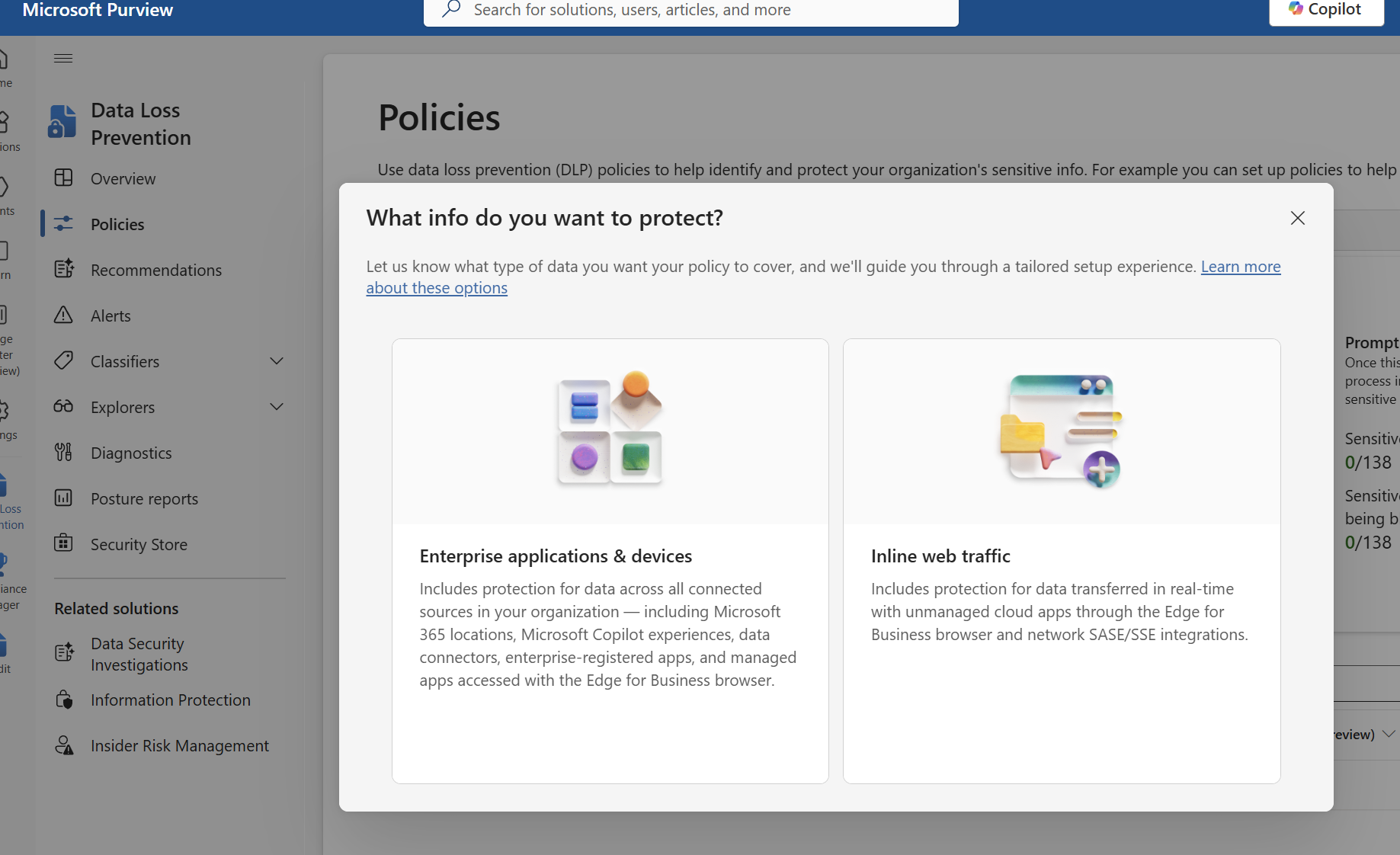
With this option it brings flexibility to create much granular policies to detect and protect
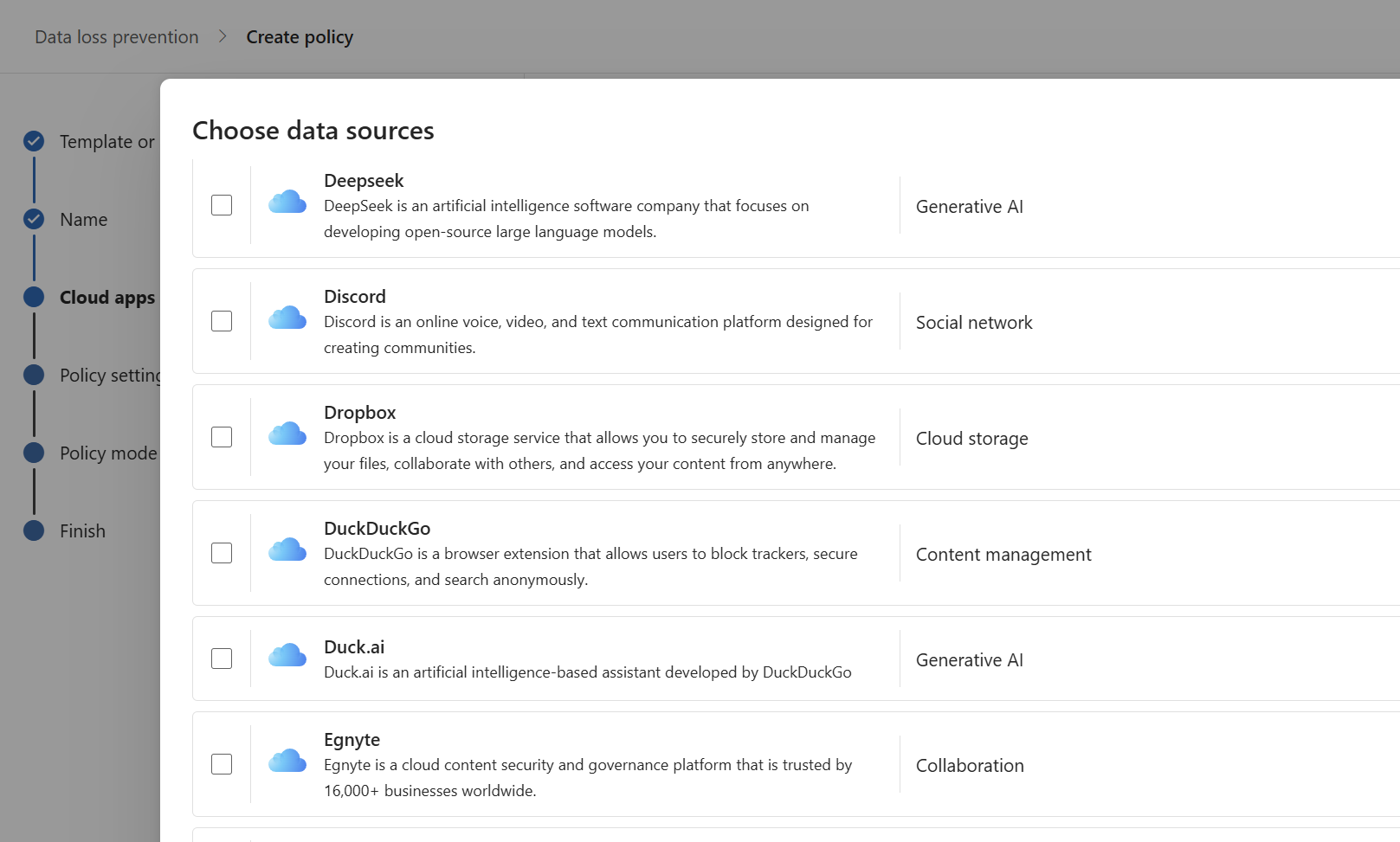
For instance if i would like to make a granular policy for Google alone i could do that.
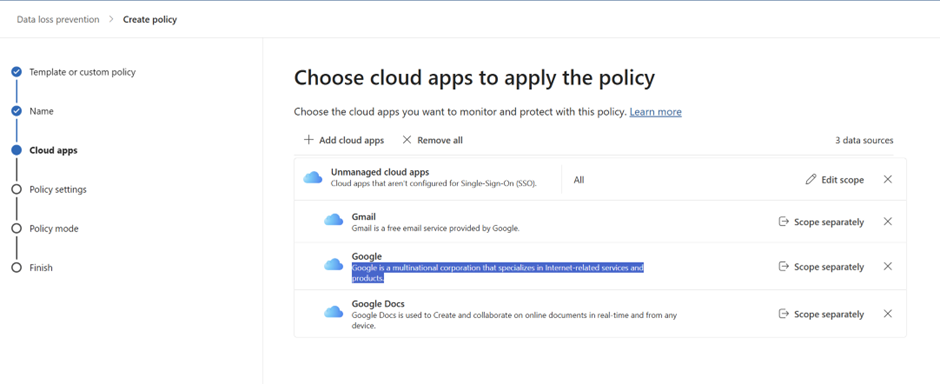
Once we setup the integration with the Global Secure Access & the Purview then we can see all the DLP level incidents, Network level visibility on the DLP will be visible in the Purview.
Inorder for this feature to work the tenant must be fully onboarded in the Microsoft Global Secure Access , Configure TLS inspection and configure a TLS inspection policy & the File policy, rule that has the option scan with purview must be selected.
Also Configure a security profile with the above policies and link it to a conditional access policy.
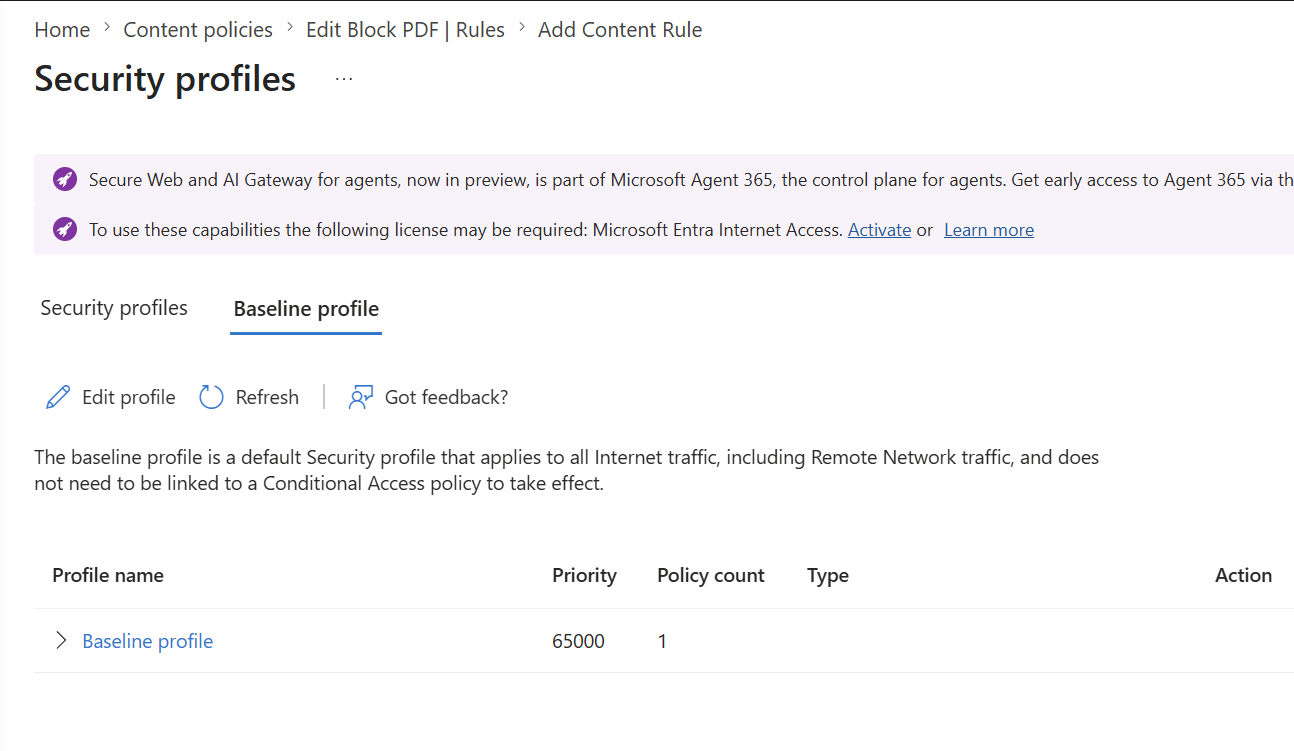
Also we must activate Purview pay-as-you-go to enable this capability. No charges will apply during public preview.
As organizations begin exploring the new Purview + Entra Secure Web Gateway (SWG) integration in preview, it’s important to understand the compliance impact areas associated with network layer inspection and DLP enforcement.
The following table summarizes the key considerations
| Compliance Area | Explanation |
|---|---|
| Alters how existing customer data is processed | Sensitive file traffic may be inspected at the network layer before it reaches unmanaged cloud applications. |
| Introduces AI/ML capabilities | DLP policies may interact with generative AI platforms to prevent sensitive data from being exposed. |
| Modifies DLP enforcement | Adds a new enforcement point at the network layer, extending existing Purview DLP capabilities. |
| Adds integration to extend Purview DLP controls | Integrates with Entra Global Secure Access Internet Access to evaluate file traffic inline. |
| Includes admin control | Administrators can manage the experience through both the Purview and Entra admin portals. |
| Can be controlled through Entra ID group membership | Policy scoping and targeting can leverage Entra ID groups for granular control. |
The new Scan with Purview (Preview) action inside Entra Secure (SWG) Content Policies is now visible and fully configurable in the Entra portal, giving administrators an early look at Microsoft’s upcoming network‑layer data protection capabilities.
In this preview phase, organizations can explore the UI, create policies, enable traffic forwarding, and validate how the feature will fit into their broader DLP strategy.
This early visibility allows security teams to prepare their environments, understand the policy model, and plan for adoption ahead of GA.
Sathish Veerapandian


Leave a Reply