Hands on Microsoft 365 E5 security lab | Microsoft Purview DLP | November 2026
Credit card numbers are not the only sensitive information that organizations need to protect. Application client secrets, API keys and passwords can be just as valuable to an attacker especially when they are copied into documents and moved outside managed storage. In this lab, I configured Microsoft Purview Data Loss Prevention (DLP) to detect synthetic financial and credential-related data, observe a USB copy, and demonstrate a blocked transfer on a Windows 11 endpoint.
This article focuses on the configuration and confirmed results, rather than covering every DLP option or a long troubleshooting journey. All data used is synthetic and nonfunctional.
1. Environment and policy design
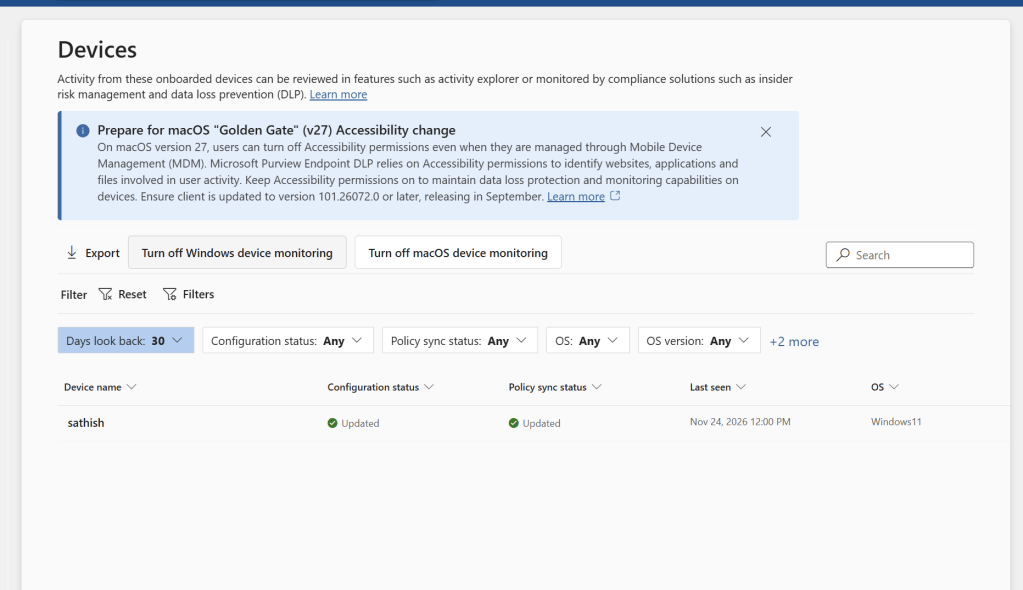
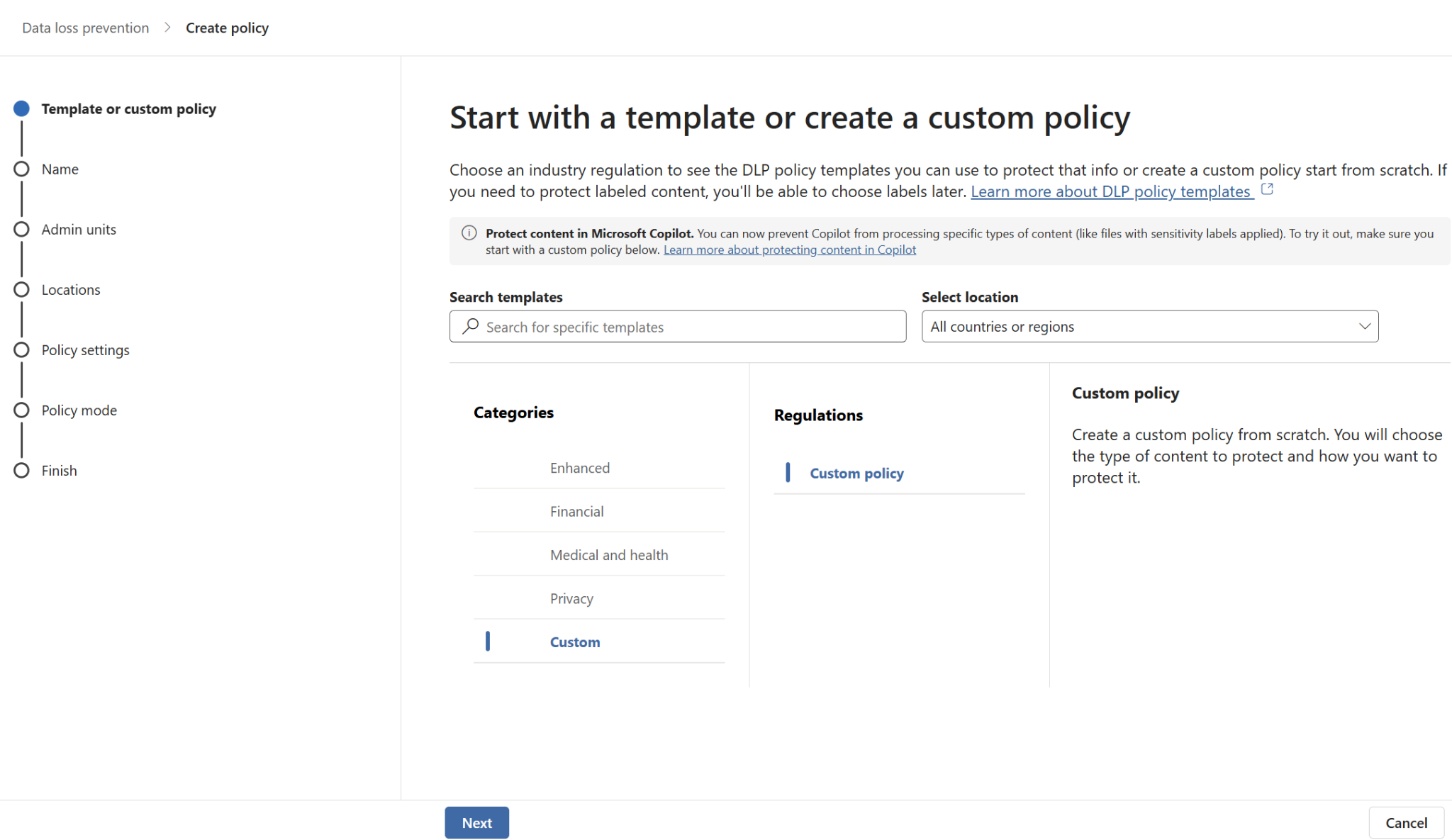
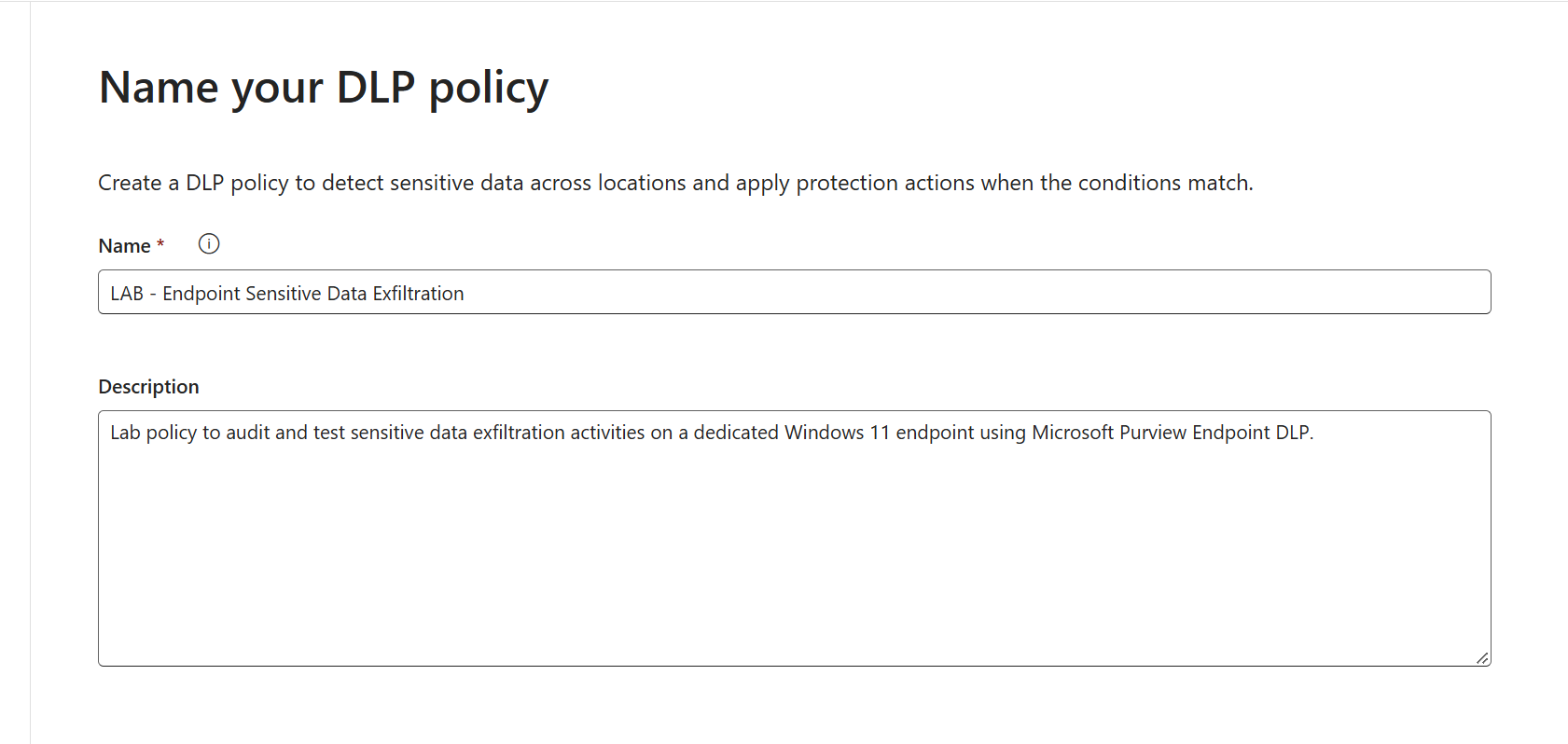
The lab used a dedicated Microsoft 365 E5 tenant and an onboarded Windows 11 test device. A custom DLP policy, LAB – Endpoint Sensitive Data Exfiltration, was created in Microsoft Purview. The selected primary locations included Exchange, SharePoint, OneDrive, Teams and Devices. This walkthrough’s enforcement actions, however, were configured for endpoint file activities; selecting other locations does not automatically enable their individual blocking actions.
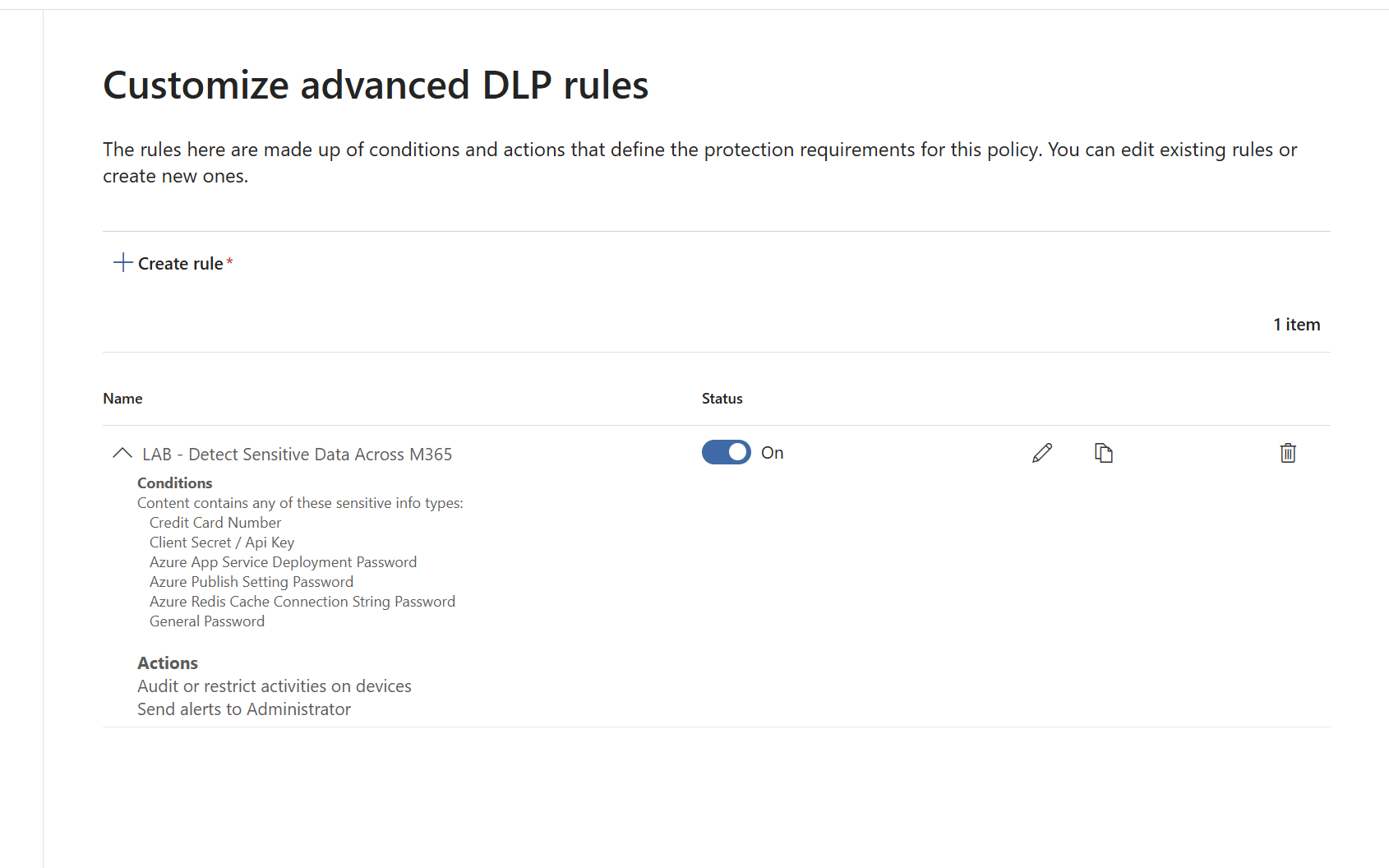
Within Content contains, the rule LAB – Detect Sensitive Data Across M365 used the Any of these operator and six built-in Sensitive Information Types:
- Credit Card Number
- Client Secret / API Key
- Azure App Service Deployment Password
- Azure Publish Setting Password
- Azure Redis Cache Connection String Password
- General Password
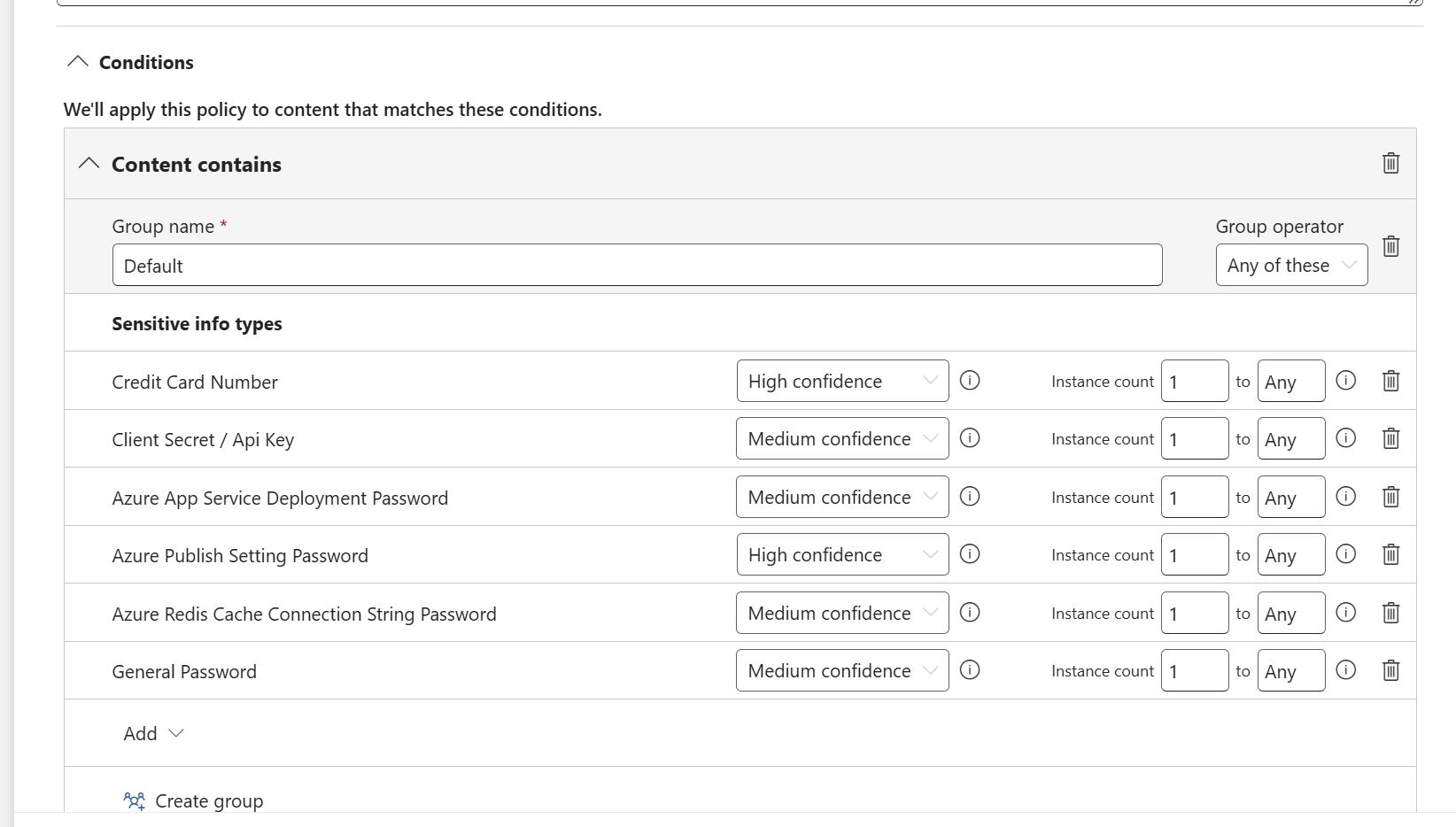
Using the same rule for several types helps illustrate how different sensitive data patterns can be monitored together. A configured type is not necessarily a confirmed match; the test results below identify which types actually matched.
2. Begin with endpoint auditing
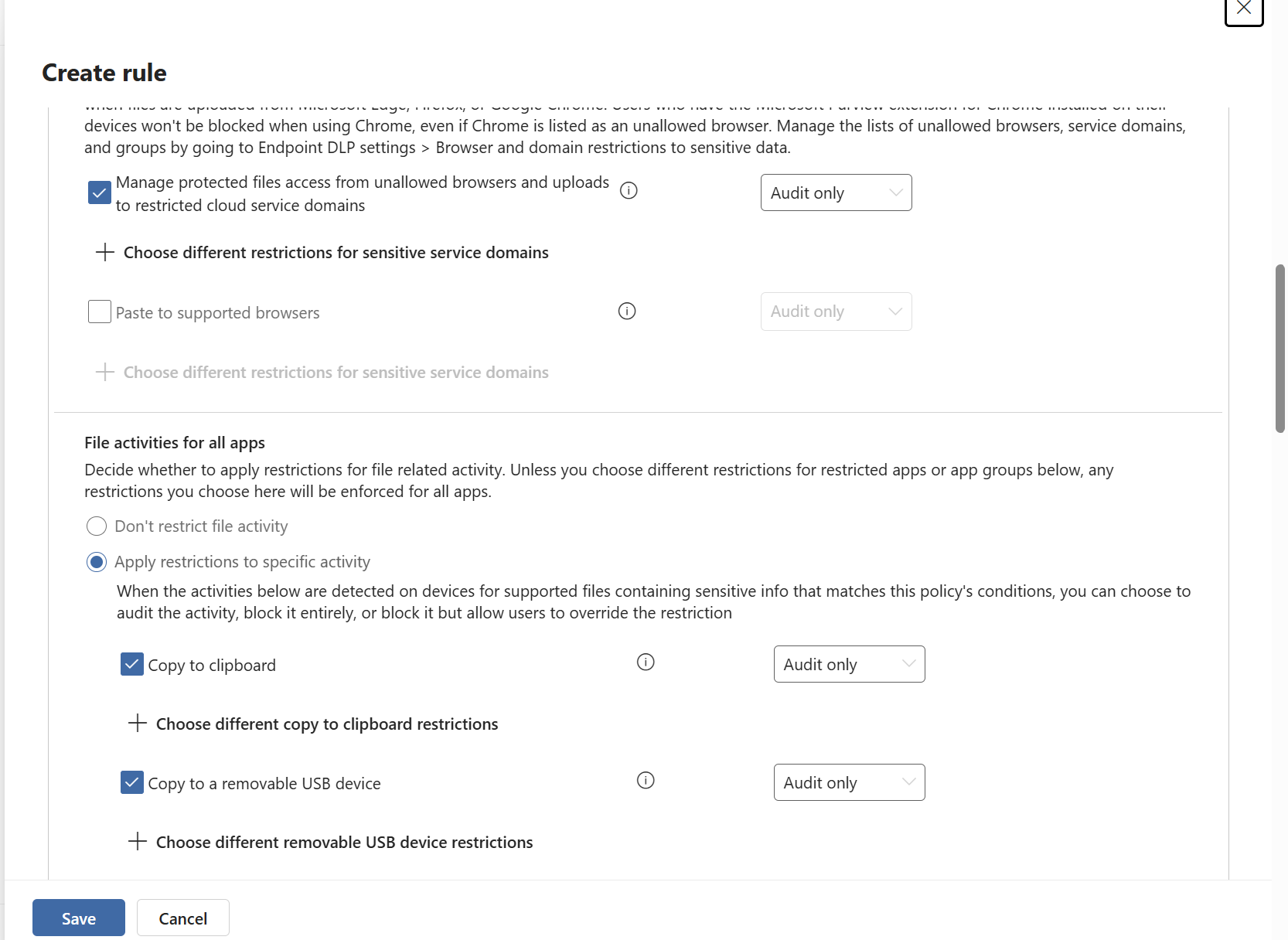
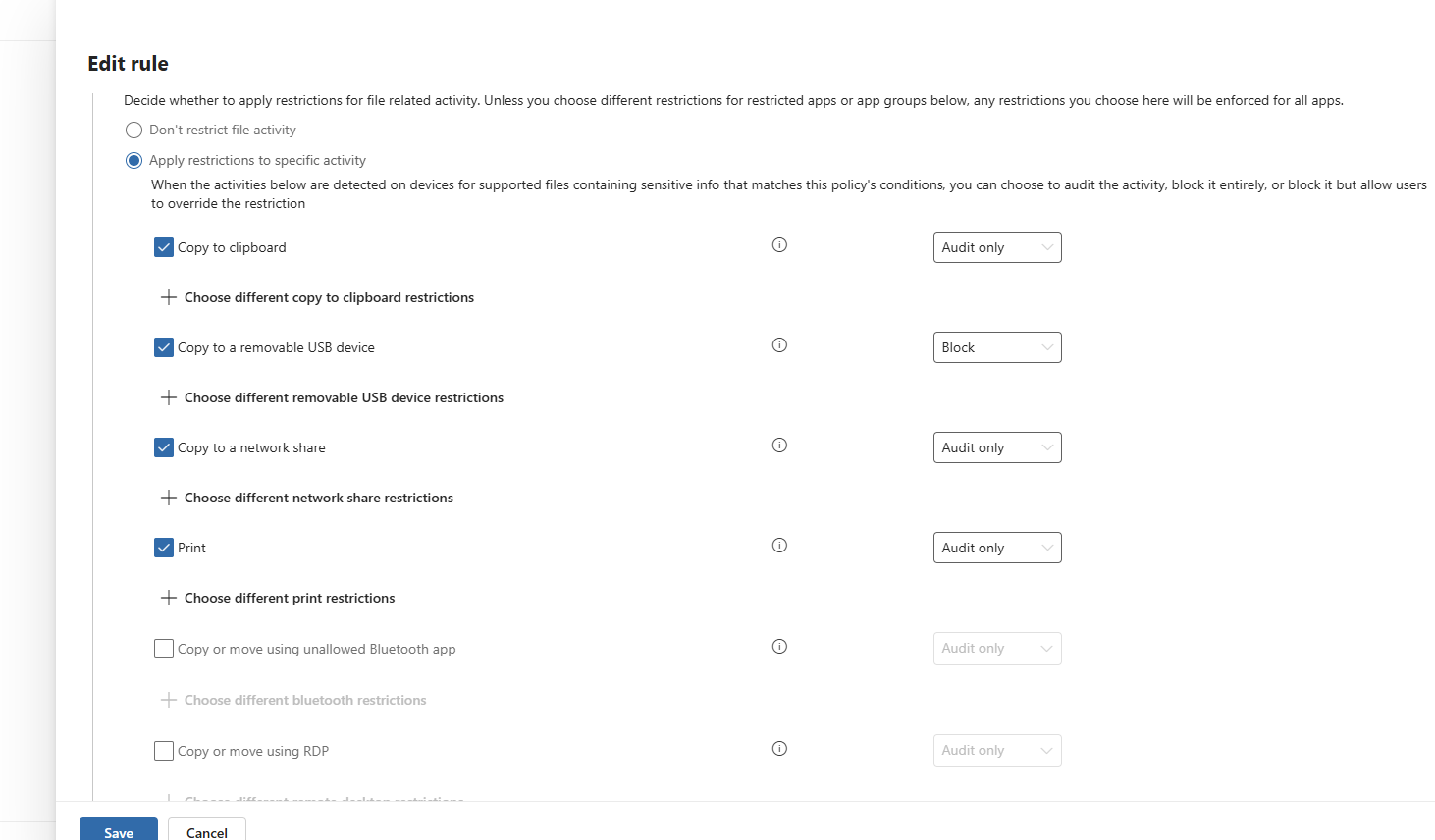
Under Audit or restrict activities on devices, I initially configured actions such as copying to clipboard and copying to a removable USB device as Audit only. I also enabled administrator alert generation. The policy was first run in simulation mode so detection could be assessed without immediately enforcing blocking.
A synthetic Word document named DLP-Lab-Cloud-Credentials.docx was saved in the lab environment and copied to a USB drive. It contained dummy client-secret and password patterns, not live credentials.
3. Confirm sensitive information detection
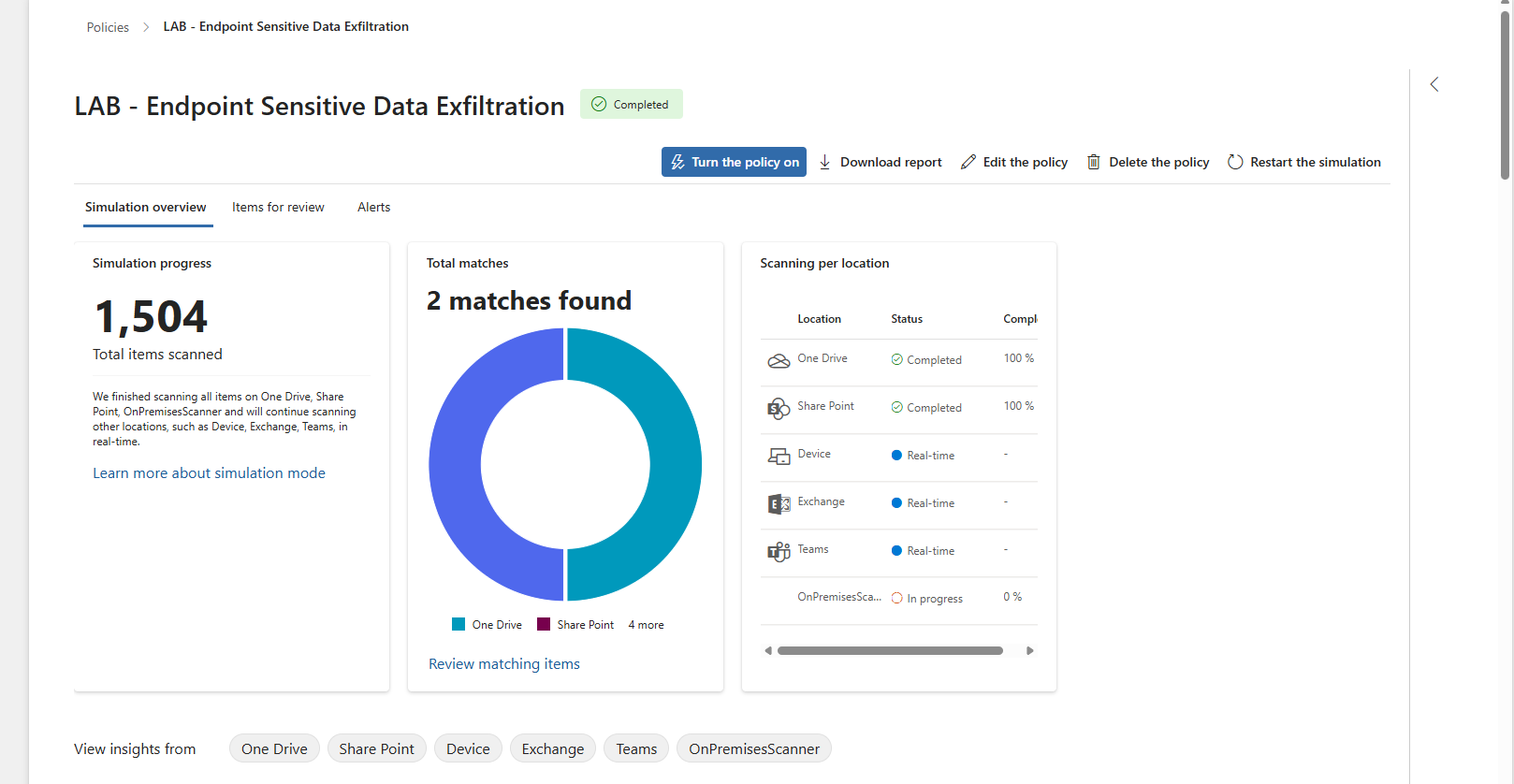
Purview’s simulation overview later reported 1,504 items scanned and two matching items: one associated with OneDrive and one with an endpoint device. SharePoint’s scan finished without a matching file reported in this test. These two results refer to locations for the lab document, not necessarily two distinct exposed documents.
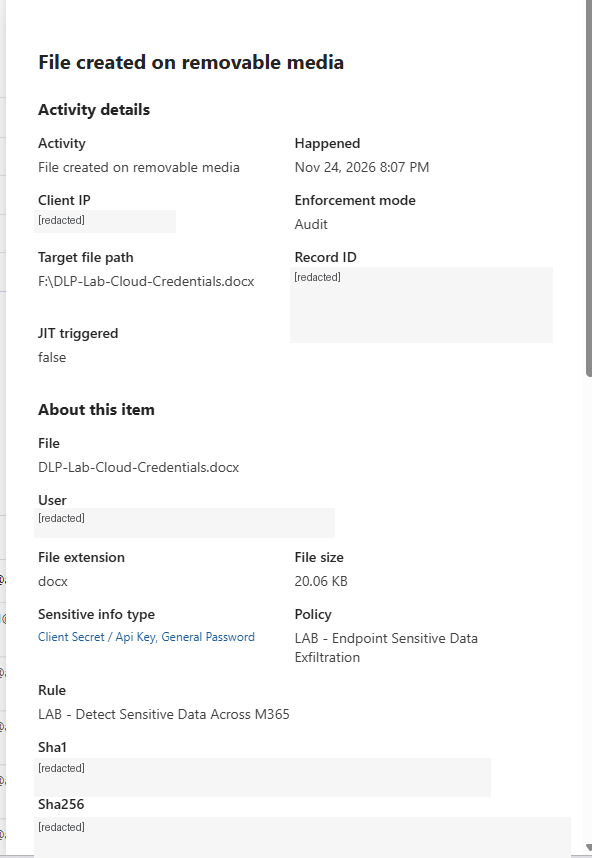
Activity Explorer provided more important evidence: both the OneDrive rule-match record and the USB file-activity record identified Client Secret / API Key and General Password as matching Sensitive Information Types. The removable media event showed enforcement mode Audit, confirming detection and logging not prevention at that stage. None of the remaining four configured types was confirmed by these event details.
Detection does not prove that a credential is genuine or active. In this case, the file contained deliberately nonfunctional lab values.
4. From auditing to blocking
For the prevention phase, the same lab policy was switched On, and the Copy to a removable USB device endpoint activity was changed from Audit only to Block. The onboarded device subsequently showed the updated policy version.
On a later attempt involving DLP-Lab-Cloud-Credentials.docx, Windows displayed the Microsoft Data Loss Prevention notification:
“Saving DLP-Lab-Cloud-Credentials.docx to removable media is not allowed.”
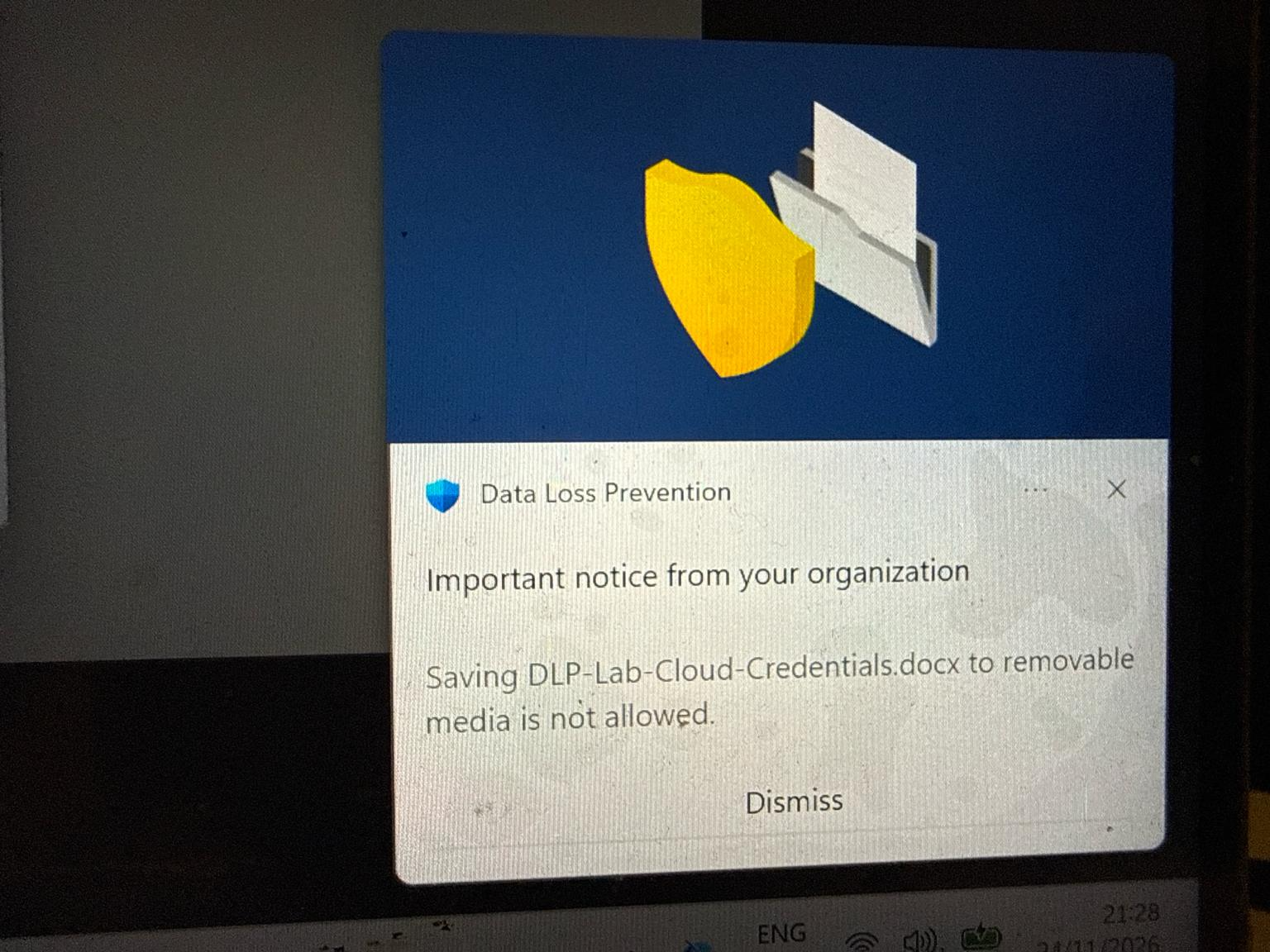
Result: This notification confirms that the tested attempt to save that synthetic credentials document to removable media was denied. The earlier audit events and later blocking notification demonstrate the change in policy behavior for the documented tests. Not every file tested behaved identically; a separate new test document had been allowed to transfer. We therefore do not claim universal blocking or complete coverage for every classifier. A post block Activity Explorer enforcement record was not captured for this article.
5. Key security lessons
- Classify first: Built in Sensitive Information Types can identify credential like patterns in documents as well as financial data.
- Audit before enforcement: Audit and simulation results provide evidence of what a policy sees before enabling restrictions.
- Validate both cloud and endpoint: OneDrive and removable media activity produced distinct but complementary results in this lab.
- Do not overstate results: A notification for one blocked file is evidence for that test, not proof that every USB exfiltration scenario is prevented.
Microsoft Purview Endpoint DLP can provide a valuable last mile control, but the design must be validated against supported file formats, classification patterns, device state and real activities. This lab demonstrates that progression with one controlled credential document example.
Microsoft Learn references: Endpoint data loss prevention overview · Endpoint DLP settings · DLP policy reference.


Leave a Reply