This article outlines the steps to manage Microsoft Teams from powershell and admin center.
We need to download the Microsoft Teams Module from the powershell Gallery
Install-Module -Name MicrosoftTeams -RequiredVersion 0.9.0


Verify if the module is installed
Get-Module MicrosoftTeams -ListAvailable

Connect to Microsoft Teams
Connect-MicrosoftTeams -Credential $cred

To view the teams
Get-Team

To view Team Guest Settings and Team Fun settings
Get-TeamGuestSettings
Get-TeamFunSettings
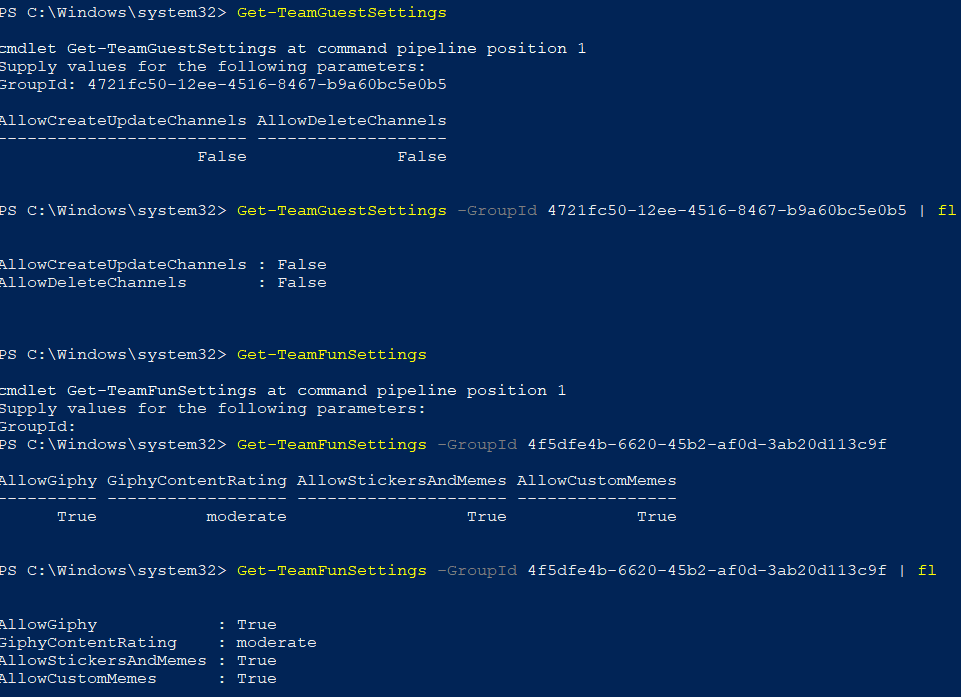

List of team commands available as of now
Get-Command -Module *teams*

To create new Team
New-Team -DisplayName TeamName -Description GiveDescription -AccessType private -AddcreatorasMember:$false


Unfortunately Add-TeamUser is not available for bulk operation as of now. Microsoft will release them in near future very soon from teams module.

Bulk adding/removing the associated group unified group for that team is not populating the users to the Team immediately. The Microsoft Teams PowerShell module is based on Microsoft Graph.This is because of the Microsoft Graph SLA is 24 hours to replicate and synchronize any changes done from azure AD.
Below command can be used to bulk add the users to associated teams group.
Import-Csv D:\Teams\Test.csv | % {Add-AzureAdGroupMember -ObjectID mentionobjectid -Refobjectid $_.objectid}

Below command can be used to bulk remove the users to associated teams group.
Import-Csv D:\Teams\Test.csv | % {Remove-AzureAdGroupMember -ObjectID mentionobjectid -Refobjectid $_.objectid}

The same action can be performed via unified group as well.
Import-Csv E:\Teams\T1.csv | % {Add-UnifiedGroupLinks -Identity T1 -LinkType Members -Links $_.userprincipalname}

Now the new admin center for Microsoft Teams and SFB have options to manage MS teams
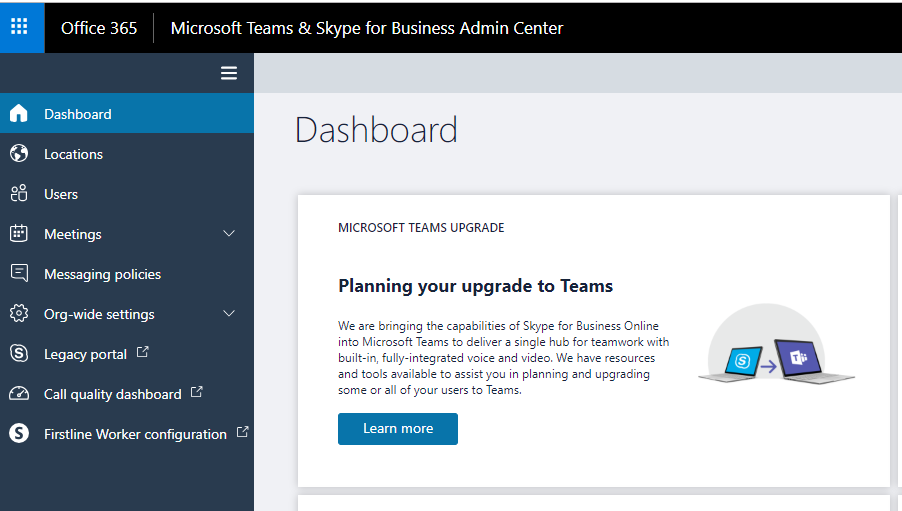
Adding and updating locations data

Following options are available from end users options in MS Teams

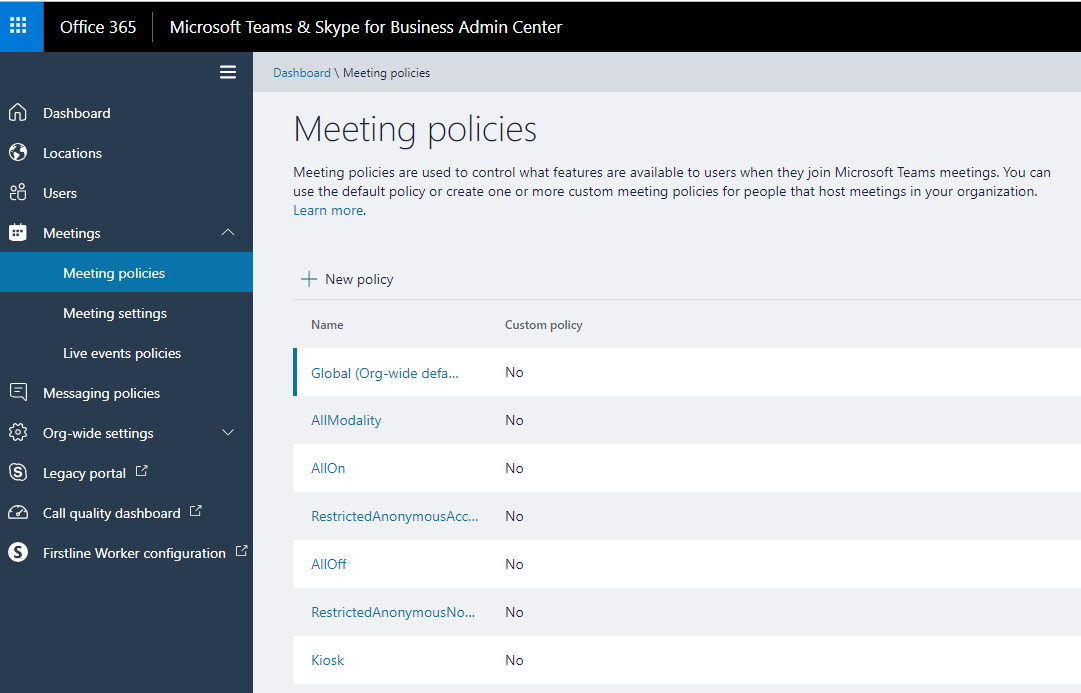
Following meeting policies to control the features are available
Following org wide settings are available


We have the meeting customization settings

Option to customize the real time media traffic to online is also available

Controlling the live event policies is present

Global user level policies can be enforced

Controlling external access

We have option to control the guest access settings

We have very nice option to have email integration, File sharing option and show organization tab to end users.

Skype for business Interop, search and Bots feature can be customized.

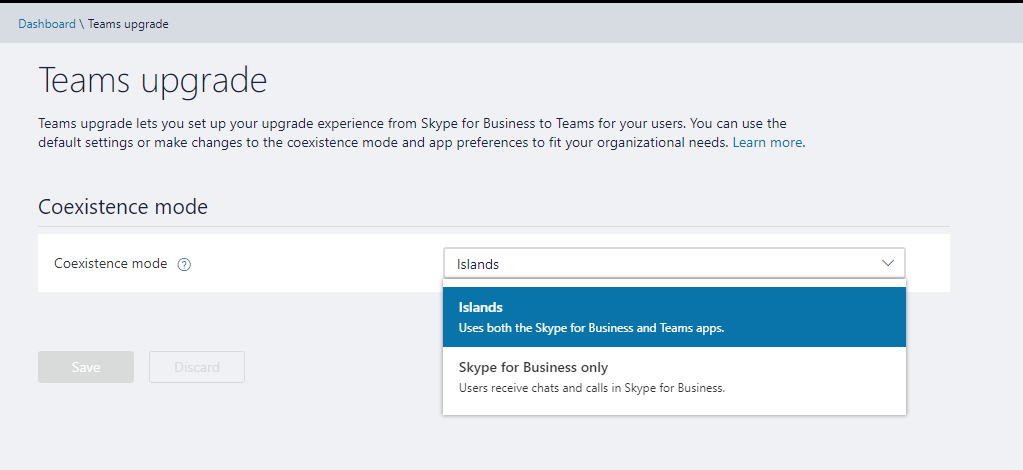
We have the teams upgrade options which have island mode set by default.
After this we have the Call quality dashboard and first line worker configuration as a last option. The First line worker configuration will be removed and will not be available after october 2019 according to Microsoft . All these features available in first line worker configuration are available in MS Teams and customer needs to shift to MS teams.
Above are the list of administrative options available for Microsoft Teams as of now and they will be definitely changing and adding more new features since Microsoft is more focused on enhancing and bringing new features in Microsoft teams.
Thanks & Regards
Sathish Veerapandian



 Tej Pratap
 Ewald Hollestelle
 rsujiraja
 Sathish Veerapandian
 EzCloudInfo