
In this blog we will go through the Azure AI foundry Portal and its capabilities .The new Azure AI Foundry portal brings model experimentation, agent building, data grounding, and safety controls into a single, coherent workspace. It’s designed so builders can move from idea to prototype to hardened agent without context switching.
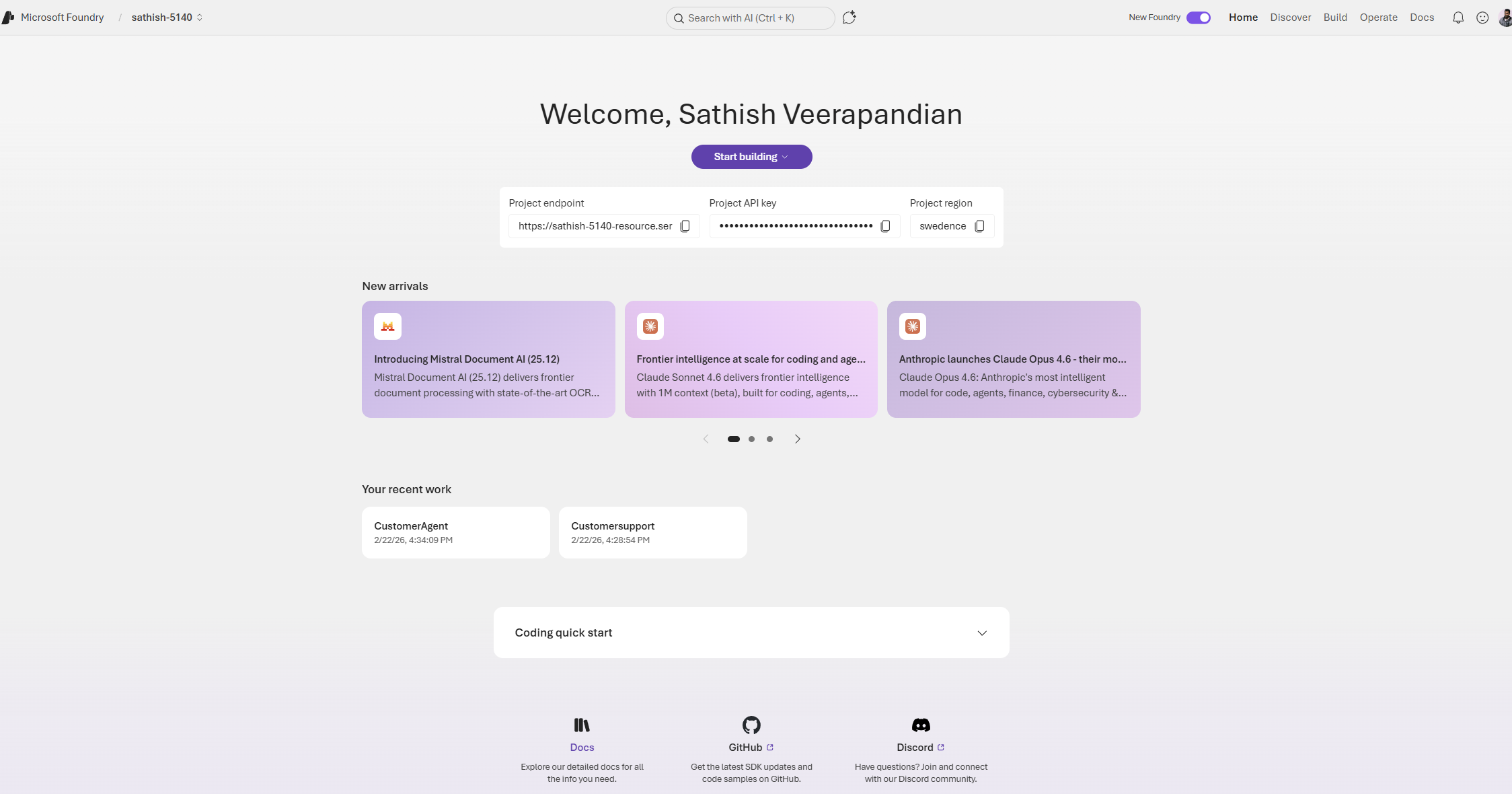
The first thing when we login is we need to switch on the toggle new foundry and it totally brings altogether a new interface and lands us to the dashboard.
This dashboard is the Foundry project home for a developer or team building AI agents. It surfaces the project endpoint and API key for integration, shows the project region, and highlights recent model and tooling updates so teams can stay current. The page also lists recent projects and provides quick links to documentation and community resources, making it a practical launchpad for both prototyping and production work.
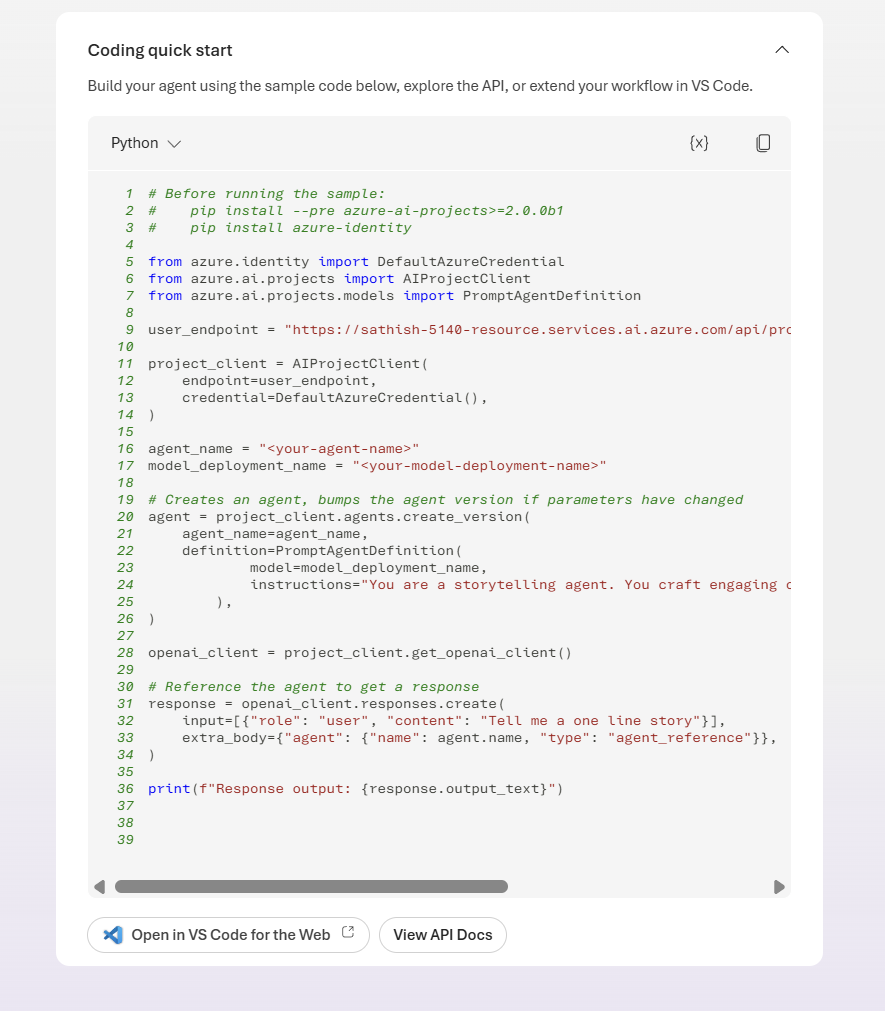
In the coding quick start we have the option coding quick start. We can open in vs code for the web.
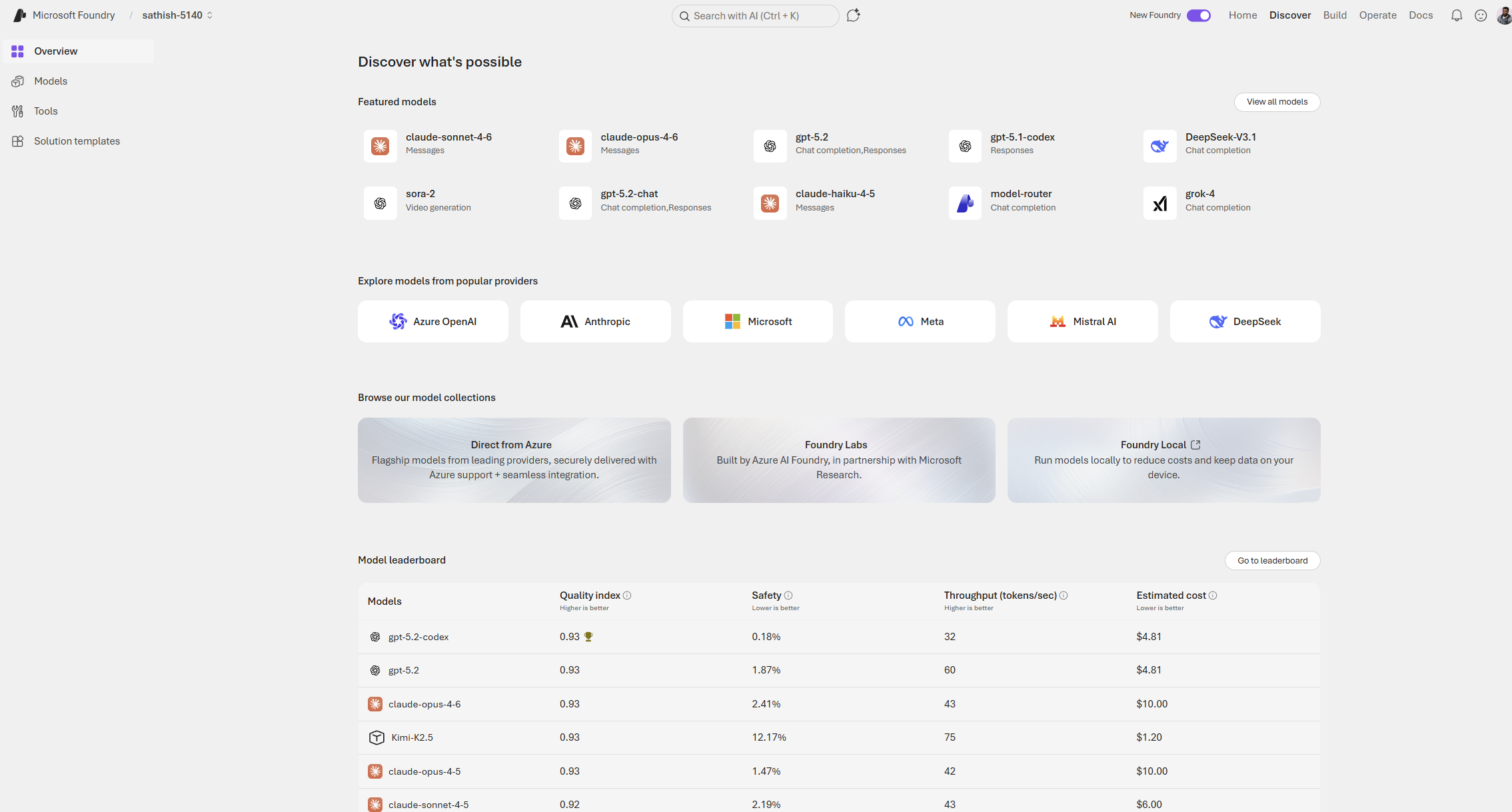
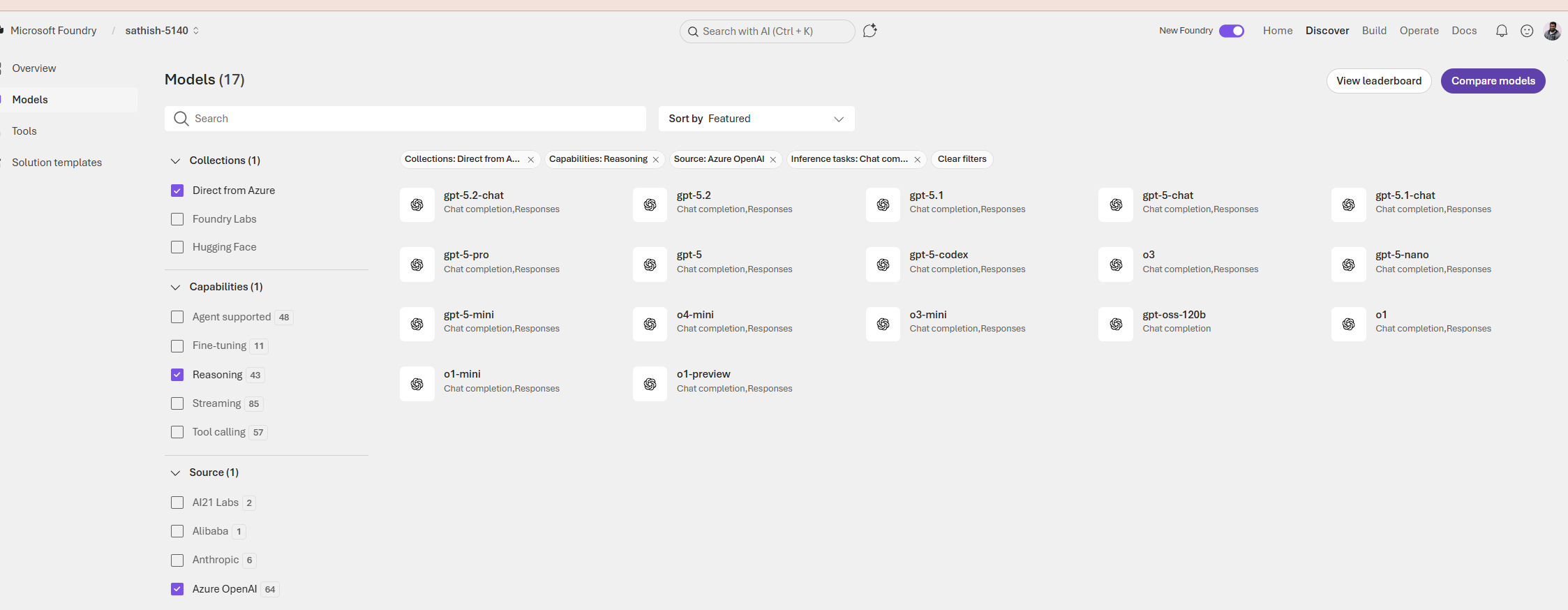
This screen is the Foundry Discover hub for exploring and selecting models.
It helps us to compare capabilities, pick the right model for a task, and learn about new releases all before we wire a model into a Playground or agent.
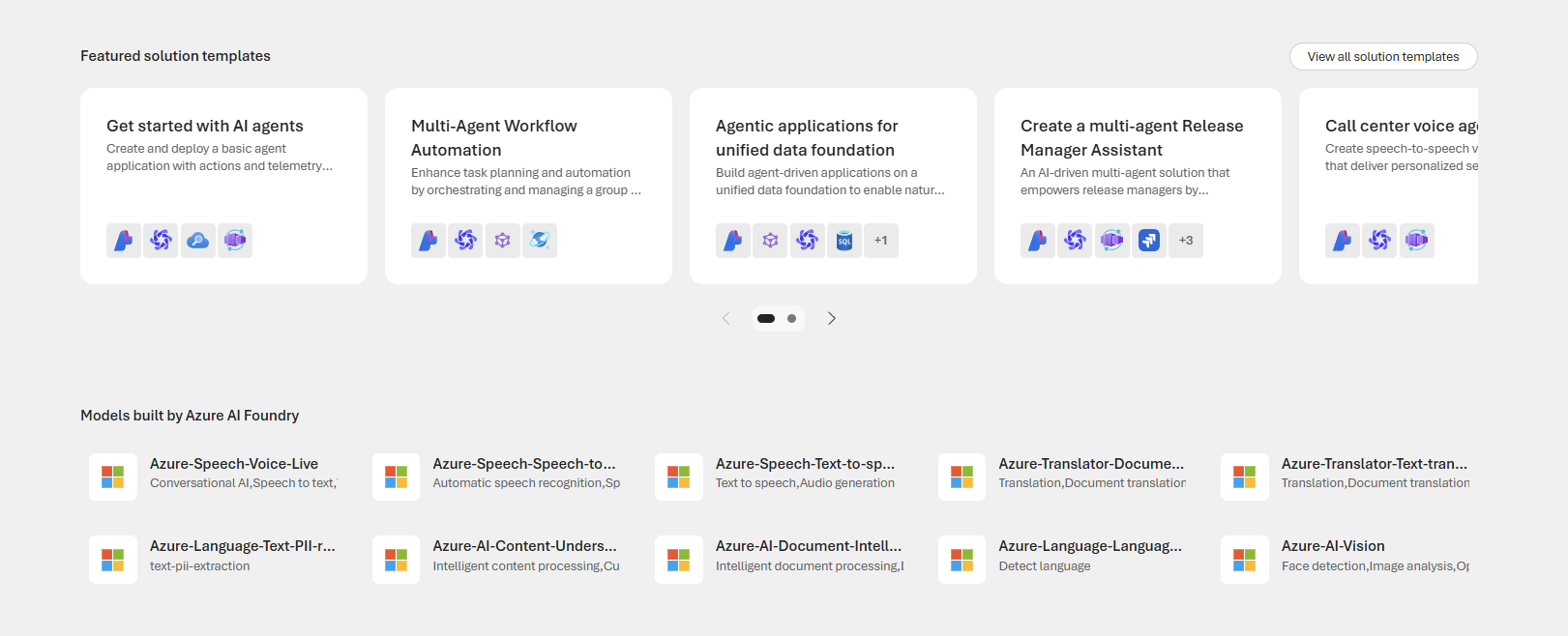
There are also featured solution templates and models built by Azure AI Foundry
In the Models we can do a filter and look for the specific ones based on our requirement
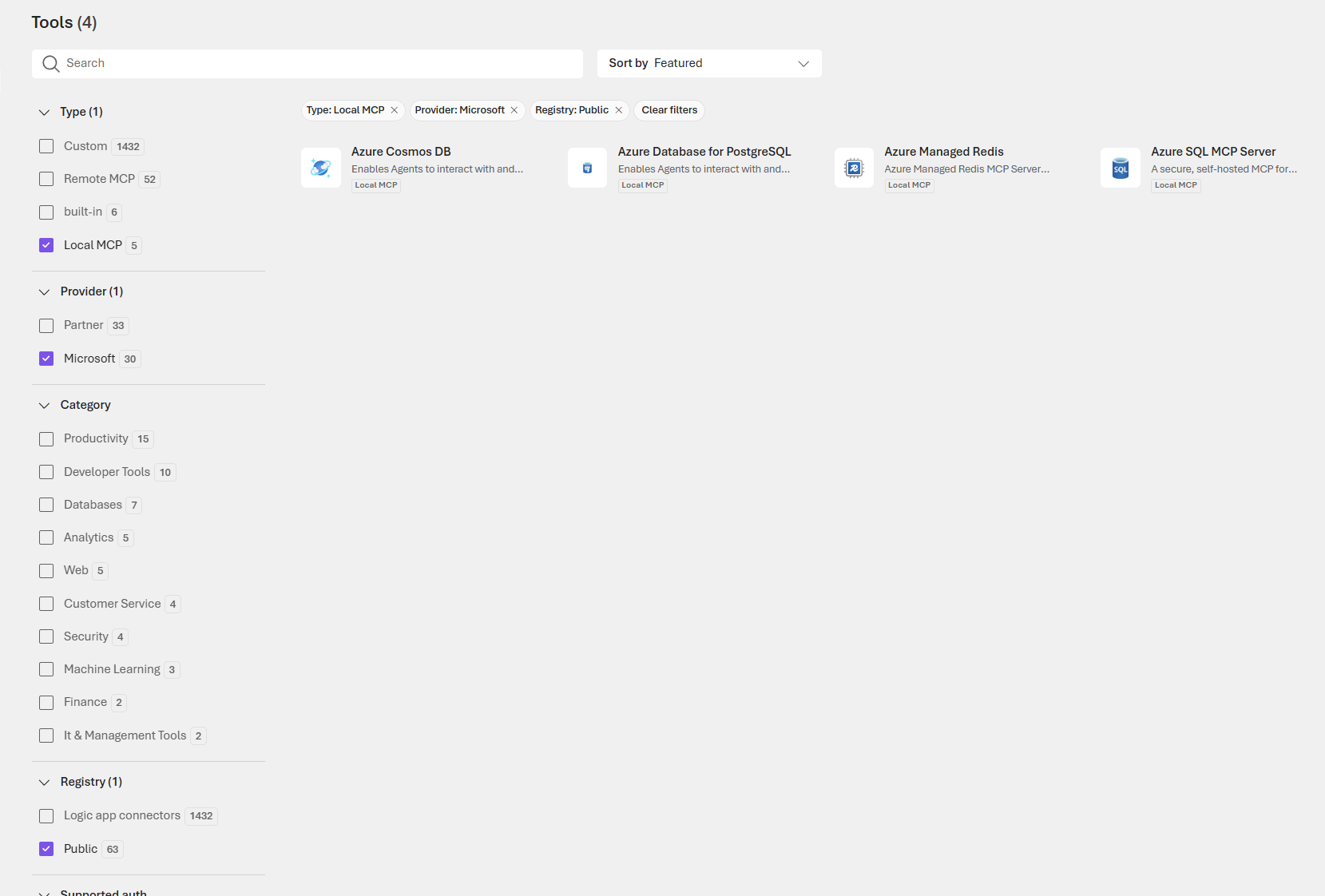
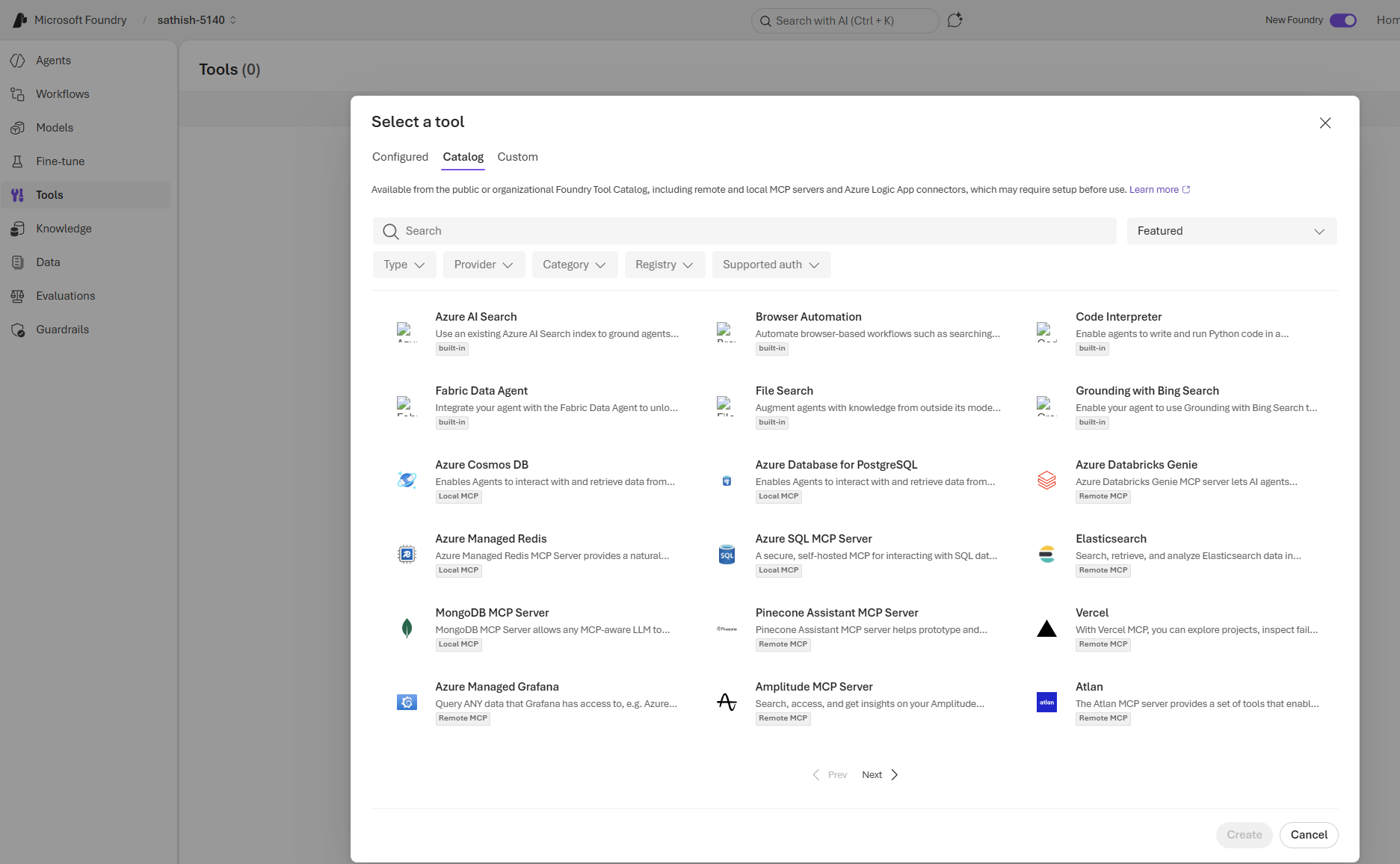
In the tooling there is option for further drill down based on type,provider,category etc..,
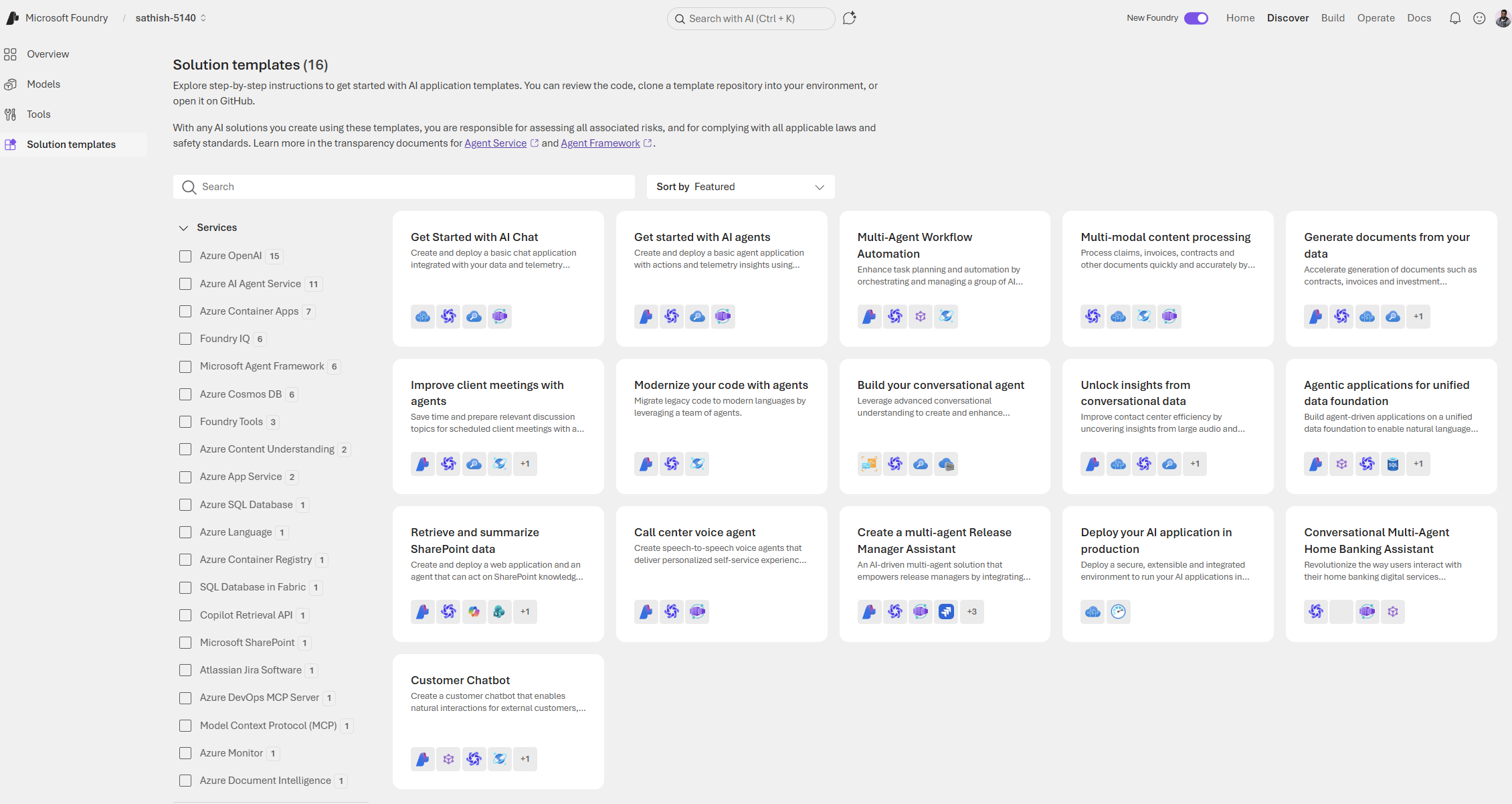
This page is a curated library of ready made AI application templates that accelerate prototyping and production. Each template bundles code, architecture patterns, and integration guidance so teams can clone, run, and adapt a working solution instead of starting from scratch.
Metrics Explained
This leaderboard is main decision layer for picking a model.It compares models across quality, safety, throughput, and cost, and that the right choice depends on the task, risk tolerance, and budget
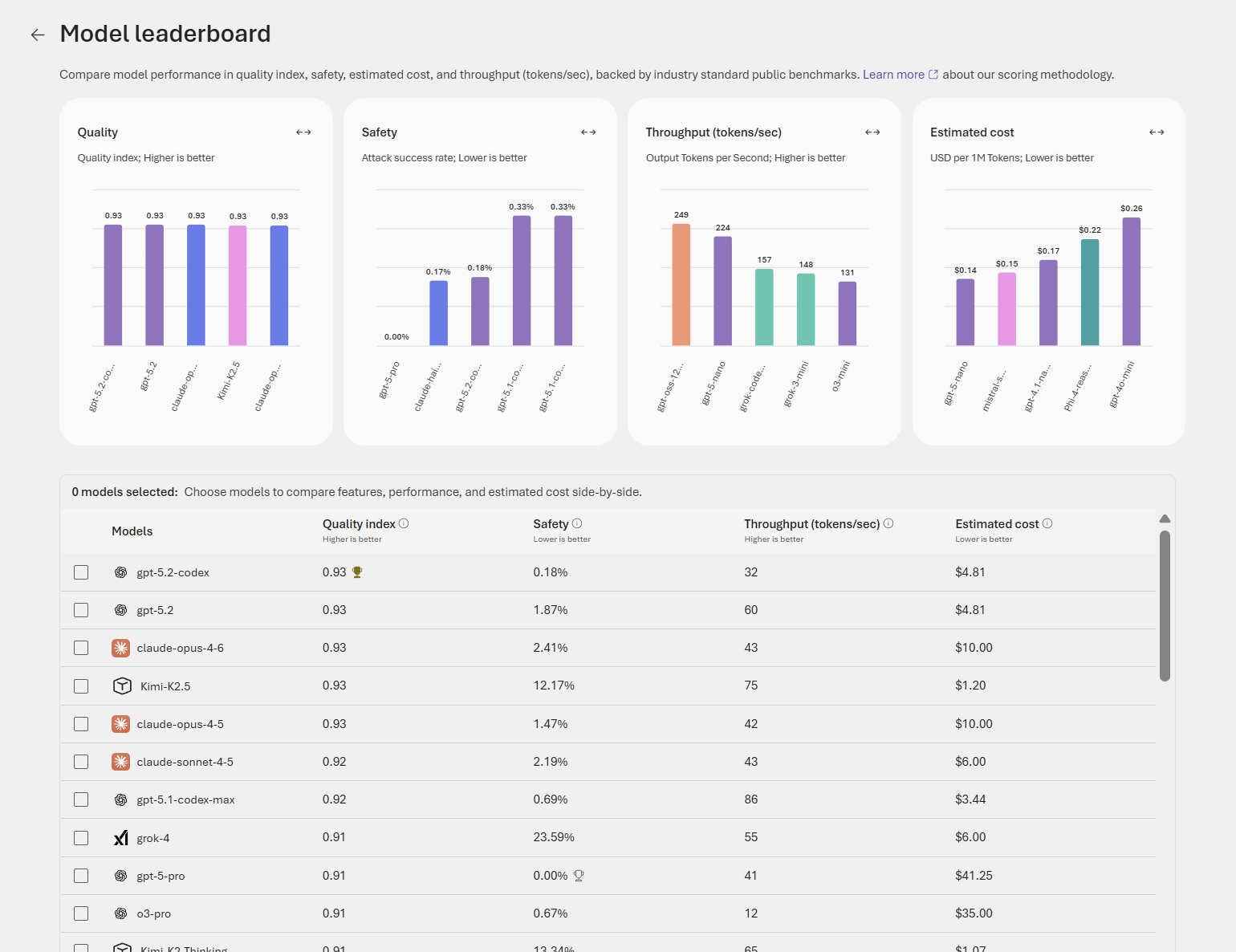
Can use the below metrics to choose the right model that suits the requirement for example.
| Metric | What it measures | How to use it |
| Quality index | Single value measure of model performance on benchmark tasks | Prioritize for accuracy‑sensitive tasks (legal, medical, summarization) |
| Safety | Rate of unsafe or policy‑violating outputs detected | Prioritize for public‑facing or regulated applications |
| Throughput | Tokens per second processed | Prioritize for latency‑sensitive or high‑volume workloads |
| Estimated cost | Relative cost per usage (per token or request) | Use to balance budget against required capability |
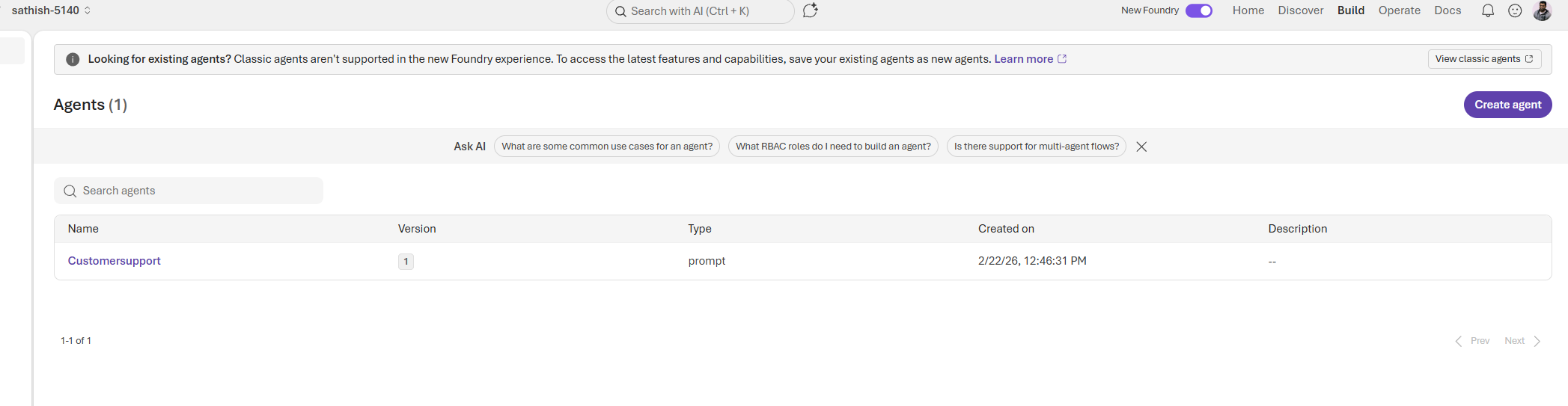
The Build page is the operational hub for agent lifecycle management. A migration banner at the top reminds teams to convert legacy agents into the new format, while the AI powered search and contextual question prompts help developers and product owners find answers and start new work quickly. The agent catalog lists each agent’s name, version, type, and creation time, making it easy to track changes, audit deployments, and hand off ownership across teams
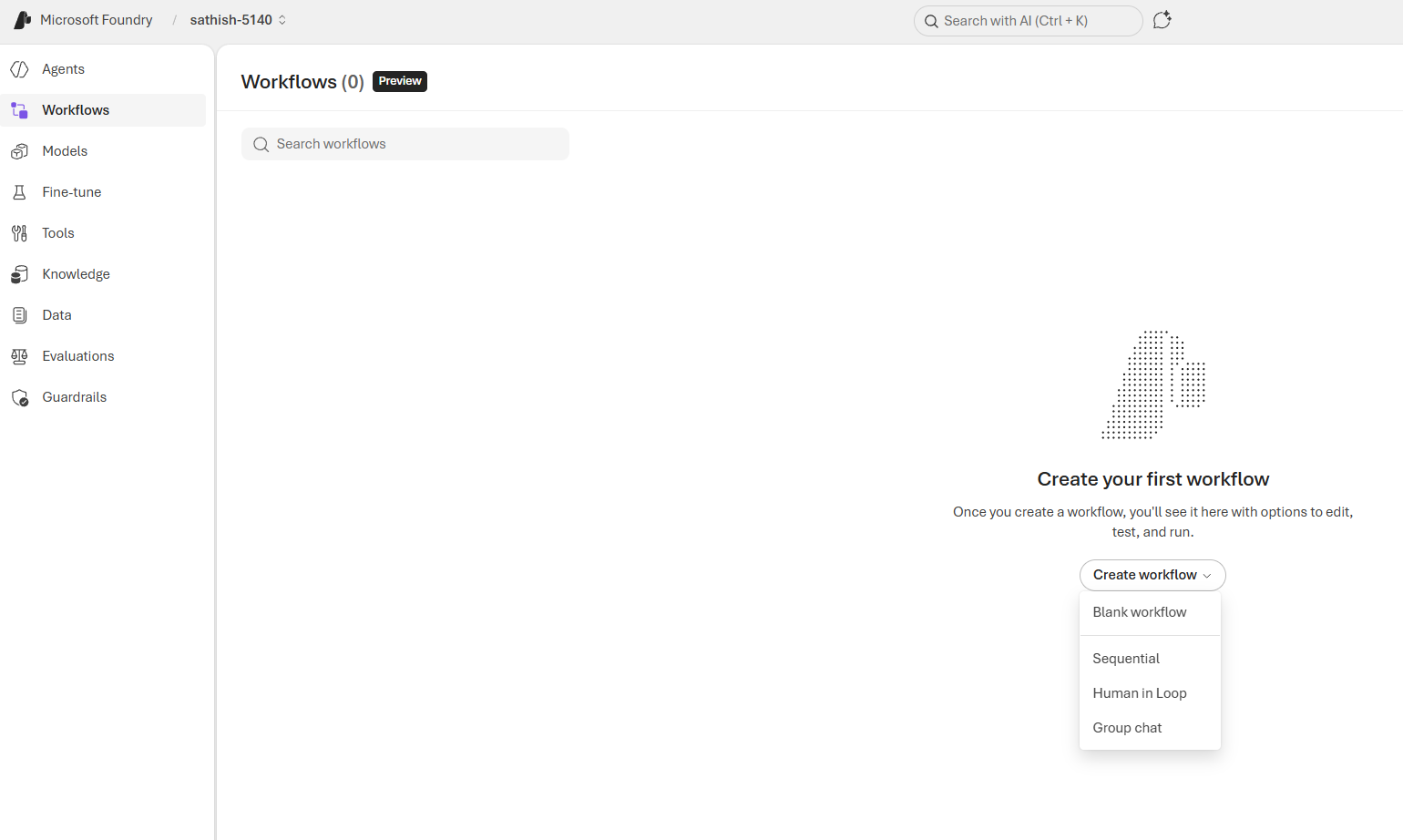
The Build option has the Workflows page is where you turn agent capabilities into repeatable processes: choose a workflow type (Blank, Sequential, Human in Loop, or Group chat), wire agents and tools into each step, and test runs in a sandbox before going live. Start with a single, well documented happy path, sandbox any external actions, and add logging and guardrails so every run is auditable and safe.
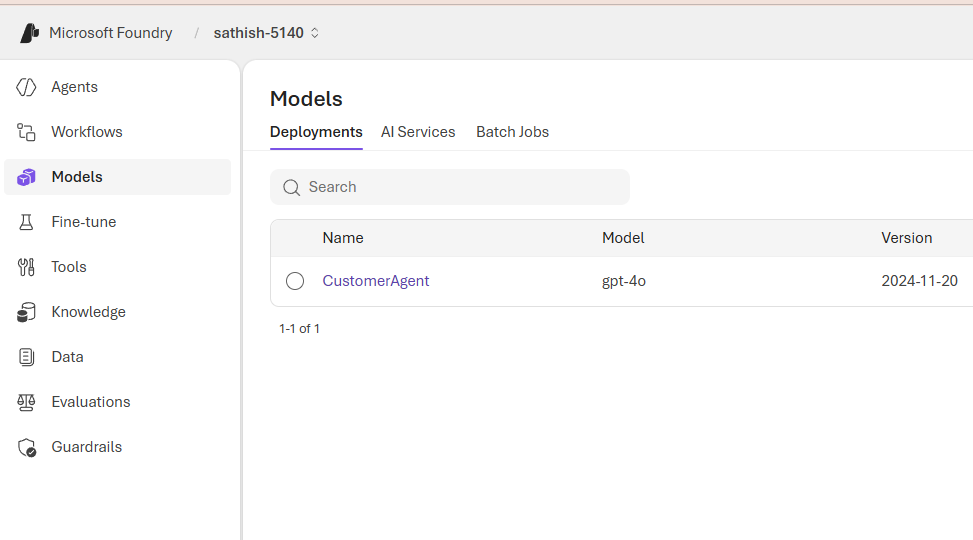
This Deployments panel lists active model deployments for the project, showing each deployment’s name, the model powering it, and the model version or release date. It’s the single place to verify what’s running in production, trace behavior back to a specific model snapshot, and plan upgrades or rollbacks. Use this view to link deployed agents to their underlying models, confirm versioning for audits, and trigger targeted tests when a model is updated.
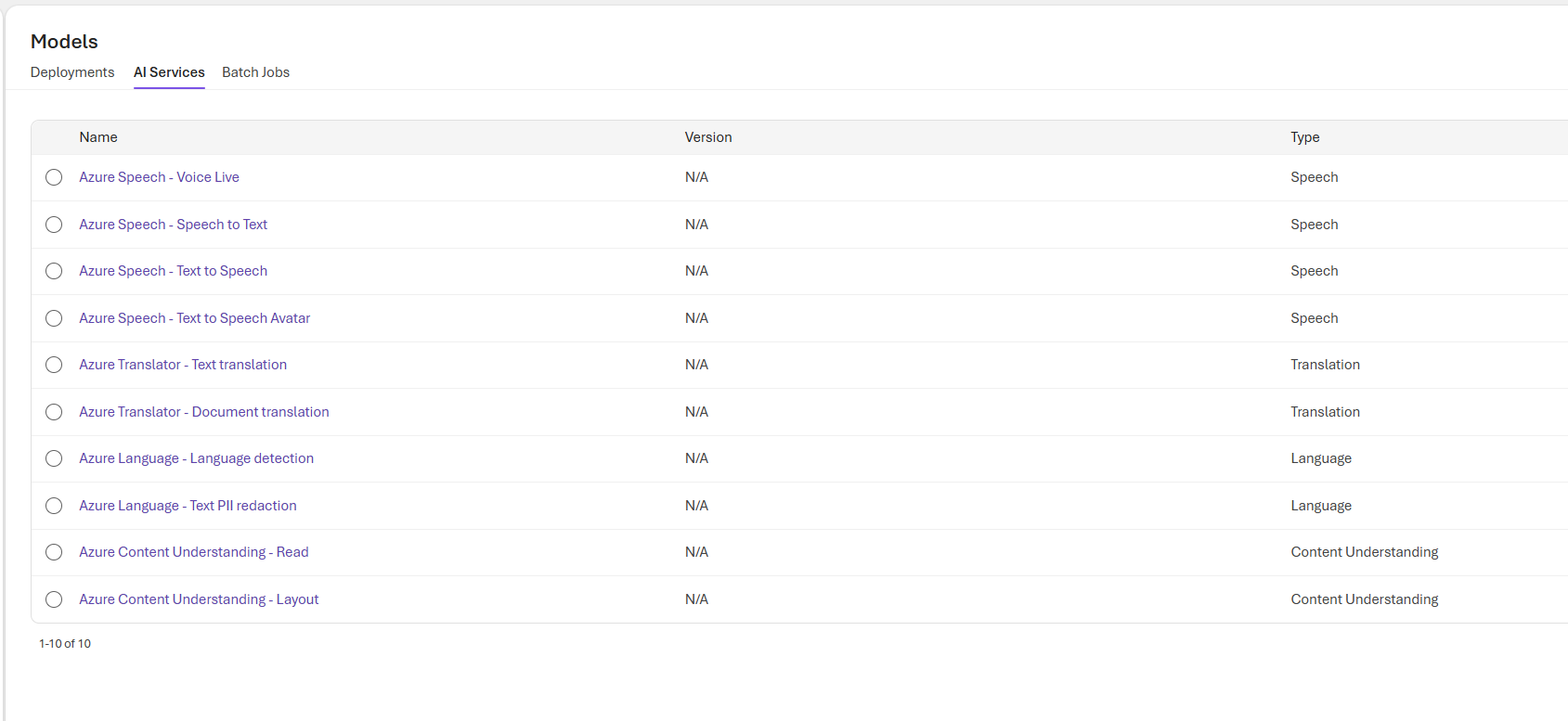
This table shows the platform services we can call from Foundry: speech, translation, language, and document understanding.
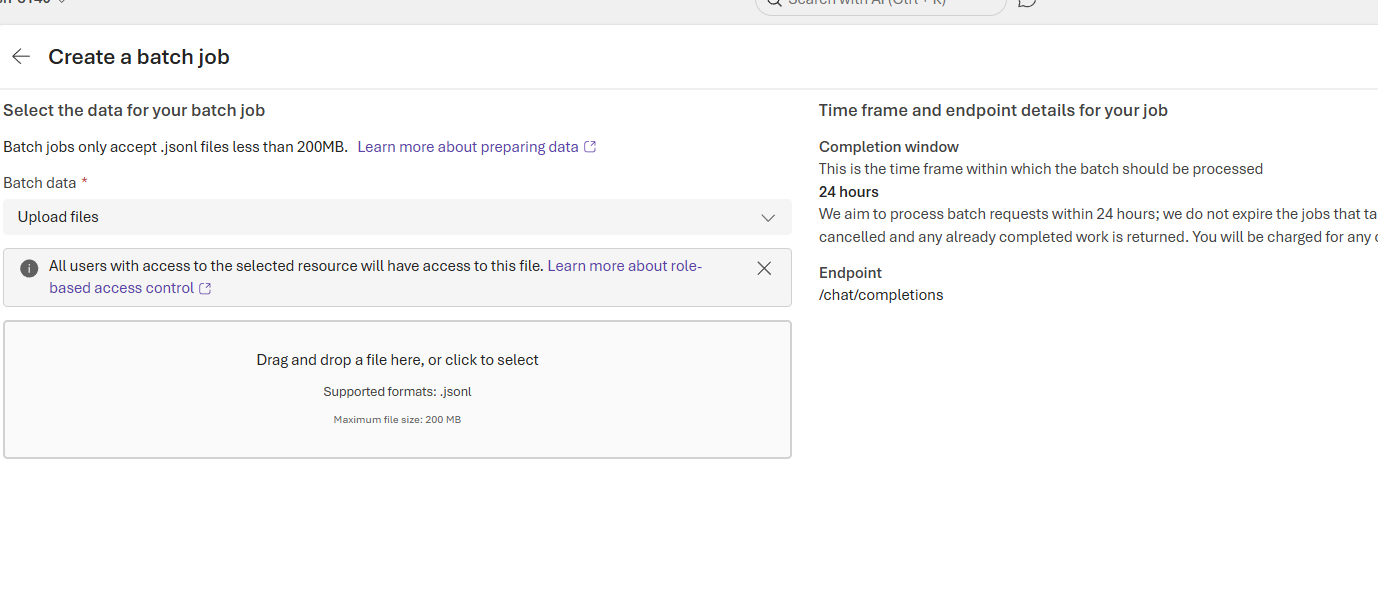
Last option in this section is we can create a batch job
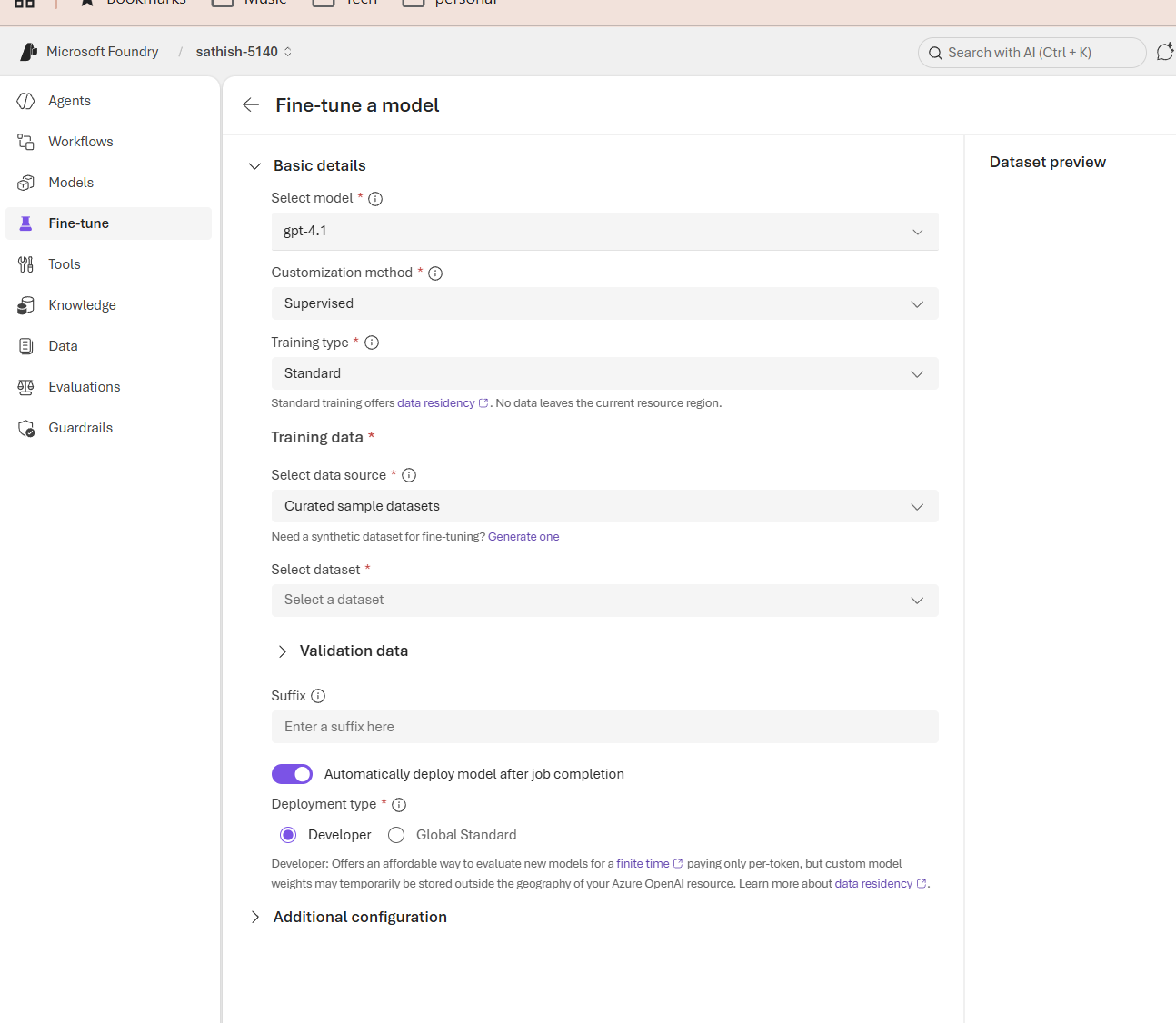
This Fine tune page lets us convert a base model into a domain specific model by selecting the base model, choosing a supervised training workflow, and pointing to curated training and validation datasets. Key choices training type, deployment type, and whether to auto deploy determine data residency, cost, and how quickly the custom model becomes available. Start with a small, well labeled dataset, validate in staging, and only promote to production after safety, accuracy, and cost checks pass.
The Tools catalog is the integration hub where you pick the capabilities your agents will call: built in platform features, local MCP connectors for on prem systems, remote MCP connectors for SaaS, and custom adapters for proprietary APIs. Use the search and filters to find the right connector, confirm authentication and permissions, sandbox calls during testing, and document ownership and expected side effects so teams can safely extend agent behavior without surprises.
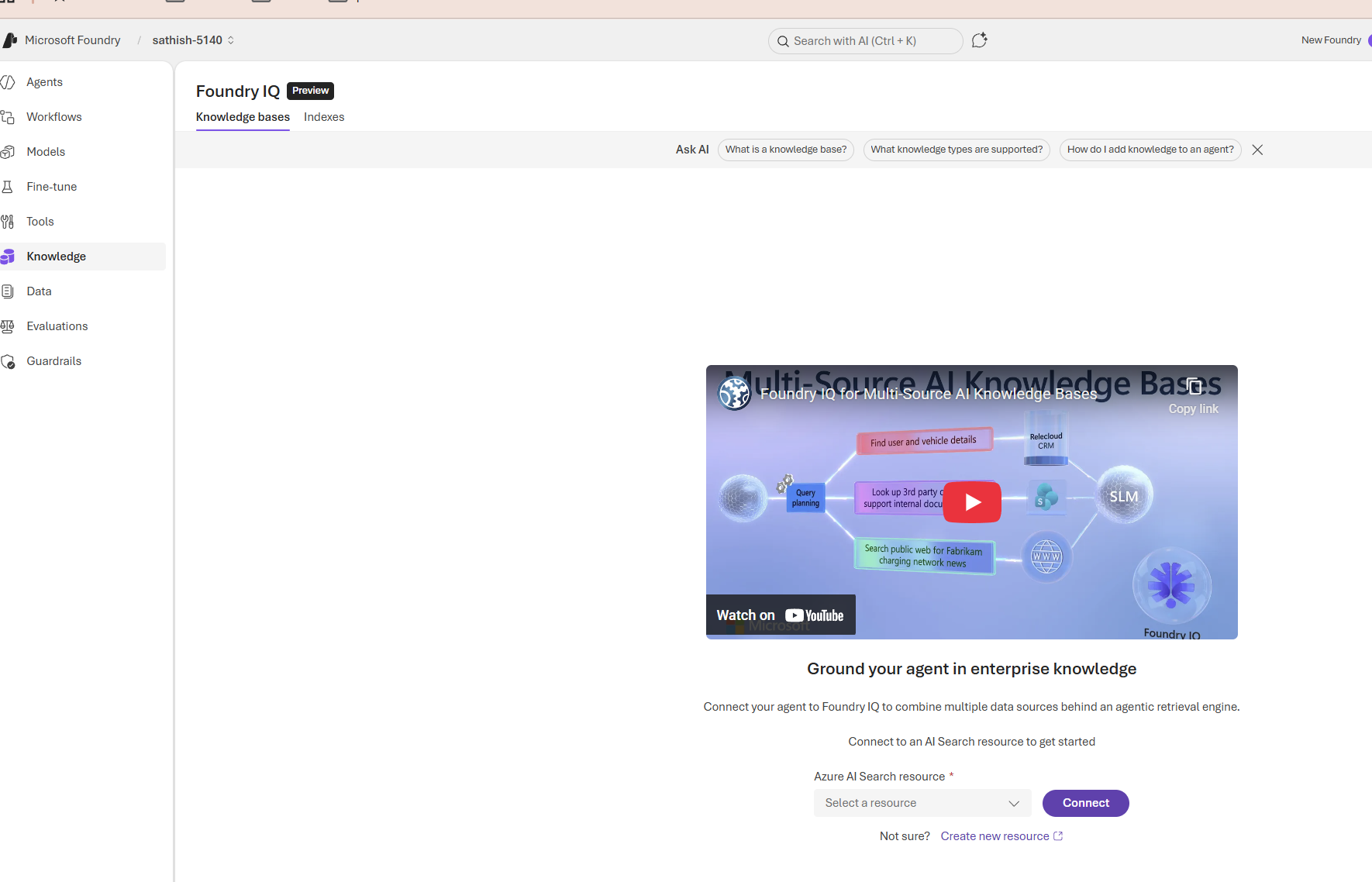
This screen introduces Foundry IQ, a preview feature that turns multiple enterprise data sources into a single retrieval layer for agents. It’s the place teams connect an Azure AI Search resource, build knowledge bases and indexes, and enable agents to answer questions grounded in internal documents, CRM records, and public web content.
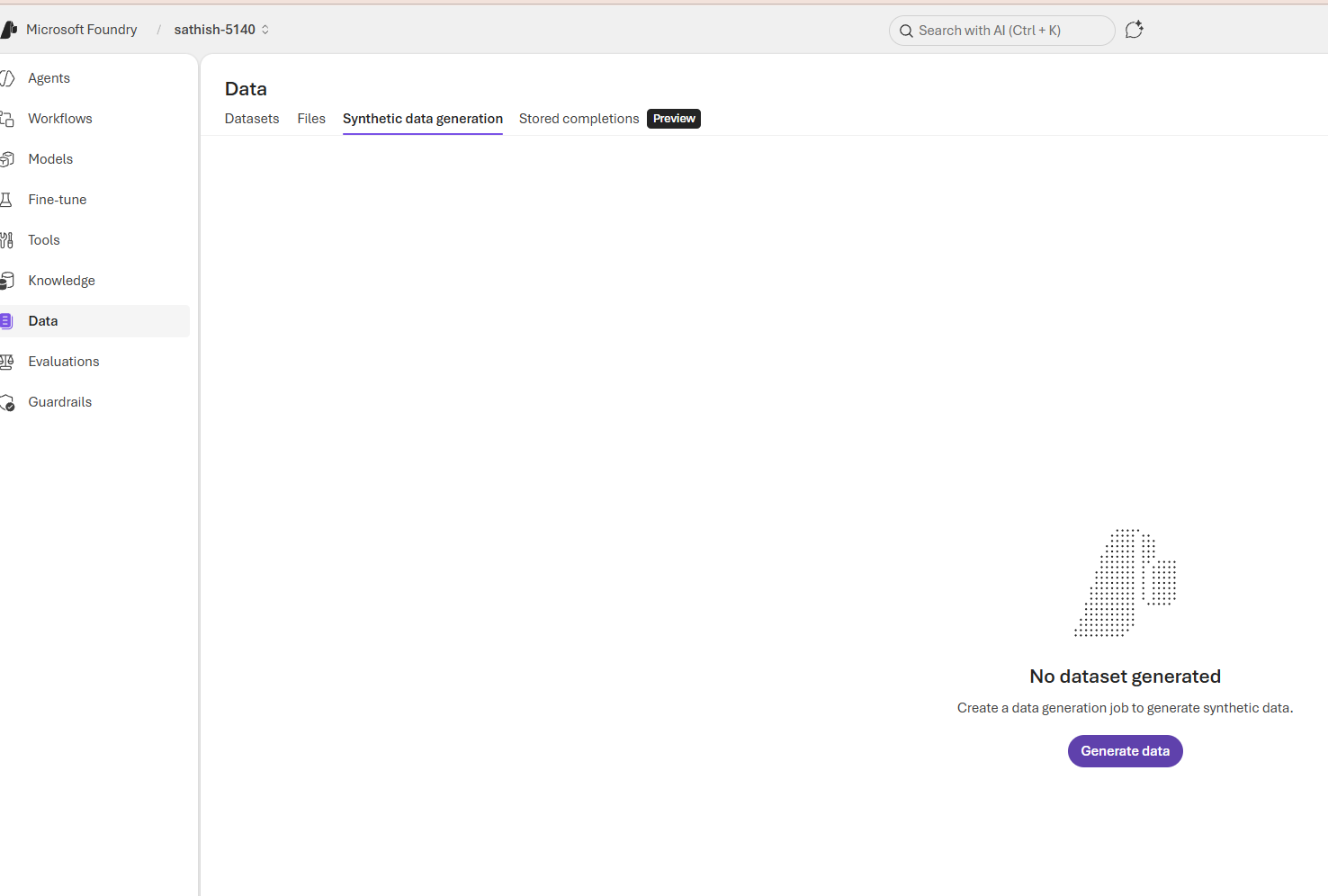
Data in Foundry includes datasets (structured training and evaluation sets), files (documents, logs, media), synthetic data generation jobs, and stored completions (captured model outputs). These are the inputs you use to fine tune models, build knowledge indexes, validate agents, and run production analytics.
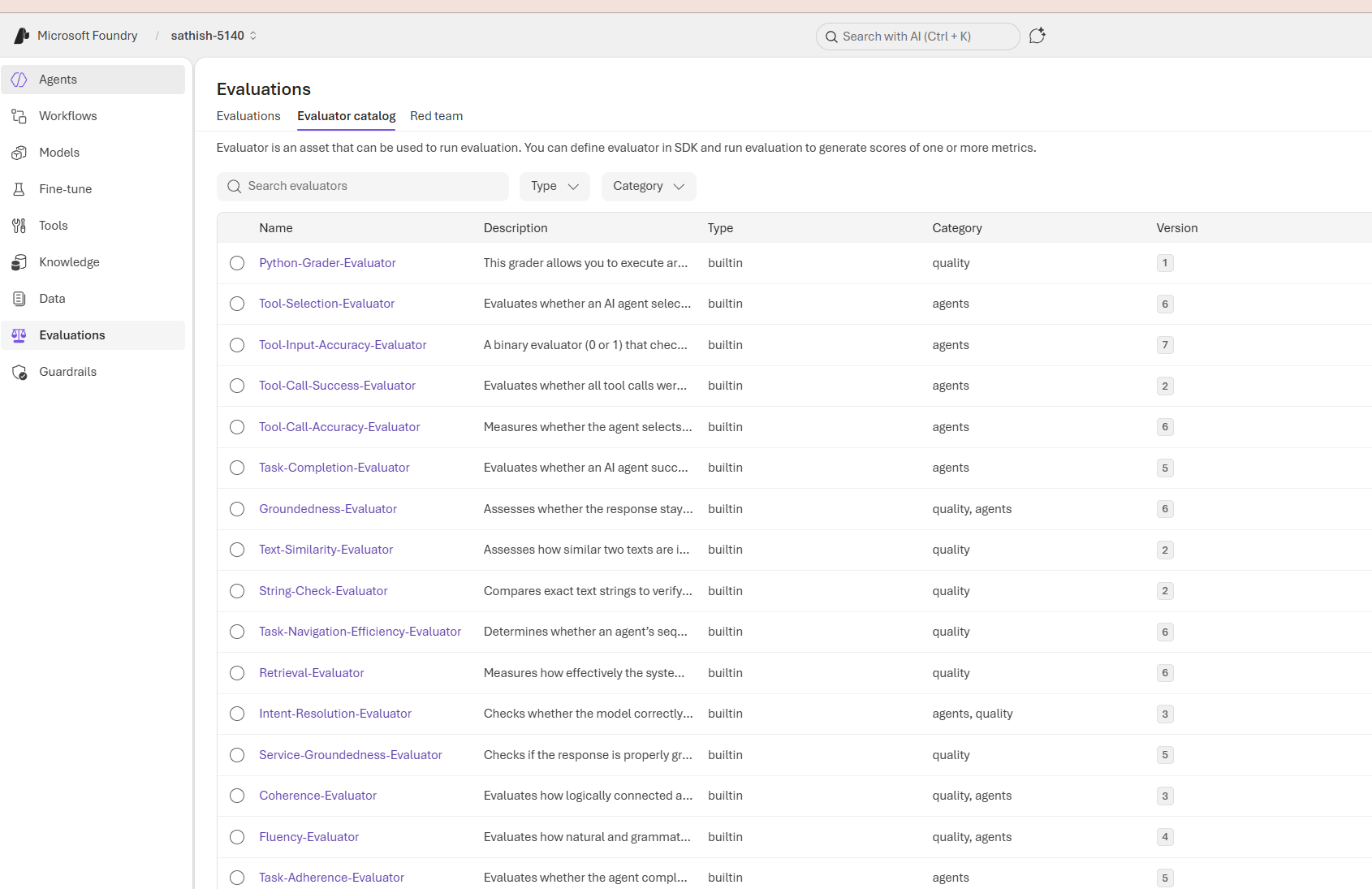
Evaluations are structured tests that measure how well an AI system meets functional, safety, and operational expectations. They turn subjective judgments into repeatable signals so teams can compare models, catch regressions, and decide when a model is ready for production
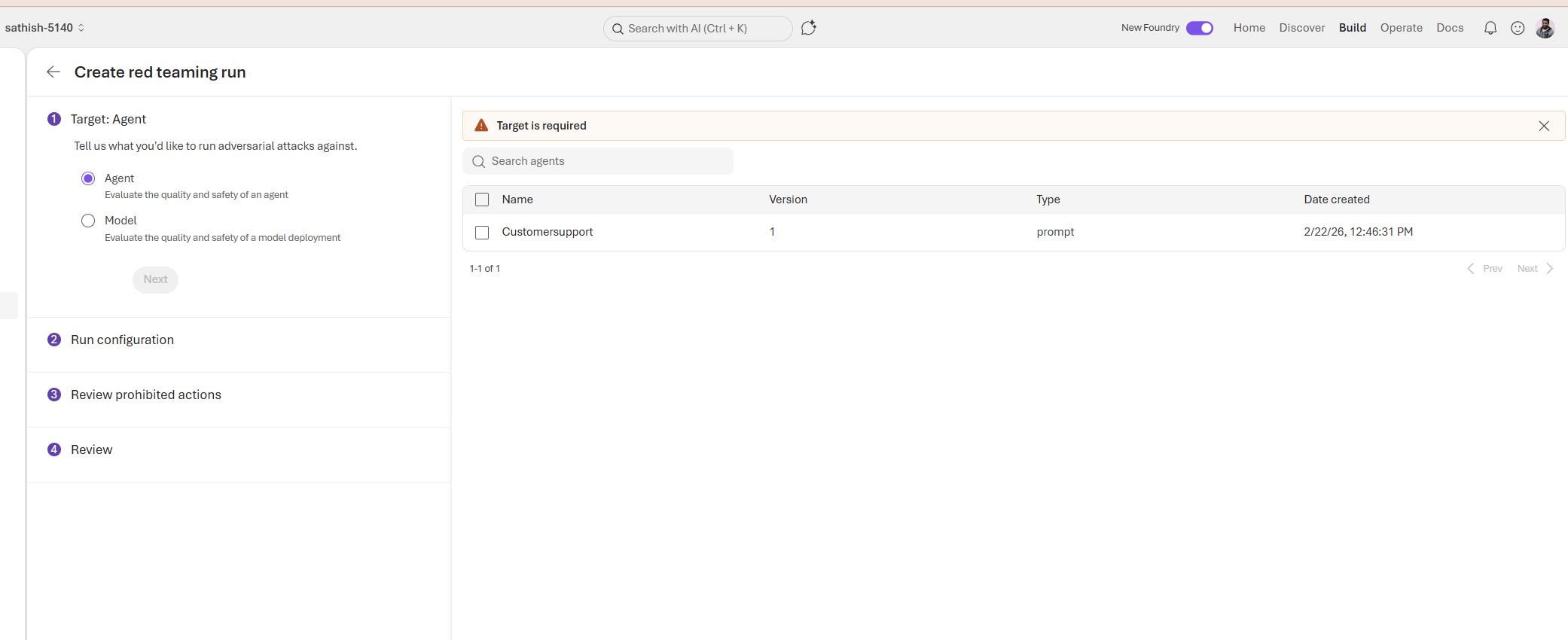
A red teaming run is a structured adversarial test that probes an agent or model with hostile, ambiguous, and edge case inputs to uncover safety failures, hallucinations, privacy leaks, and unintended tool actions; it scopes the target (agent or model), defines attack templates and sampling strategy, enforces prohibited actions to prevent side effects, and collects guardrail hits, tool logs, and failure examples so teams can prioritize fixes, update prompts and controls, and re test until incident rates meet safety thresholds.
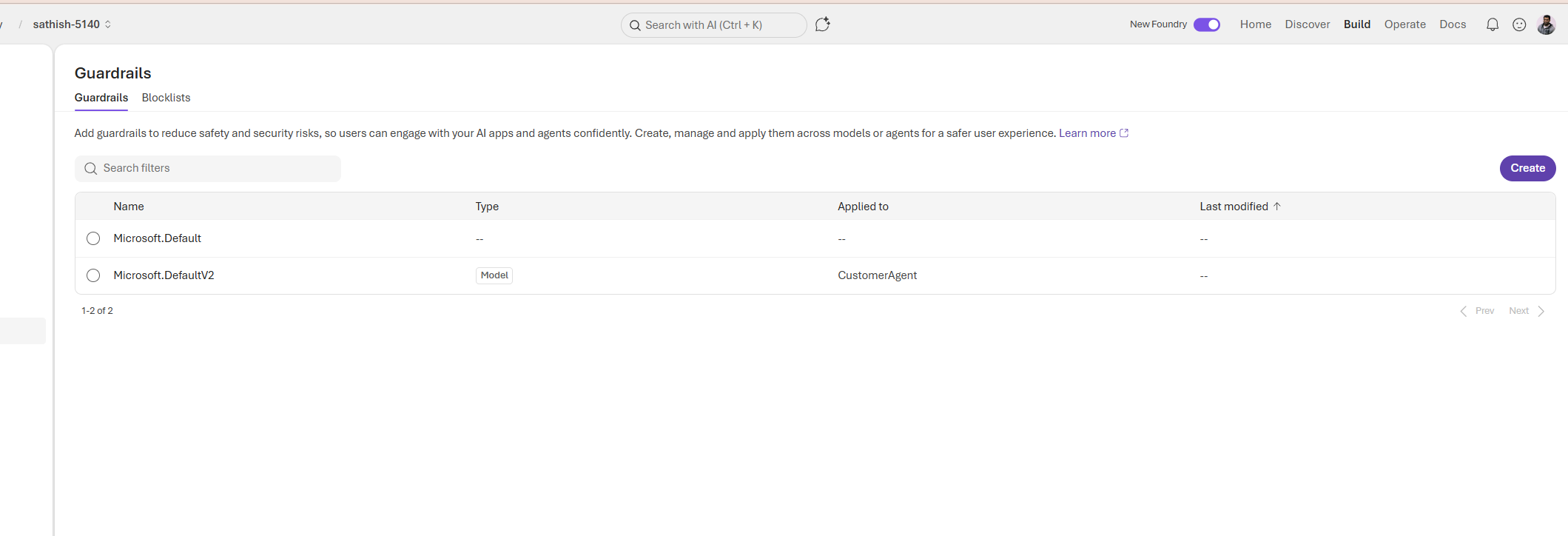
Guardrails are reusable policy rules applied to models or agents that block or transform unsafe outputs, prevent risky tool actions, and enforce compliance before responses reach users. We have one detailed blog explaining more on the Guardrails.
This dashboard provides a concise operational snapshot of our agents: active alerts, running agent counts, estimated cost signals, success rates, token consumption, and run volume trends. Together these panels let teams quickly detect regressions, investigate cost anomalies, and prioritize fixes turning raw telemetry into actionable next steps.
Quick checklist to include
- Verify time range and correlate with deployments.
- Check success rate and open failing run logs.
- Inspect token usage for prompt or model changes.
- Identify which agent caused volume spikes.
- Run targeted Playground tests for failing scenarios.
- Log findings and update guardrails or instructions.
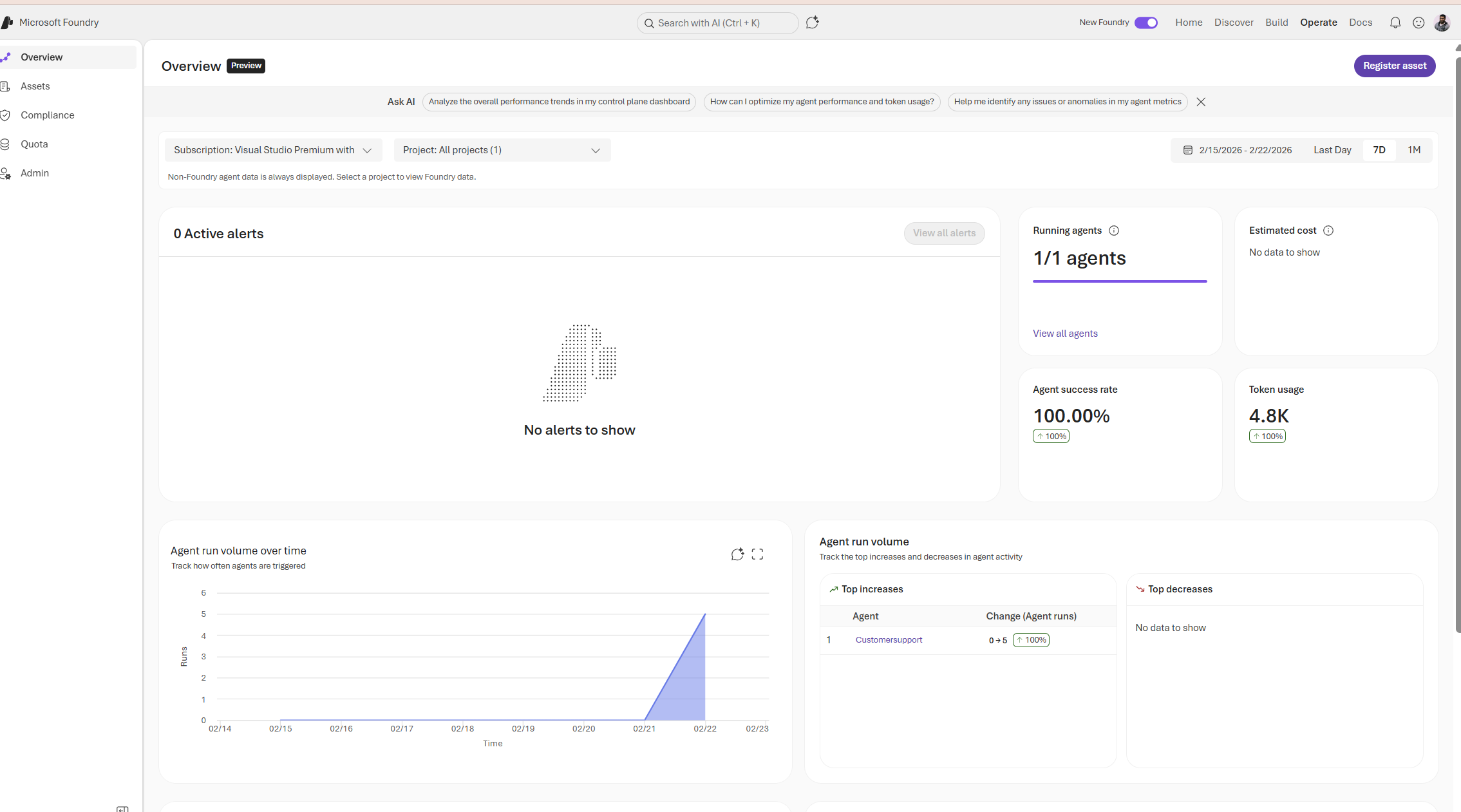
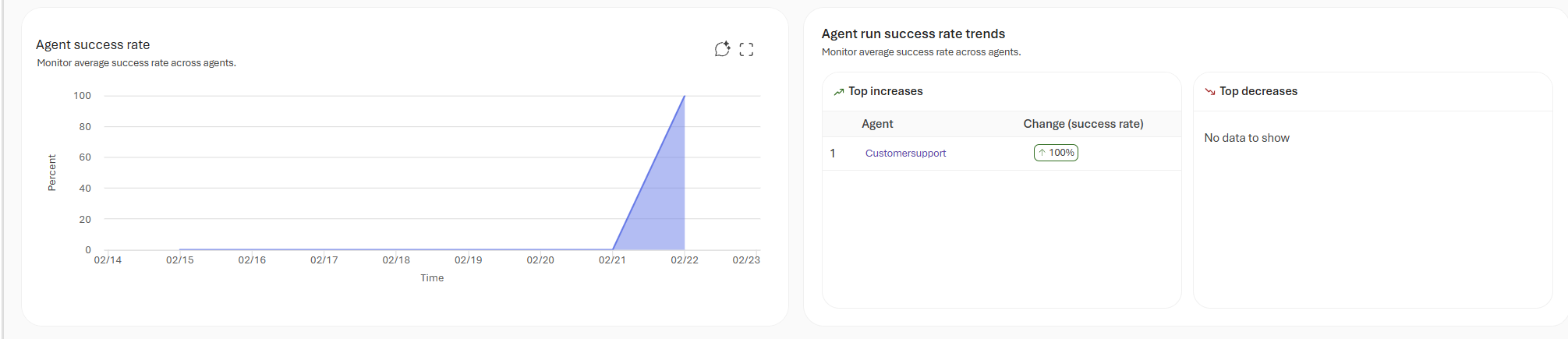
We also see the agent success rate and agent success rate trends
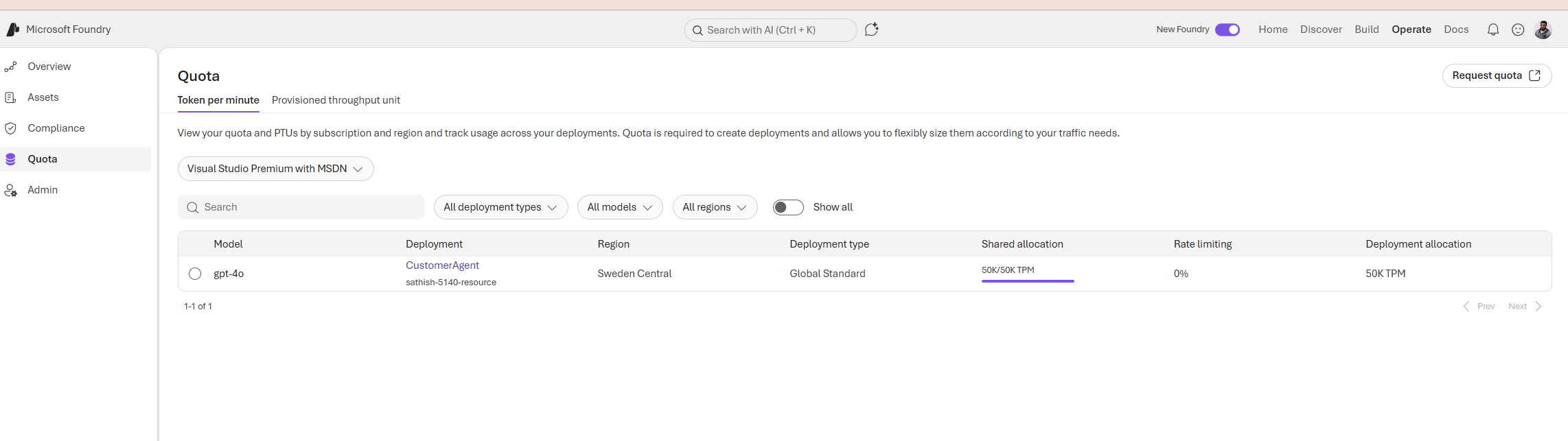
This Quota panel summarizes the token capacity and deployment configuration for a running model showing the model (gpt‑4o), the deployment name (CustomerAgent), the region (Sweden Central), the deployment type (Global Standard), and the token per minute allocations (shared 50K TPM, deployment 50K TPM) that govern throughput and concurrency; these TPM limits directly affect latency, concurrency, and cost, so teams should monitor usage, set alerts before thresholds are reached, and plan capacity (or route traffic to lower‑cost models) to avoid throttling or unexpected charges.
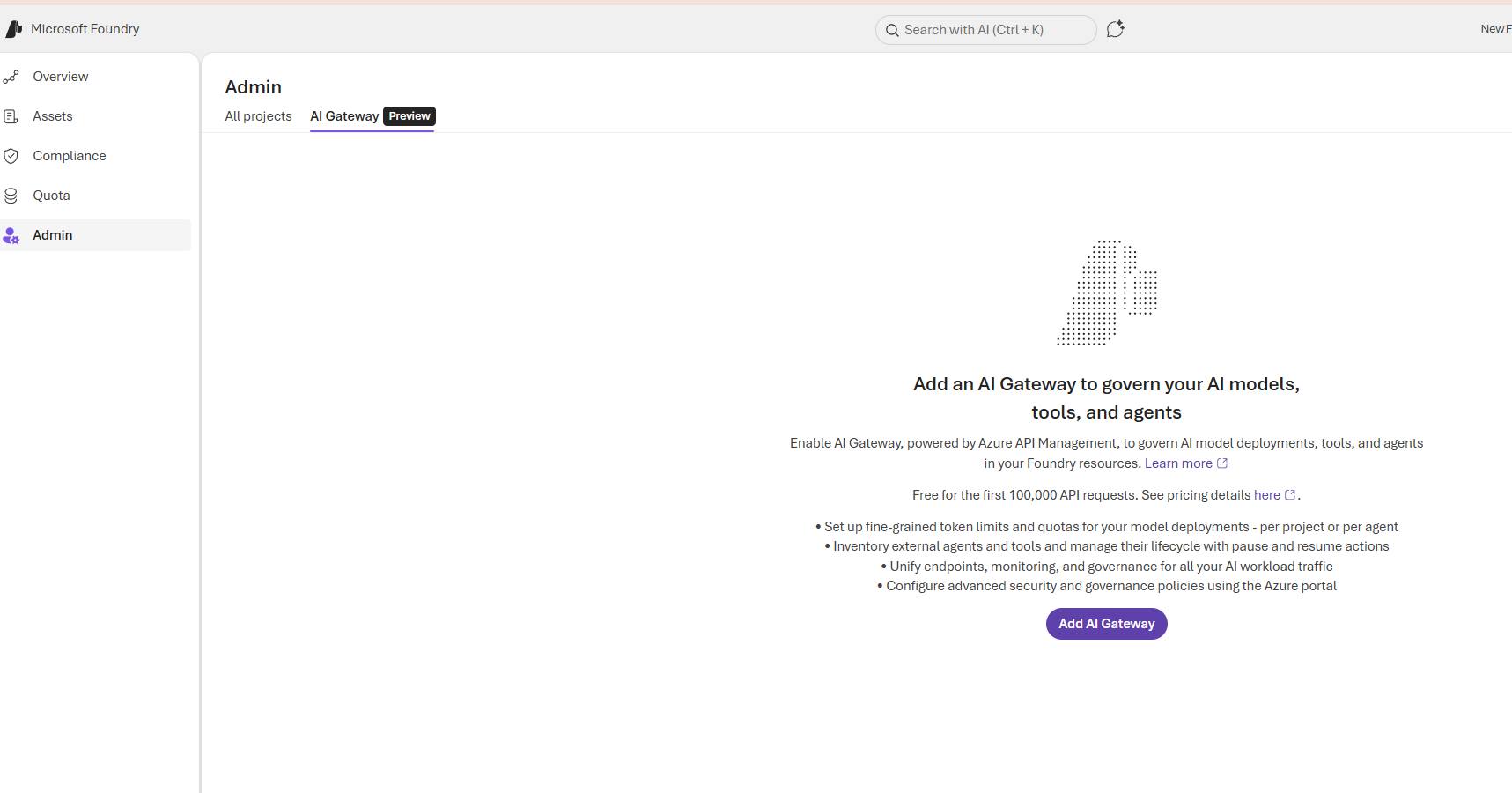
AI Gateway centralizes governance for model deployments, tools, and agents by routing AI traffic through an API management layer. It provides a single control point to enforce quotas, security policies, and observability across projects
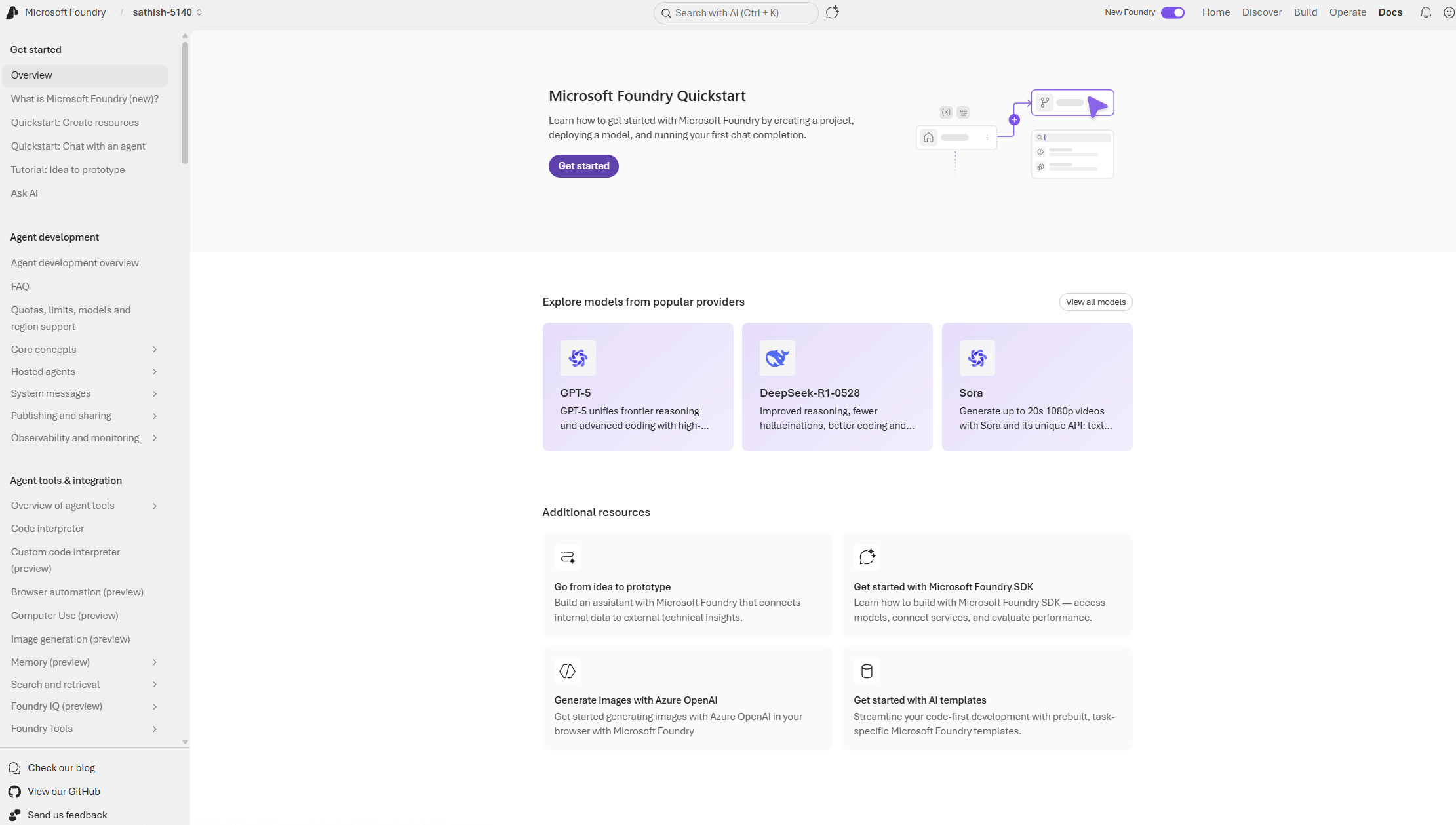
The Docs are operational playbook for Foundry: Quickstarts get teams running in minutes, SDKs and templates accelerate prototyping, and the agent development and observability sections provide the guardrails and tests wr need to move from prototype to production. We can use the Quickstart to validate first agent, then follow the integration and monitoring guides to harden behavior and ensure compliance.
This post covered the practical building blocks for safe, production grade AI in Foundry. By combining these layers well versioned data, automated evaluations to catch regressions early, layered guardrails and human approvals for high risk actions we can move from experimental prompts to scalable, auditable systems. In the next blog we will deep dive more on effectively utilizing the Azure AI foundry by picking one classic use case and going through them.
Sathish Veerapandian
Tagged: AI, artificial-intelligence, chatgpt, LLM, technology

 Tej Pratap
 Ewald Hollestelle
 rsujiraja
 Sathish Veerapandian
 EzCloudInfo
Leave a comment