Tag Archives: artificial-intelligence

Exploring Microsoft Entra Agent ID (Preview): Identity, Governance & Zero‑Trust for AI Agents

Note: Features are in Preview and may change.

As organizations lean into AI assistants and autonomous workflows, one challenge keeps coming up in every SOC and IAM conversation: agent sprawl. Agents show up in multiple teams and builder platforms, and before you know it, you’ve got non‑human actors touching sensitive data without a clear inventory, lifecycle, or policy boundary.

Microsoft Entra Agent ID and the Agent Registry (Preview) are designed to solve exactly that bringing identities, governance, and Zero Trust controls to AI agents, so you can securely discover, organize, and manage them easily in your directory.


What Agent Registry Adds (and Why You’ll Care)

Agent Registry is an Microsoft Entra integrated metadata repository that gives you a unified view of agents built on Microsoft platforms (e.g., Copilot Studio, Azure AI Foundry) and those from other ecosystems. It separates operational records (Agent Instances) from discoverability metadata (Agent Card Manifests) and introduces Collections to govern which agents can discover and collaborate with each other. Think discovery before access a crucial shift for reducing exposure.


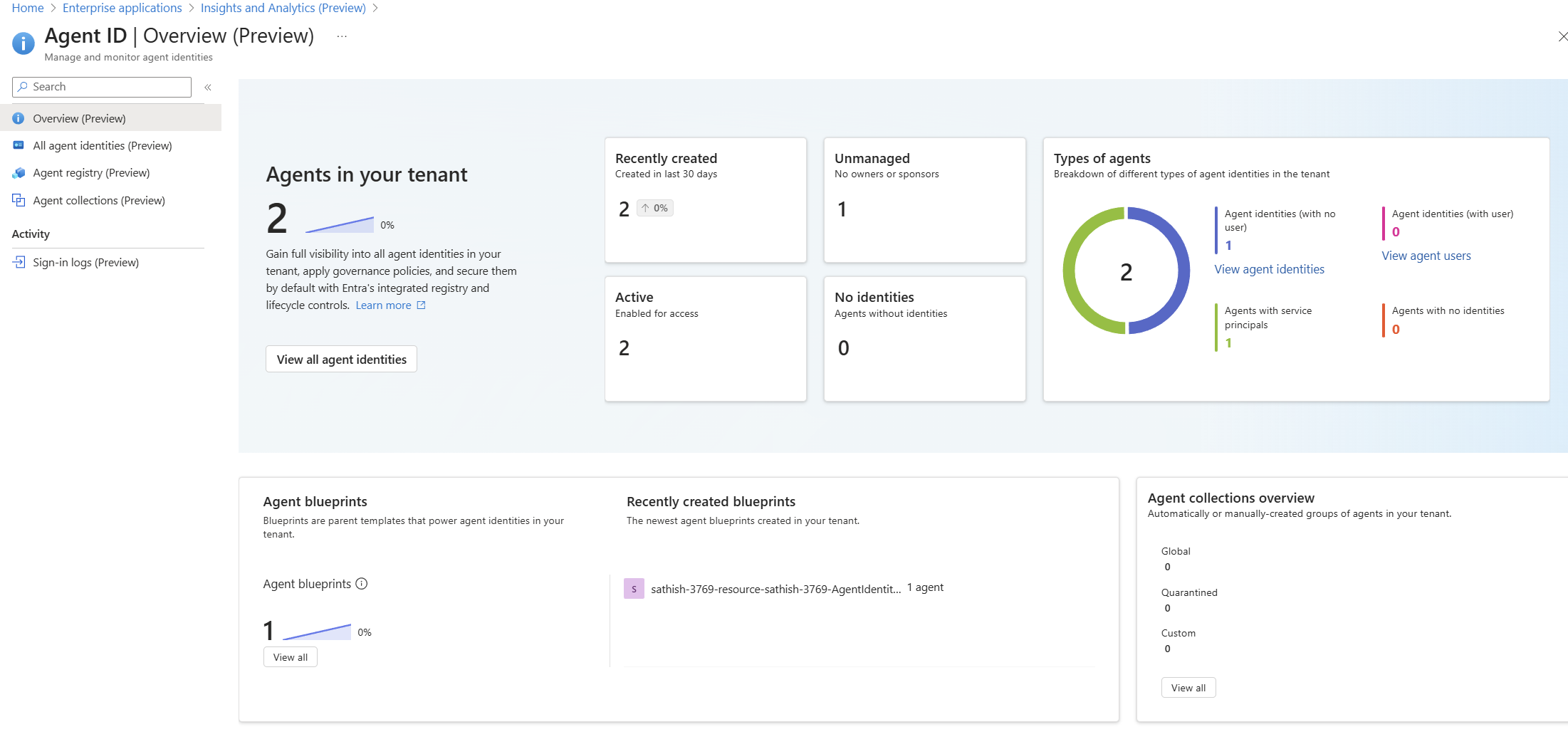
A Quick Look at the Tenant Experience

Agent ID Overview (Preview) dashboard showing agent counts, status, types, and blueprints: high-level posture of agents, identities, blueprints, and collections

Continue reading

Deep Dive into Microsoft Purview Adaptive Protection: A SOC Team’s Guide to Investigating Insider Risk Alerts in Adaptive Protection

In today’s hybrid work environment, insider threats are becoming increasingly complex. Microsoft Purview’s Adaptive Protection and Insider Risk Management (IRM) offer a dynamic, risk-based approach to protecting sensitive data while enabling SOC teams to investigate and respond to alerts with precision.

This blog provides a step by step walkthrough of how SOC teams can leverage these tools to investigate alerts, assess user behavior, and take appropriate action.

Step 1: Understanding the Adaptive Protection Dashboard

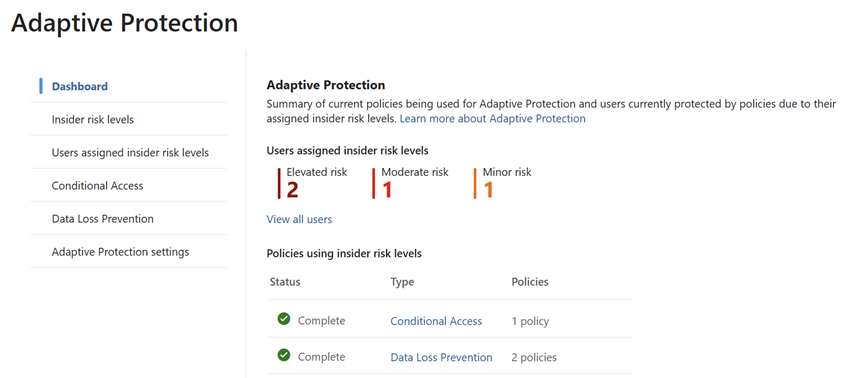
The Adaptive Protection dashboard is the SOC team’s starting point. It provides a bird’s-eye view of user risk levels across the organization, helping analysts prioritize investigations.

Key Elements of the Dashboard:

  • User Risk Levels:
    • Elevated Risk: Users exhibiting high-risk behavior that may indicate potential data exfiltration or policy violations.
    • Moderate Risk: Users with concerning patterns but not yet critical.
    • Minor Risk: Users with low level anomalies or early warning signs.
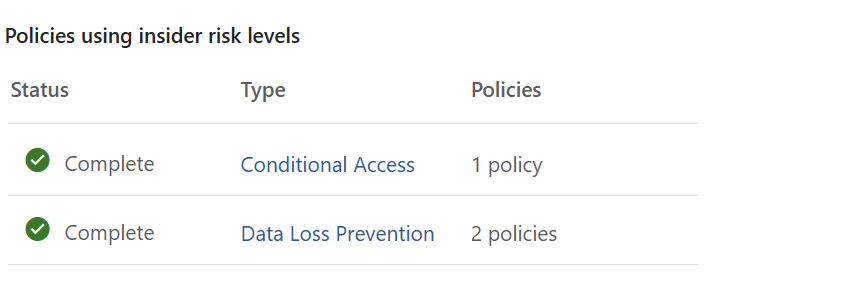
  • Policy Integration:
    • Shows which Insider Risk policies are actively using these risk levels.
    • Helps correlate user behavior with policy triggers, such as data leakage,
    • Security violations, or unusual access patterns.
Continue reading

SOC Analyst Guide: Investigating Insider Risk Alerts in Microsoft Purview

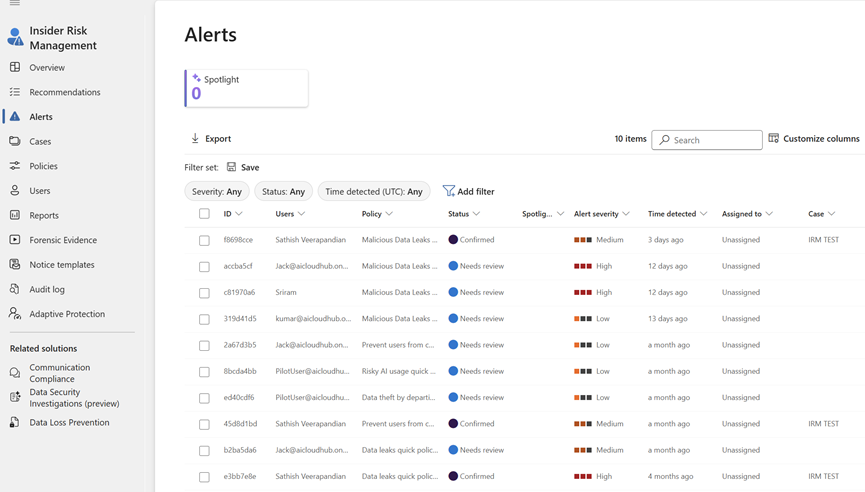
This blog post provides a comprehensive guide for SOC analysts to investigate and respond to alerts generated by Microsoft Purview’s Insider Risk Management and Adaptive Protection. It outlines step-by-step workflows for accessing alerts, triaging incidents, analyzing user behavior, managing cases, and leveraging Microsoft Defender integration.

The guide also includes best practices and suggested screenshots to help SOC teams effectively mitigate insider threats and maintain organizational security.

Introduction

Microsoft Purview’s Insider Risk Management (IRM) and Adaptive Protection empower SOC teams to detect and respond to insider threats dynamically. This guide walks through how SOC analysts can triage, investigate, and respond to alerts generated by these systems.

Part 1: Investigating Insider Risk Management Alerts

1. Access the Alerts Dashboard

Go to: Microsoft Purview Portal > Insider Risk Management > Alerts

Continue reading

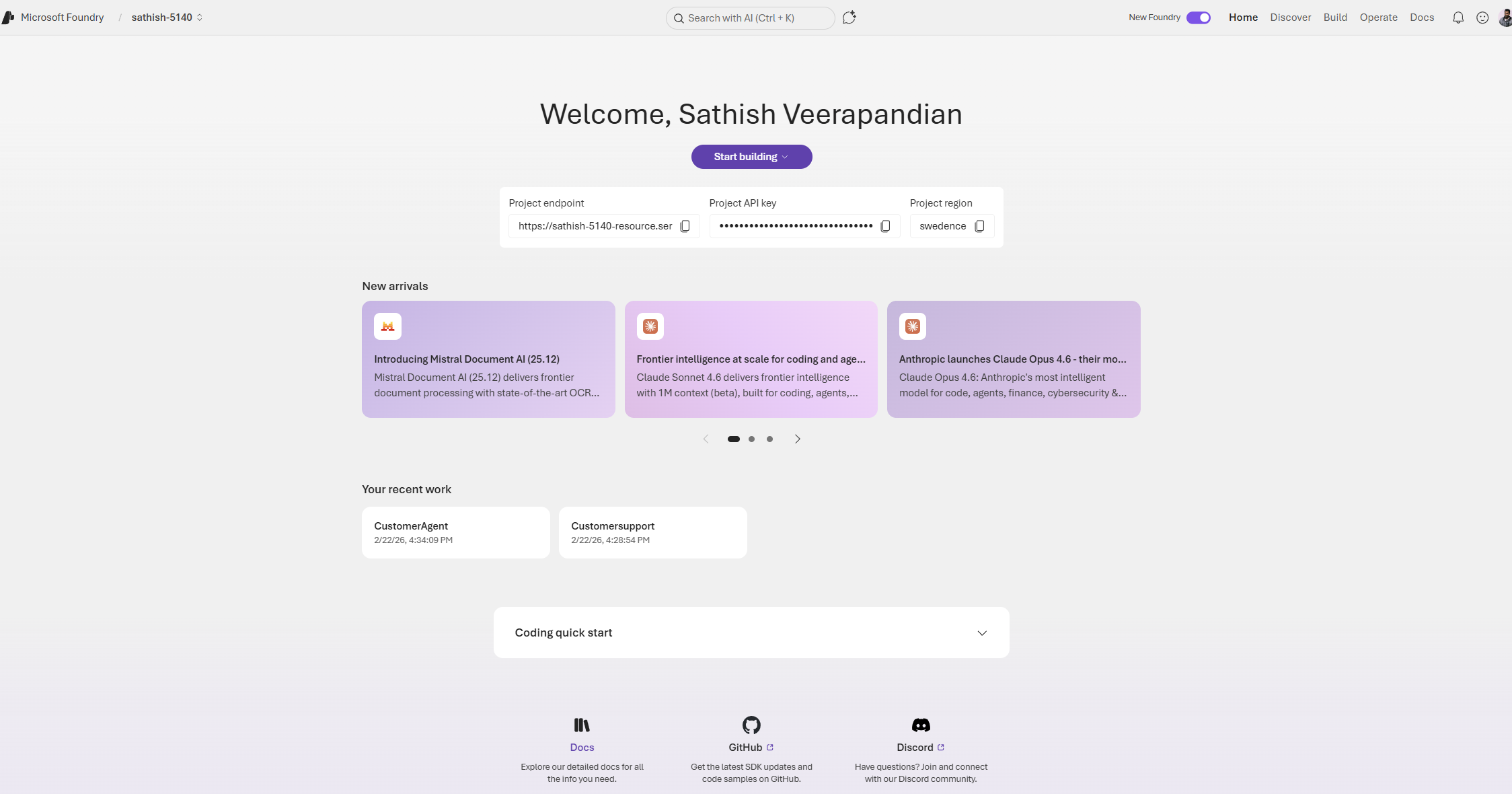
Creating Your First AI Agent with Azure AI Agent Service

Introduction

Azure AI Agent Service allows you to create, deploy, and manage AI agents that can perform various tasks. This service leverages powerful AI models to enable agents to perform a wide range of tasks, from answering queries to automating complex workflows. With its user-friendly interface and robust infrastructure, Azure AI Agent Service makes it easy for developers to build intelligent agents that can enhance applications and improve productivity.

This guide will walk you through the steps to set up and run your first agent with the help of Azure AI agent service.

Prerequisites:

  • An Azure subscription.
  • You need a GitHub Account.
  • Basic knowledge of PowerShell and Python.

So first step is to setup your workspace in the GitHUb

GitHub Codespaces: A Convenient Cloud-Based Development Environment

GitHub Codespaces offers a virtual machine in the cloud, providing a clean environment with all necessary prerequisites pre-installed. This makes it incredibly easy to set up and run your code, even on a standard laptop without high-end specifications.

Key Features:

  • Cloud-Based Computation: All computations are performed in the cloud, allowing you to work efficiently on a standard laptop.
  • Easy Setup: Setting up Codespaces is straightforward and quick, making it accessible for developers of all levels.
Continue reading