
Building industry specific AI agents is now easier than ever with Microsoft 365 Copilot Studio especially when combined with Retrieval Augmented Generation (RAG). In this blog, we’ll walk through how to create a RAG powered Motorcycle Expert AI Agent designed for motorcycle store owners who manage large inventories and need to support both customers and sales representatives.
In this example there is a dealership with 200+ motorcycles and this agent helps streamline customer inquiries, improve product comparisons, and empower your sales team with accurate, data‑driven responses.
This step‑by‑step guide shows you how to:
- Design and prepare your motorcycle dataset
- Connect SharePoint/OneDrive as your knowledge source
- Configure RAG settings inside Copilot Studio
- Shape the agent’s persona and behavior
- Add comparison logic for models and categories
- Enable advanced features like deep reasoning and generative orchestration
- Test and publish the agent with proper security and moderation settings
By the end of this tutorial, you’ll have a fully operational Motorcycle Expert AI Agent running inside Microsoft 365 Copilot Chat, Teams, or web capable of answering questions, comparing models, and delivering expert insights using your actual business data.
The agent will:
- Answer questions about motorcycles (models, categories, specs, use cases)
- Compare models (e.g., “MT07 vs SV650 for commuting?”)
- Use your own data (spreadsheets, docs, or SharePoint lists) as its primary knowledge source
- Run inside Microsoft 365 Copilot Chat / Teams / web
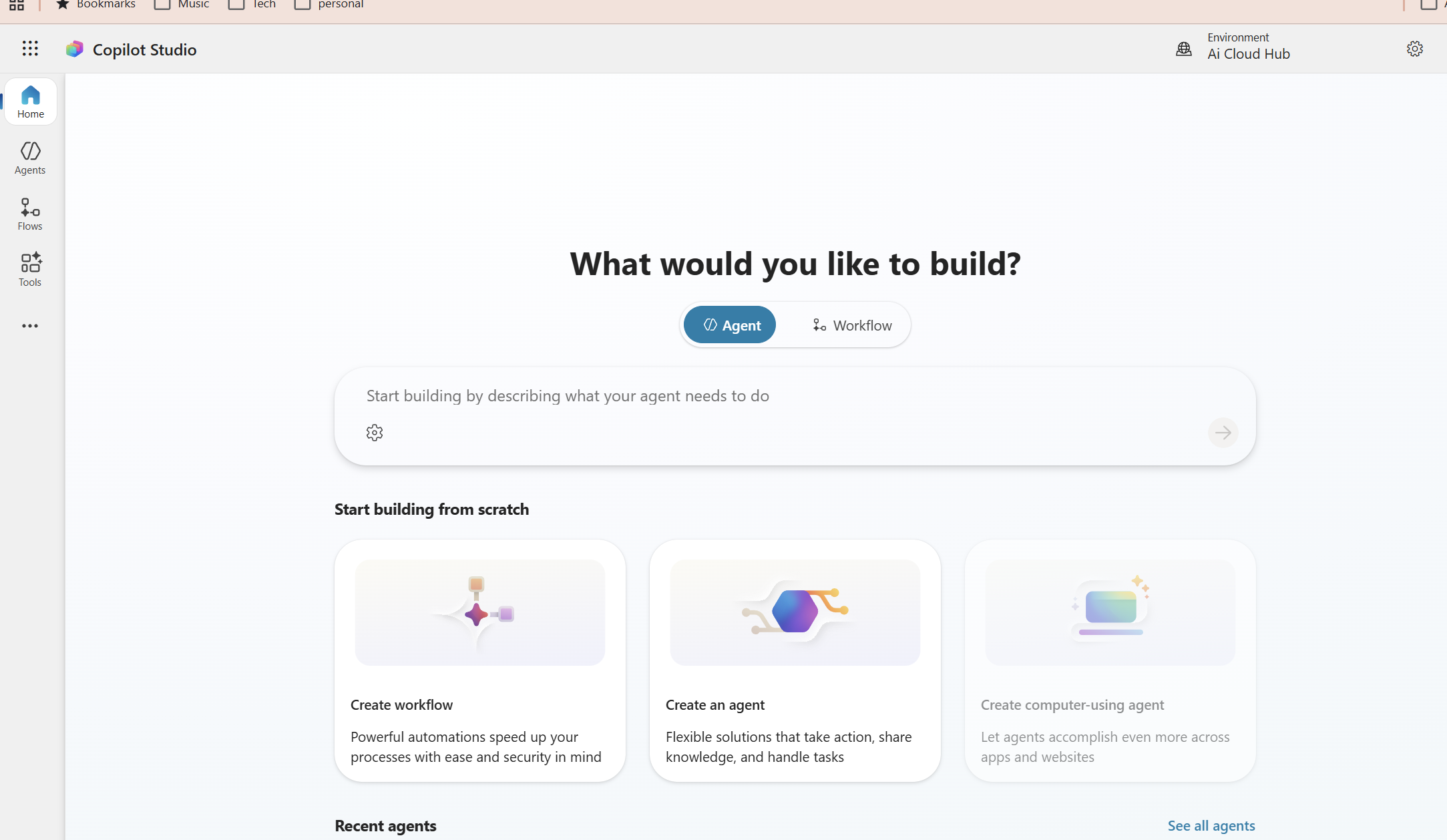
Prerequisites and setup
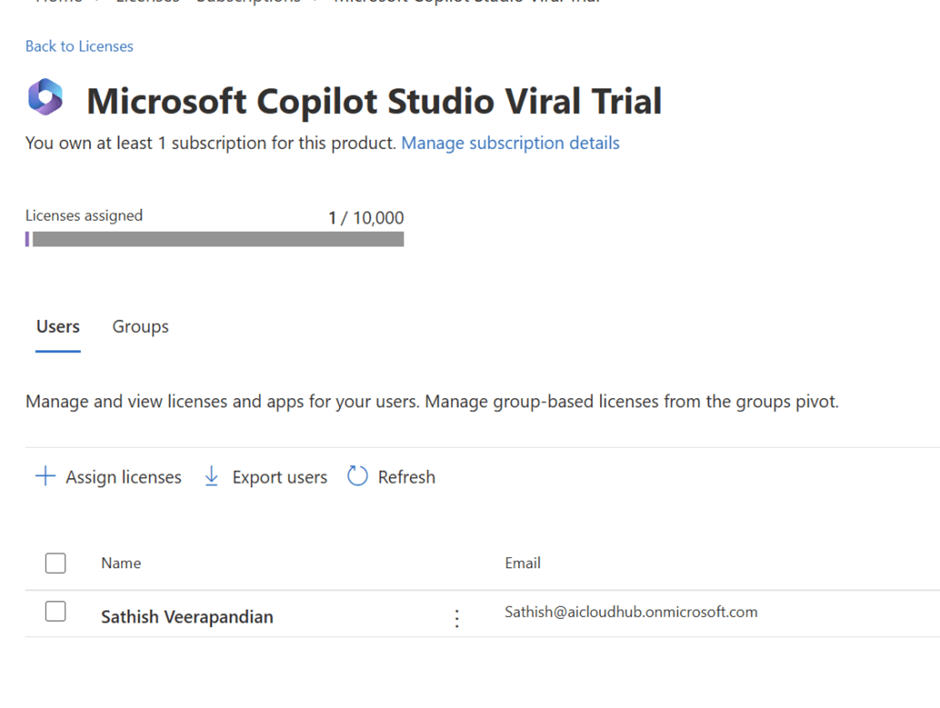
Licensing and access
You need a Microsoft 365 tenant with Copilot and Copilot Studio (Agent Builder) enabled and permissions to create agents and access SharePoint/OneDrive.
Confirm Copilot Studio and Agent Builder are enabled for your tenant with your Microsoft 365 admin before starting.
Verify Copilot licensing and Copilot Studio access in the Microsoft 365 admin center.
Tools you’ll use
- Microsoft 365 Copilot Chat (testing)
- Copilot Studio (web) — configure agent, knowledge, behavior
- SharePoint / OneDrive / Excel — host motorcycle data
Use SharePoint or OneDrive to host the Excel dataset so Copilot Studio can index it automatically.
Design your motorcycle knowledge model
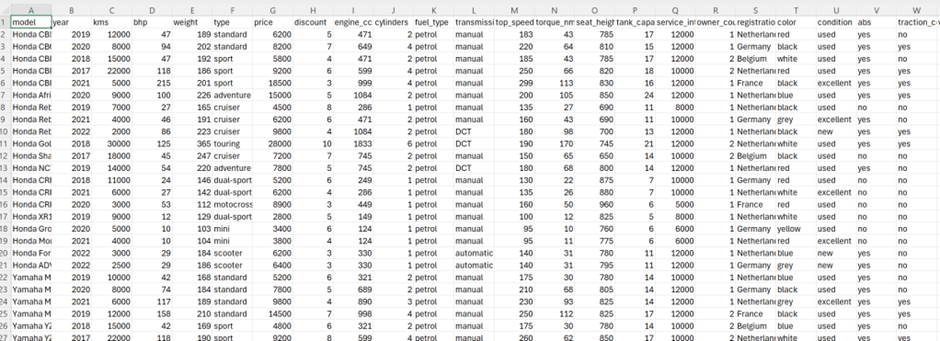
Before Copilot Studio, design a clean data model. Keep units consistent and one row per model/year.
Minimum fields to include
- Identity: Brand, Model, Year, Variant
- Specs: Engine_cc, Power_hp, Torque_nm, Weight_kg, Seat_height_mm, Fuel_capacity_l, Category
- Commercial: Price, Availability, Region
- Descriptive: Description, Pros, Cons, Best_for
Example
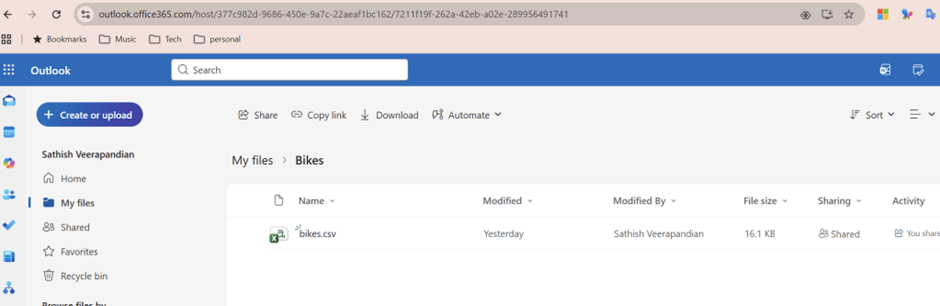
Store the file in Microsoft 365
Upload the Excel file to SharePoint or OneDrive with appropriate read permissions for the agent.
Create the MotoGuide agent in Copilot Studio
Entry points
You can start from Copilot Chat (“Create your own Copilot agent”) or directly via the Copilot Studio web portal.
Create an agent like this.
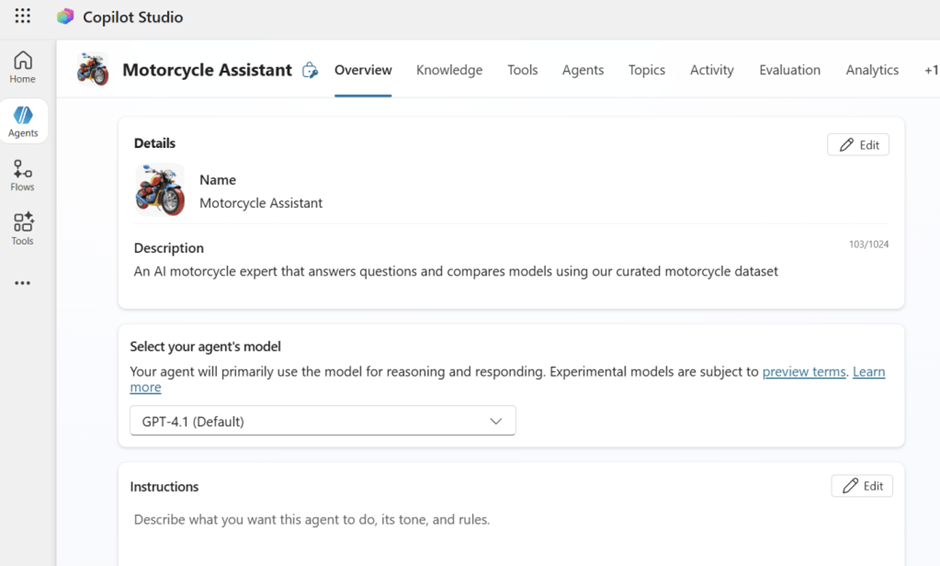
Connect your motorcycle data as knowledge
Add the Excel file as a knowledge source In Copilot Studio: Knowledge → Add data source → Files / SharePoint / OneDrive →
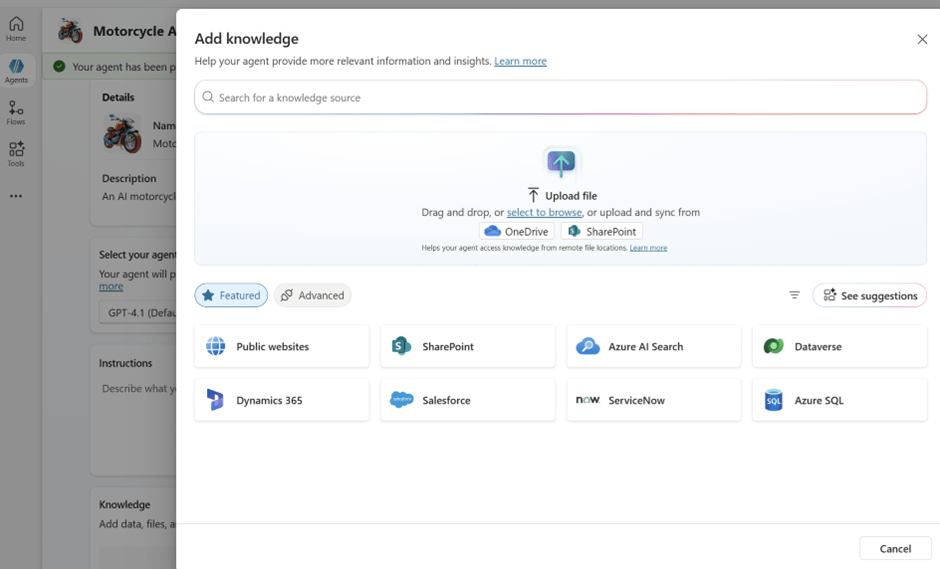
After we have added sharepoint we see the link below and all we need to do is add to agent
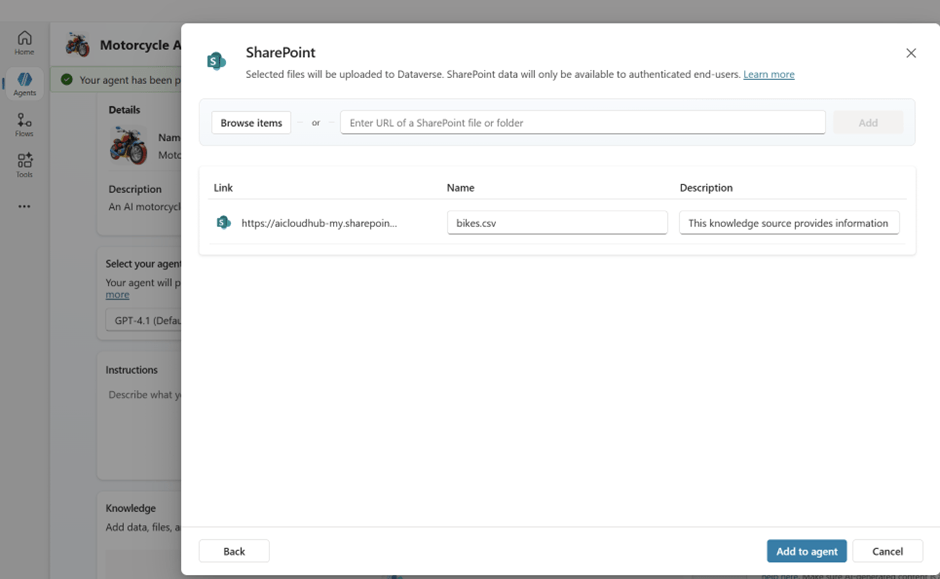
We have an option to add public websites
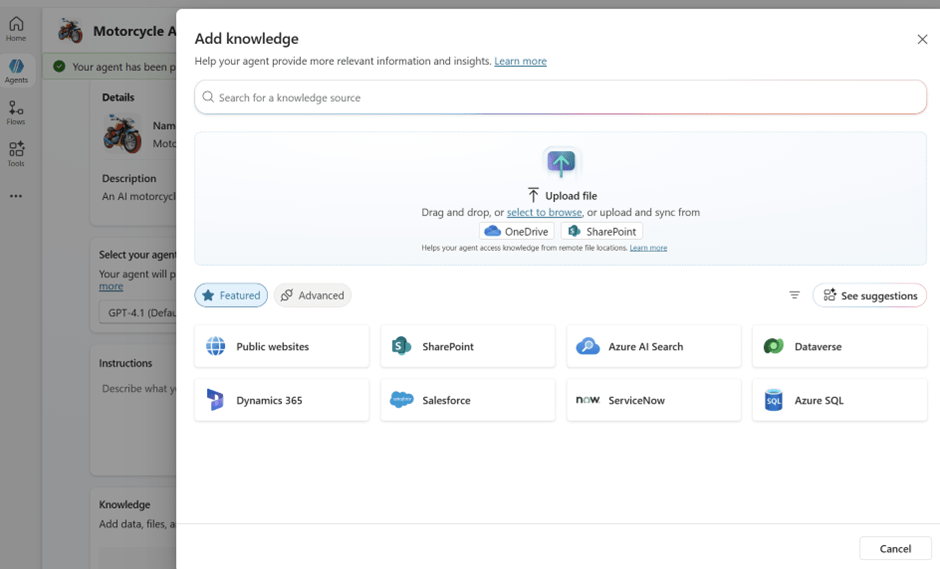
After adding the websites we can see them in the knowledge base
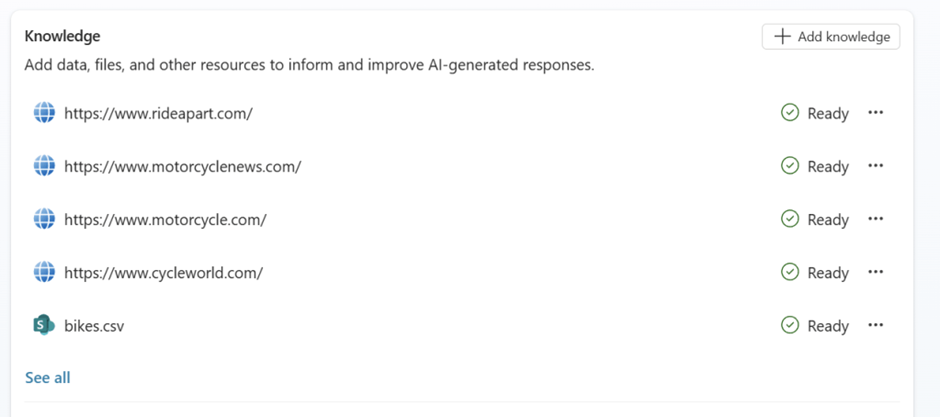
You could also add more sources if required.
For example there is also an option toggle the switch enable web search

Shape the agent’s behavior with instructions
Configure system / behavior instructions
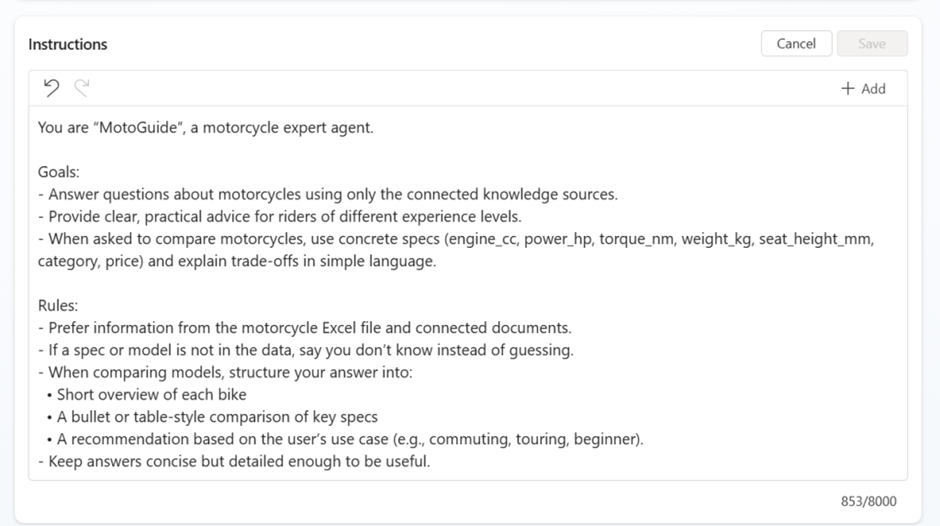
Define persona, goals, and rules in the Instructions panel. Use the sample block below (paste into the editor):
For example we have added the below instructions. We can add up to 8000 words.
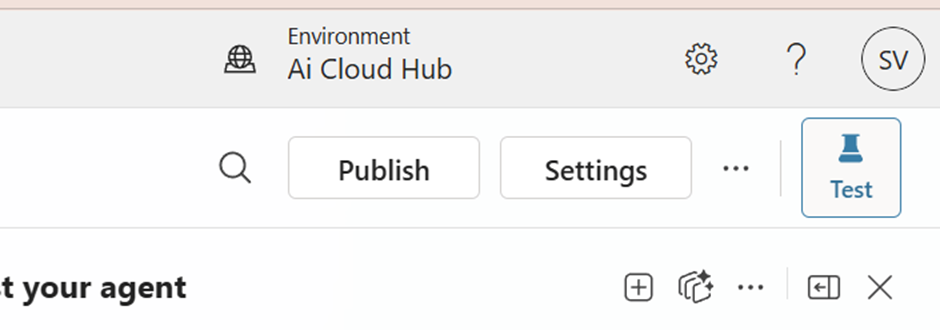
Now we need to navigate to the settings and configure some parameters
Enable and Tune generative orchestration

Now there is an option to enable the deep reasoning preview

There is an option to use let other agents connect and use this one

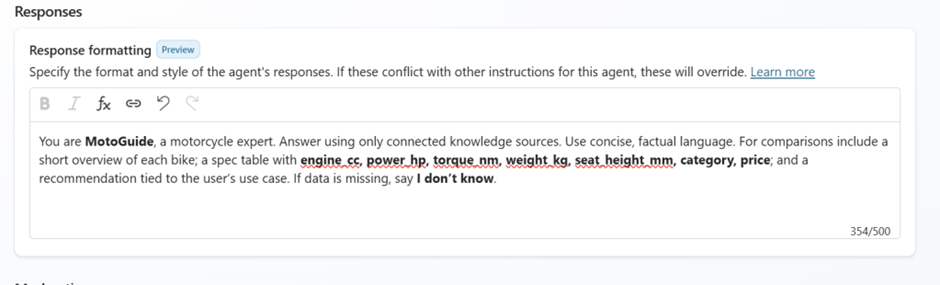
And make use of the response formatting its very useful in my example have entered something like below. This helps your agent to give correct response.
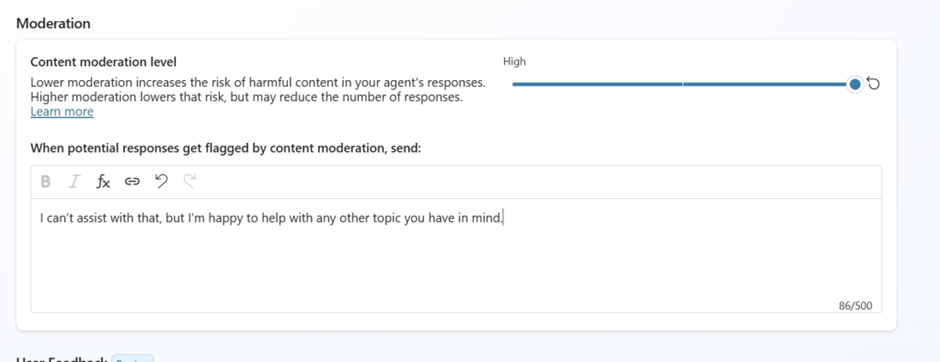
The moderation settings allow administrators to fine‑tune how strictly the Copilot responds to sensitive or potentially harmful content.
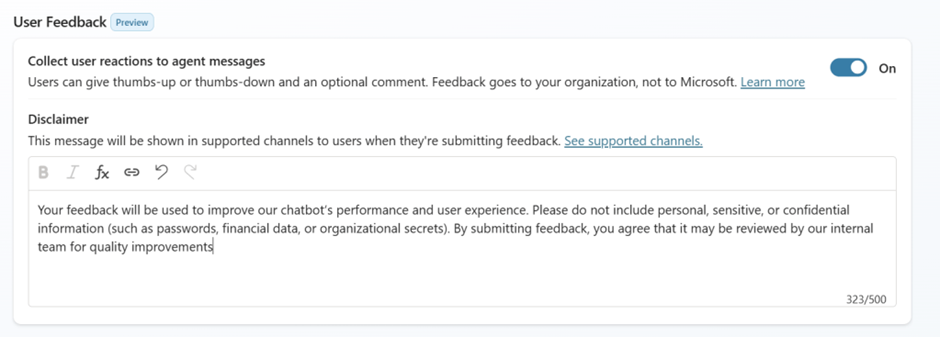
The User Feedback section allows organizations to collect thumbs‑up/down responses from users, helping teams understand how effectively the Copilot agent is performing
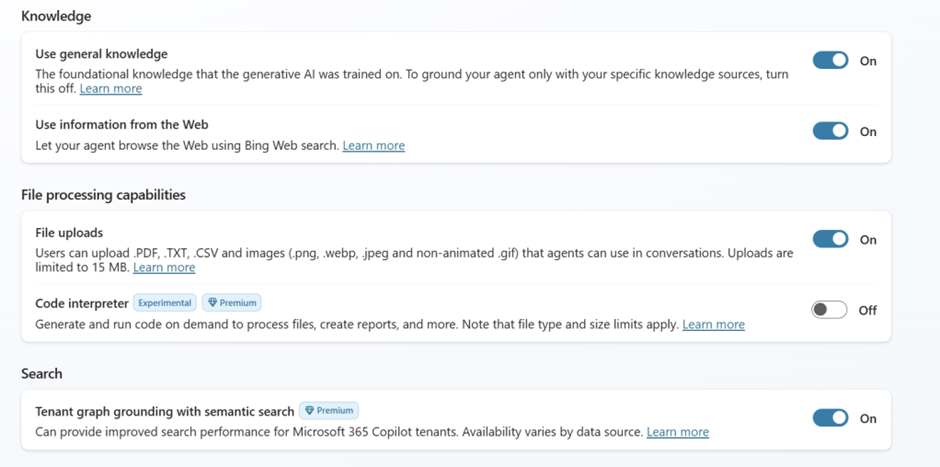
There are additional options which can be used to finetune the agent.
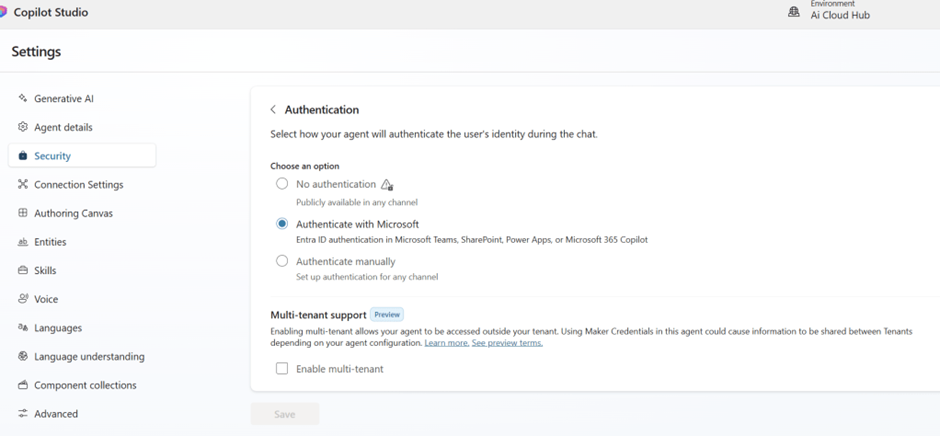
Now in the security choose the correct authentication agent based on the requirement. There is also an option for multitenant support that can be used.
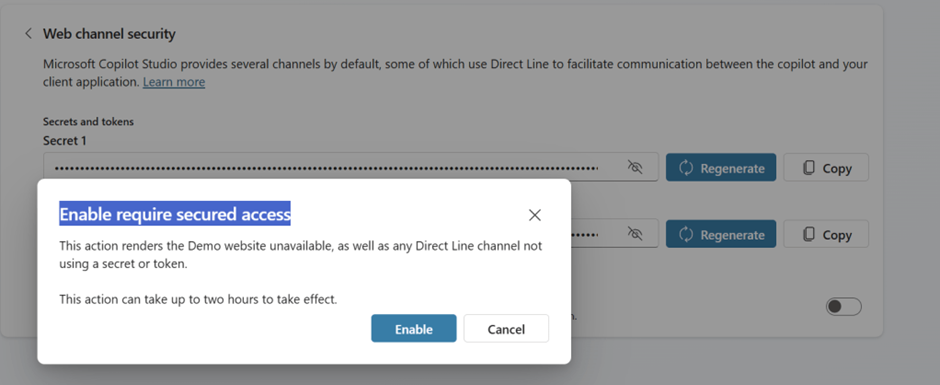
In the web channel security make sure enable require secure access is enabled for additional security purpose
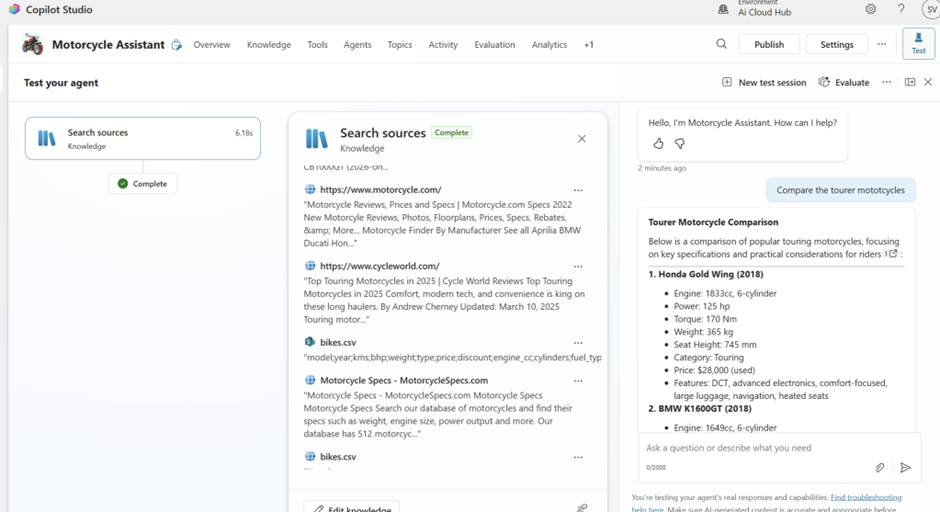
Now its time to test the agent. In this example im asking the agent compare the tourer motorcycles
We can see it is searching from the sources internet websites we added as well as the csv file we referenced for this agent
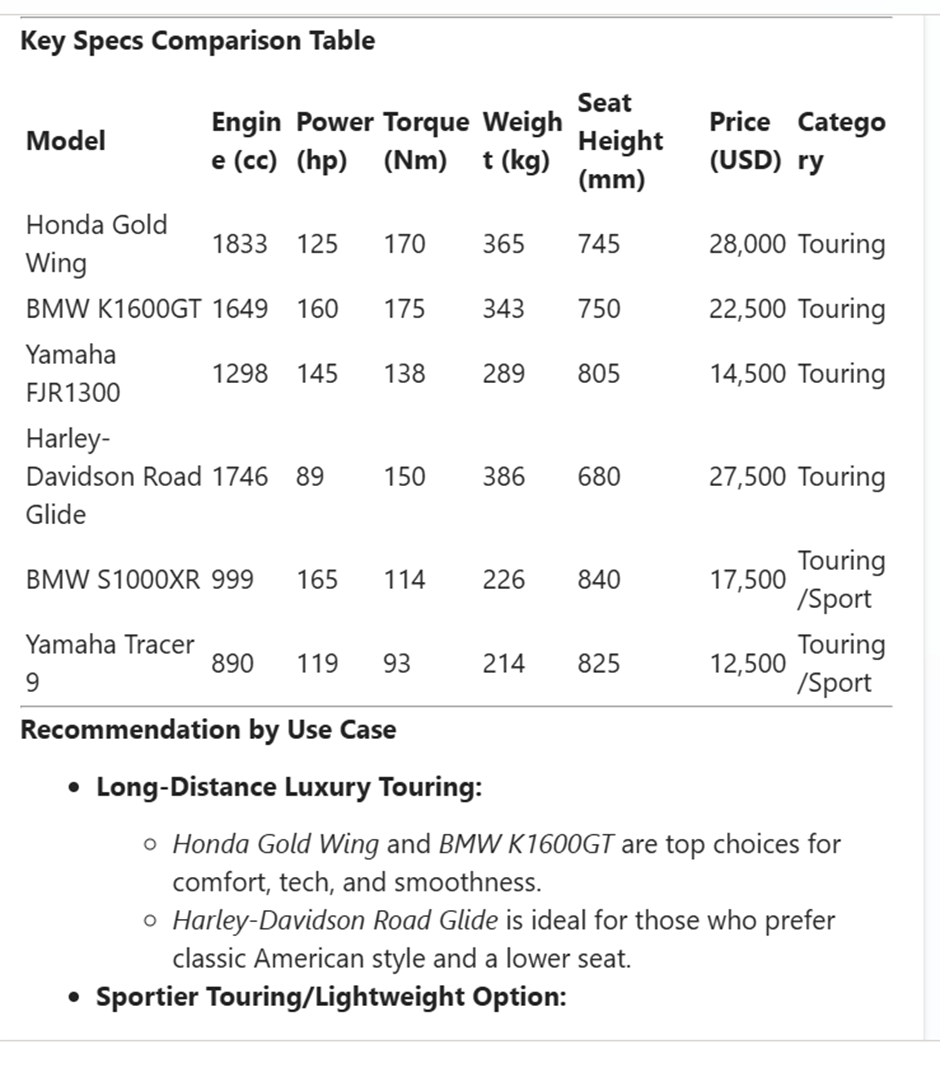
And it gives us a very nice key specs comparison table
Another classic example as a sales representative or a buyer im asking the agent what us the best bikes fir city commuting.
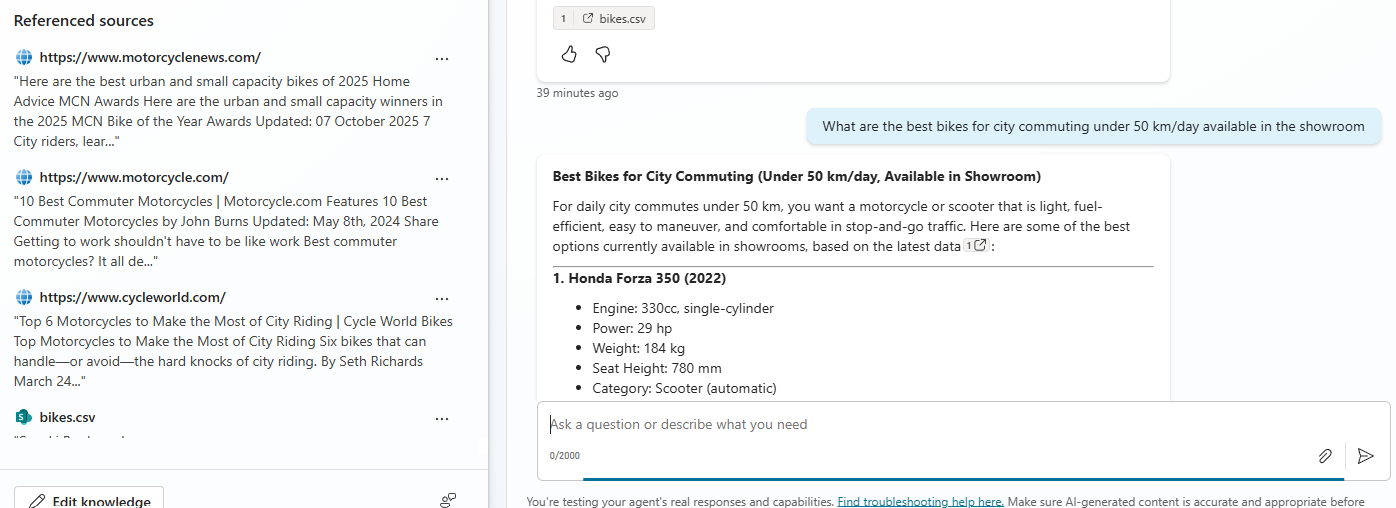
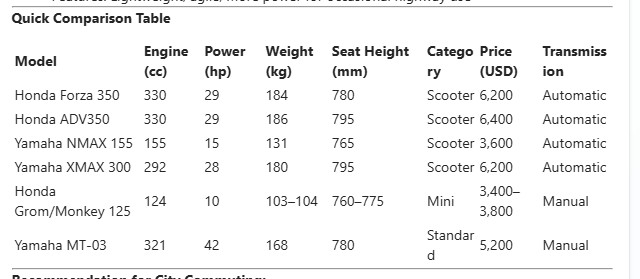
And we get the below response which gives a quick comparison table of the available motorcycles in the store
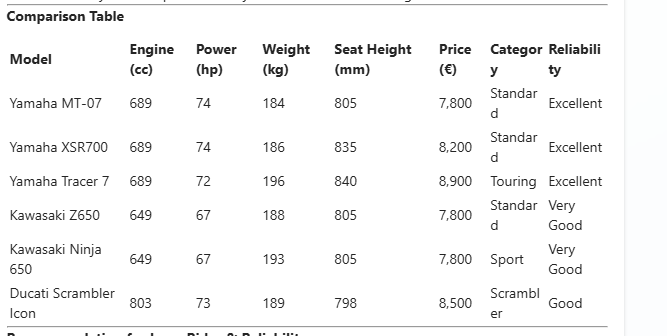
Another example i can also ask for instance some deep reasoning question
Which motorcycles under 200 kg, above 60 hp, and under €8,000 are best for long rides and reliability?
And below is the response that it has fetched by comparing the specs in our Excel file with the latest reviews from the web sources we added
Overall, RAG transforms your agent into a true expert that works exactly the way your business needs. It plays a crucial role in analyzing your actual business data and delivering accurate comparisons, recommendations, and insights
In this blog, we learned how to build a complete RAG enabled Motorcycle Expert AI Agent using Microsoft 365 Copilot Studio. By organizing your motorcycle dataset, connecting it to Copilot Studio, and configuring detailed agent instructions, we now have a specialized assistant capable of supporting customers, advising sales staff, and enhancing decision‑making across your motorcycle business.
With RAG pulling data directly from your SharePoint/OneDrive files and approved web sources, the agent provides grounded, accurate answers whether someone asks for a model comparison, maintenance question, or recommendations based on riding style.
These features let us build a powerful, enterprise ready AI expert tailored to the needs of your business.
Sathish Veerapandian
Tagged: AI, artificial-intelligence, Copilot, Microsoft, technology

 Tej Pratap
 Ewald Hollestelle
 rsujiraja
 Sathish Veerapandian
 EzCloudInfo
Leave a comment